For freelancers, small businesses, landlords, contractors, service providers, retailers, schools, associations, and individuals, a blank receipt can save time while creating a clearer paper trail. The most useful format normally identifies the payer, recipient, date, amount received, purpose of payment, payment method, and a transaction or receipt number.
A receipt is different from an invoice. An invoice generally requests payment, while a receipt acknowledges that payment has been made or received. In practice, a receipt can also reference the original invoice, account, order, rental period, or installment so that the payment can be connected to the underlying transaction.
The best template is not necessarily the most elaborate one. A simple transaction may need only a few fields, while a business handling taxes, multiple line items, partial payments, or recurring customers may benefit from a more detailed design. The objective is always the same: make the payment easy to identify, verify, record, and reconcile.
This guide explains what a payment receipt should contain, how to choose between PDF, Word, and Excel formats, how to fill out a blank receipt correctly, how to handle partial payments and different payment methods, and how to organize completed receipts for future reference. It also provides practical examples and reference visuals for common receipt formats.
What Is a Payment Receipt?
A payment receipt is a document issued to acknowledge that a specified amount has been received from a payer. It can document payment for goods, services, rent, tuition, professional work, deposits, subscriptions, installments, or other financial obligations.
The document normally records the date of payment, identity of the payer and recipient, amount received, reason for payment, and method used to make the payment. Depending on the transaction, it may also contain an invoice number, customer account number, purchase details, tax information, remaining balance, or signature.
Accounting guidance commonly treats receipts and other supporting documents as part of the records used to substantiate business transactions. The IRS, for example, explains that receipts, invoices, deposit slips, paid bills, and similar documents can support entries in business books and tax returns. IRS recordkeeping guidance provides more detail.
A receipt does not need to be visually complicated to be useful. What matters is whether the information is sufficiently clear to connect the payment with the correct transaction. A clean document with a unique number and accurate amount is often more useful than a decorative receipt containing unnecessary information.
For this reason, a blank payment receipt template is best viewed as a standardized transaction record. The blank structure establishes where information belongs, while the completed receipt becomes the actual record for a particular payment.
Why Use a Blank Payment Receipt Template?
Creating receipts from scratch can produce inconsistent documents. One receipt might contain a payment method, another might omit the payer’s name, and another might use a different numbering system. A template establishes a repeatable process and reduces the chance that important information will be forgotten.
A template can also make payment processing faster. Once the business name, address, contact information, and preferred fields are established, the user only needs to enter transaction-specific information. This is particularly useful when many payments are received during a busy day.
Consistency also improves bookkeeping. When receipts use the same structure, it becomes easier to locate receipt numbers, compare payment dates, identify outstanding balances, and match receipts with invoices or bank transactions.
Templates are useful for both paper and digital workflows. A business can print blank forms for handwritten transactions, complete a document electronically, save a PDF copy, or use a spreadsheet when automatic calculations are valuable.
The right template can therefore serve as a small part of a larger recordkeeping system. The IRS notes that businesses may choose a recordkeeping system suited to their operations as long as it clearly shows income and expenses. A receipt template can be one component of that system rather than the entire accounting system.
Key Information to Include on a Payment Receipt
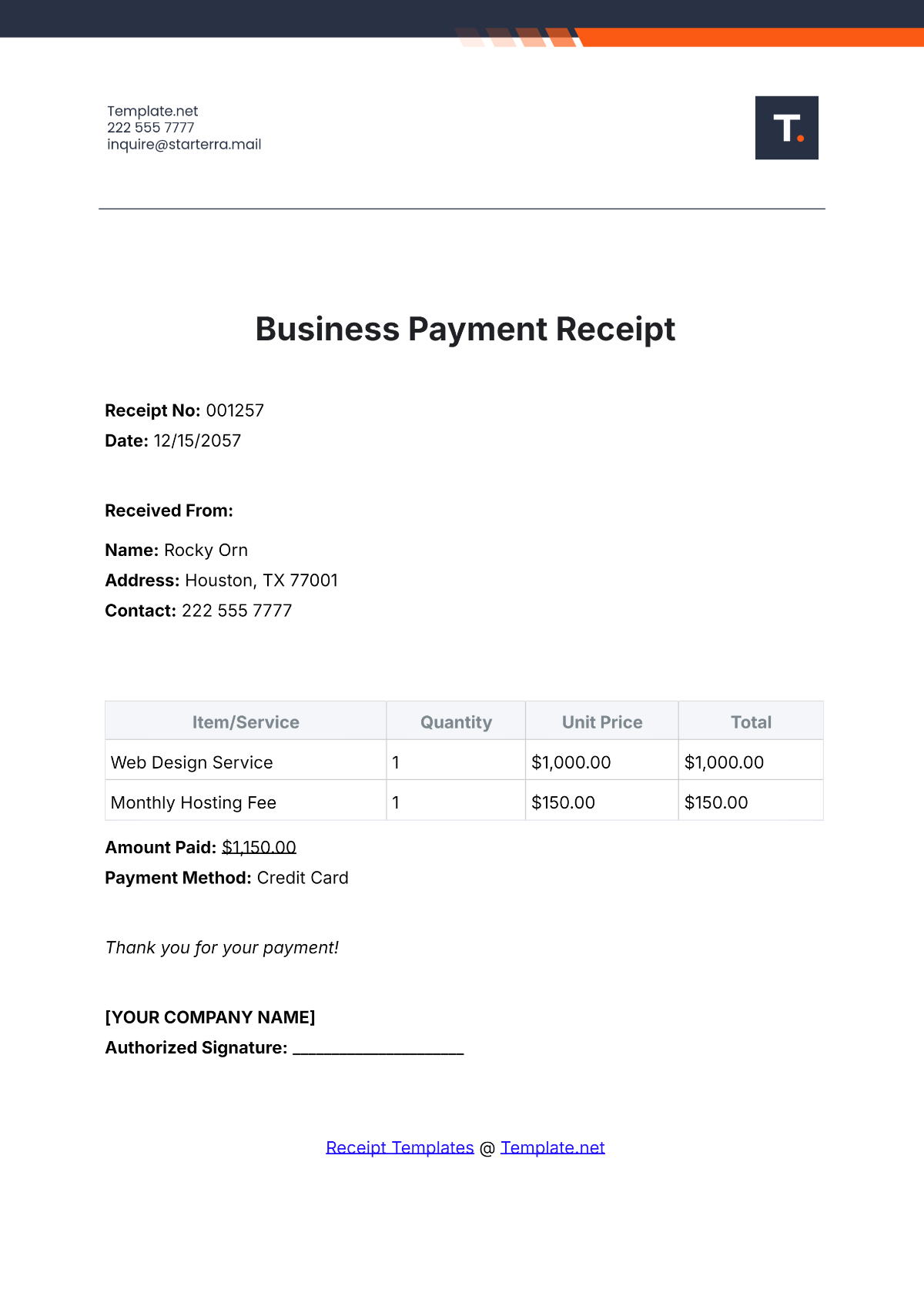
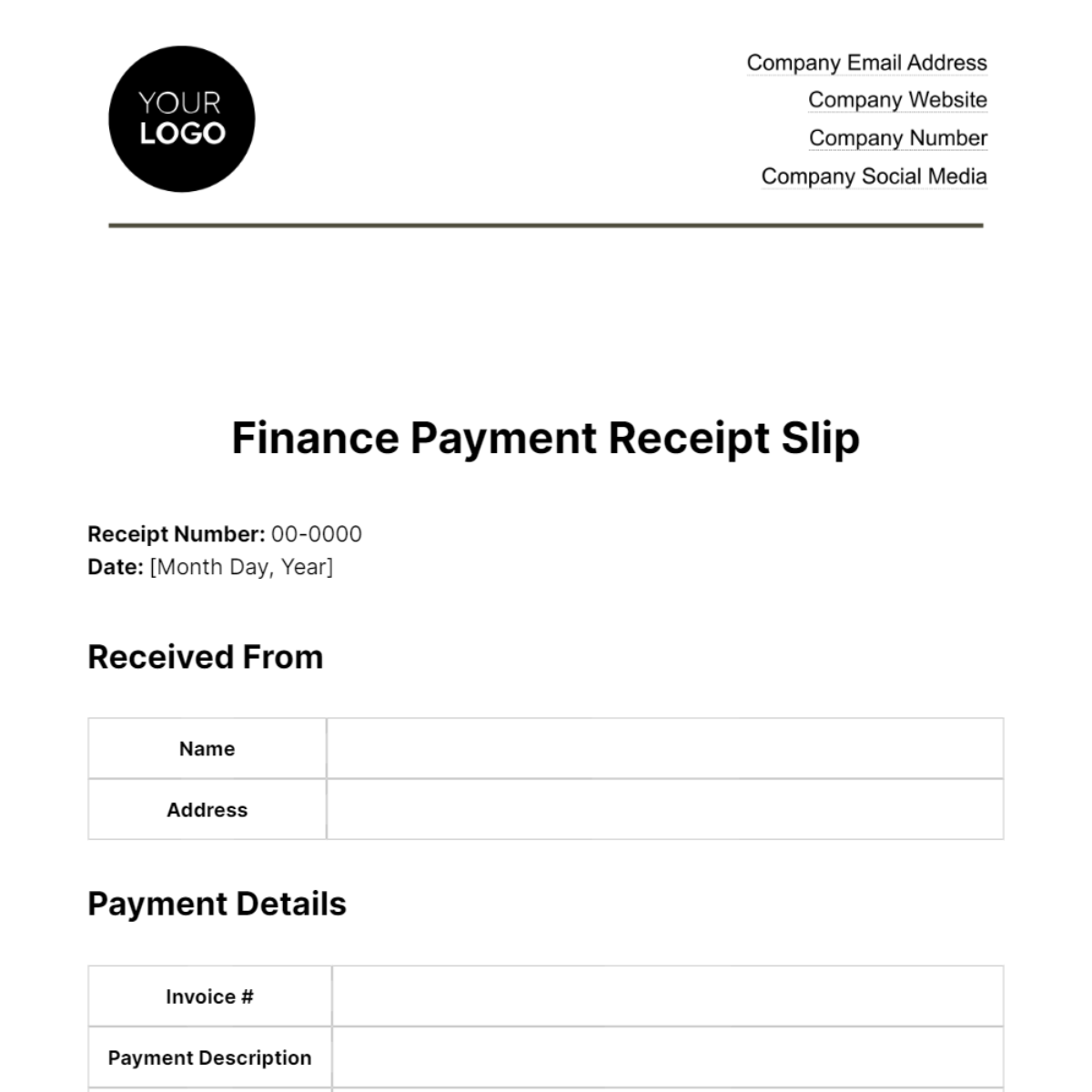
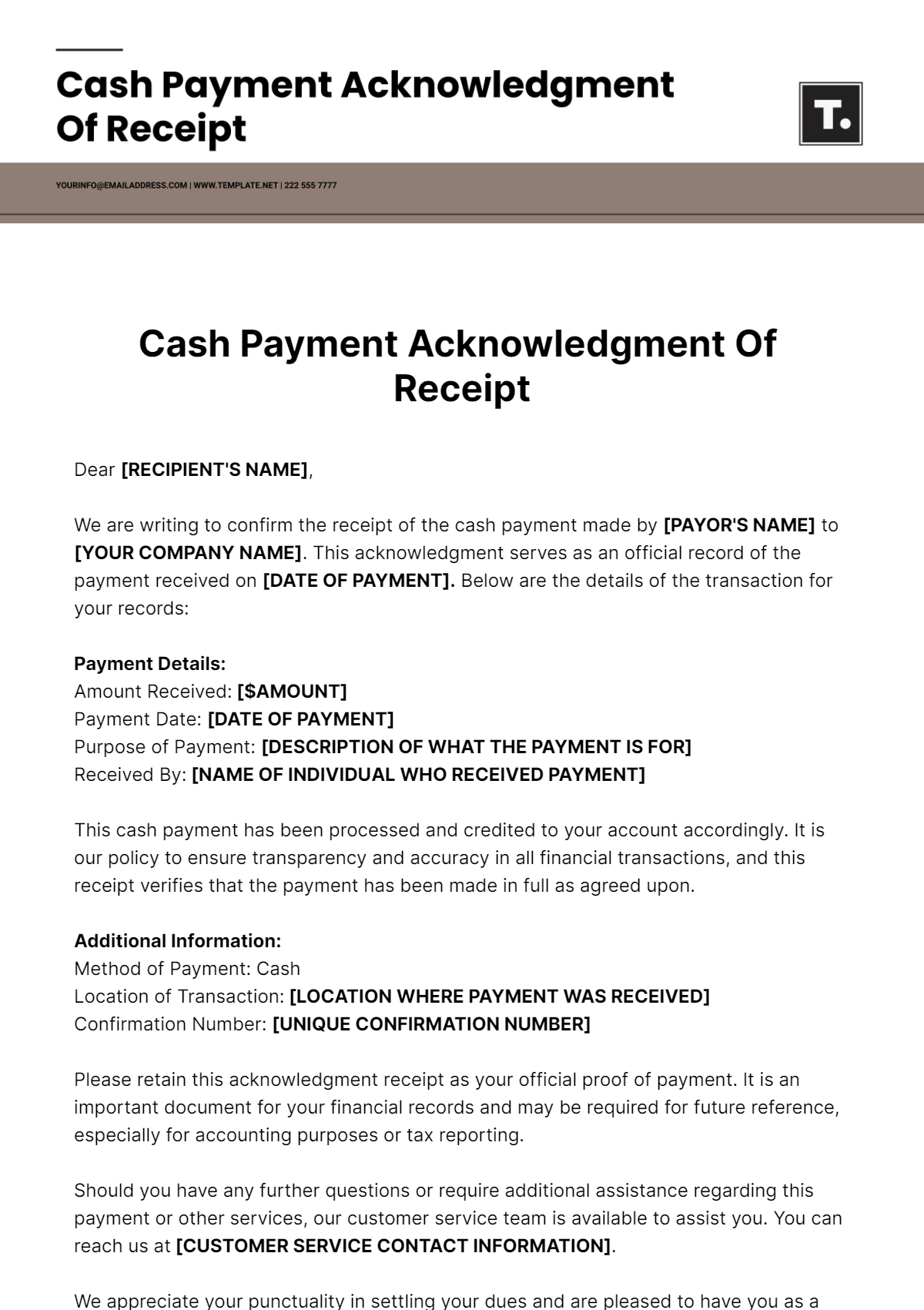
The most important fields should be easy to find at a glance. A professional receipt usually starts with a clear title such as “Payment Receipt,” followed by the receipt number and payment date. These identifiers make the document easier to match with accounting records.
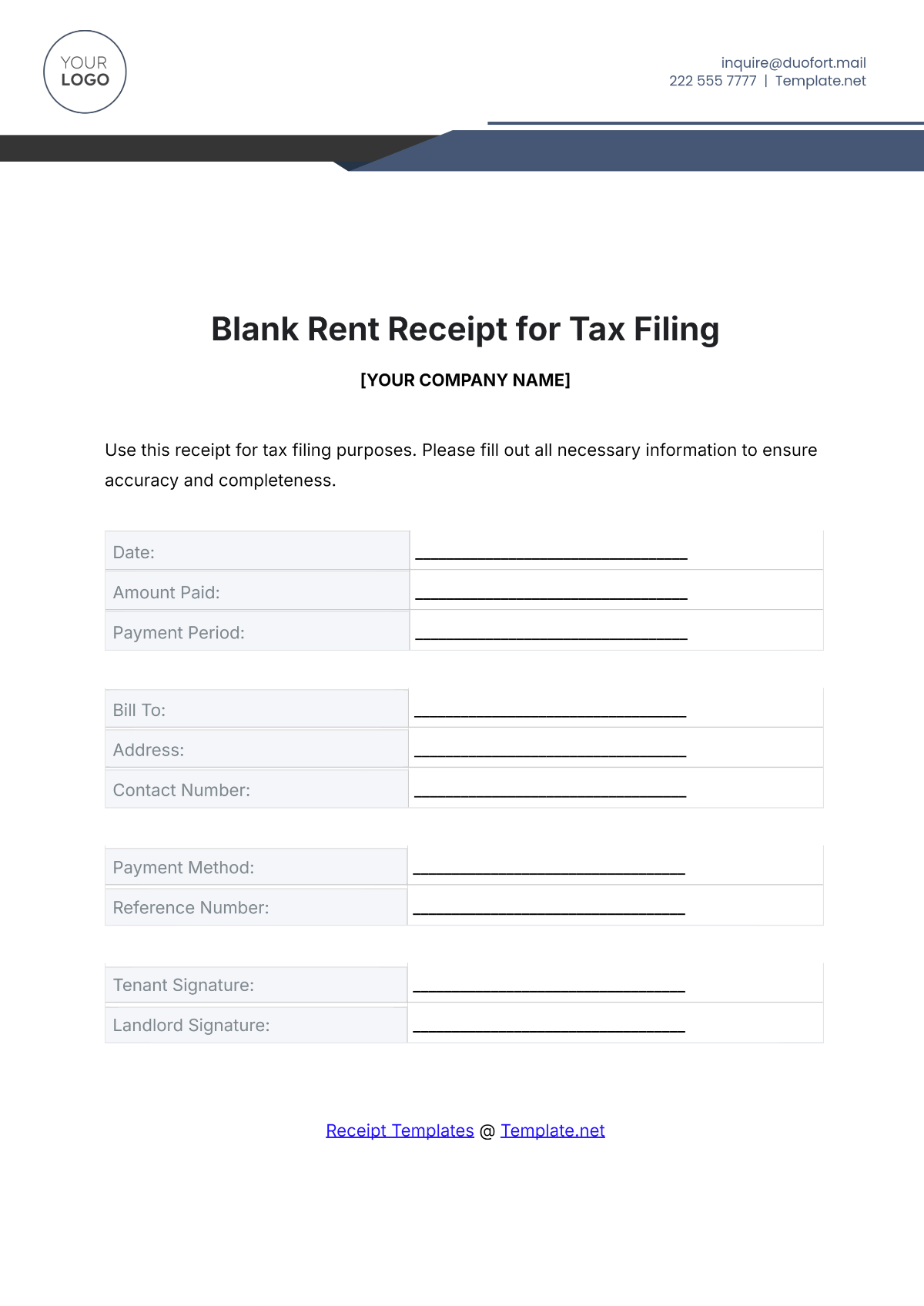
The recipient or business section should identify who received the money. Depending on the context, this can include a business name, individual name, address, telephone number, email address, and other appropriate contact details.
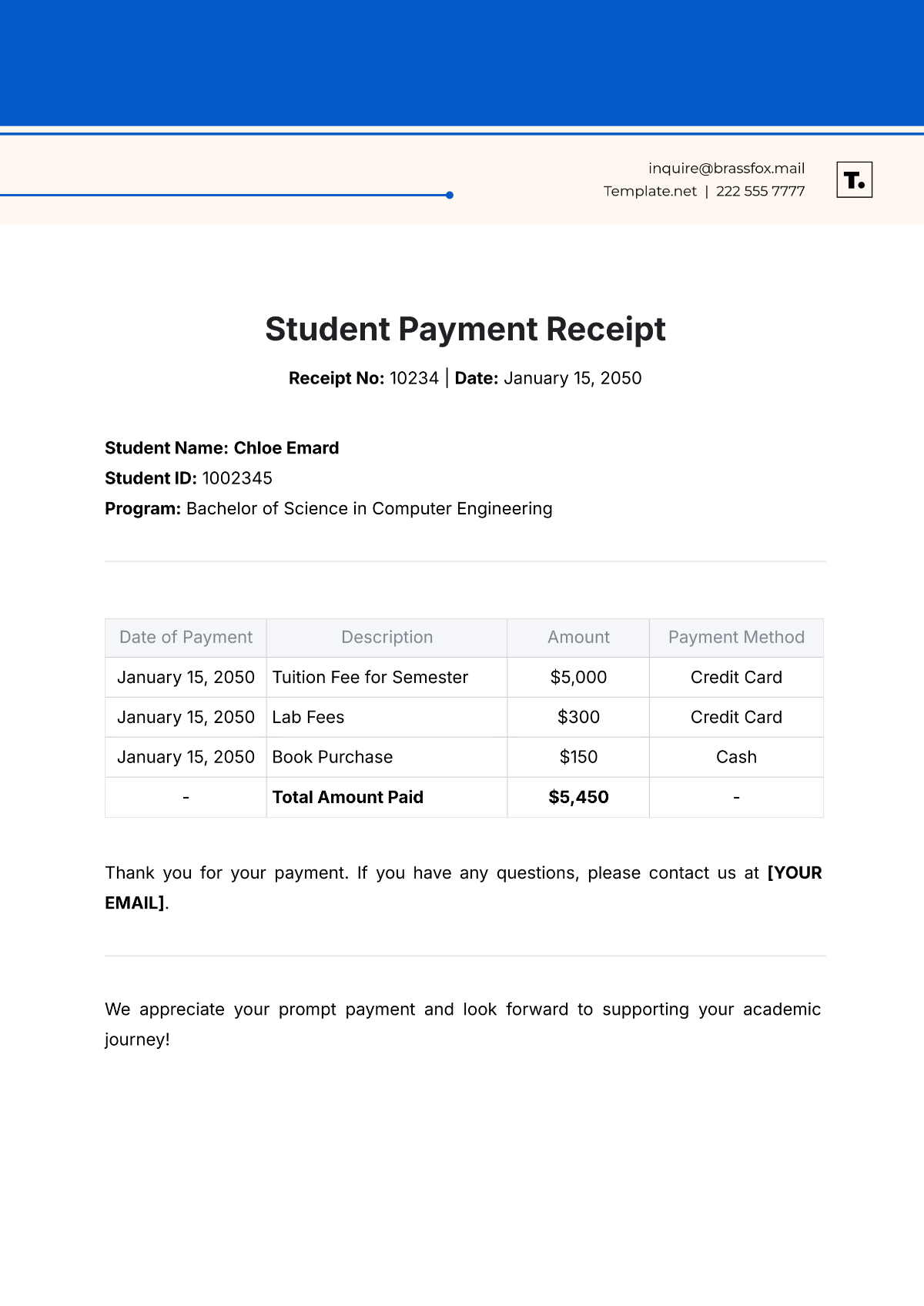
The payer section identifies the person or organization that made the payment. For business transactions, the payer may be a customer or company. For rent, it may be a tenant. For education, it may be a student or parent. For professional services, it may be a client.
The payment details should clearly state the amount received and what the payment was for. If the payment relates to an invoice, contract, order, rental period, or account, include that reference whenever practical.
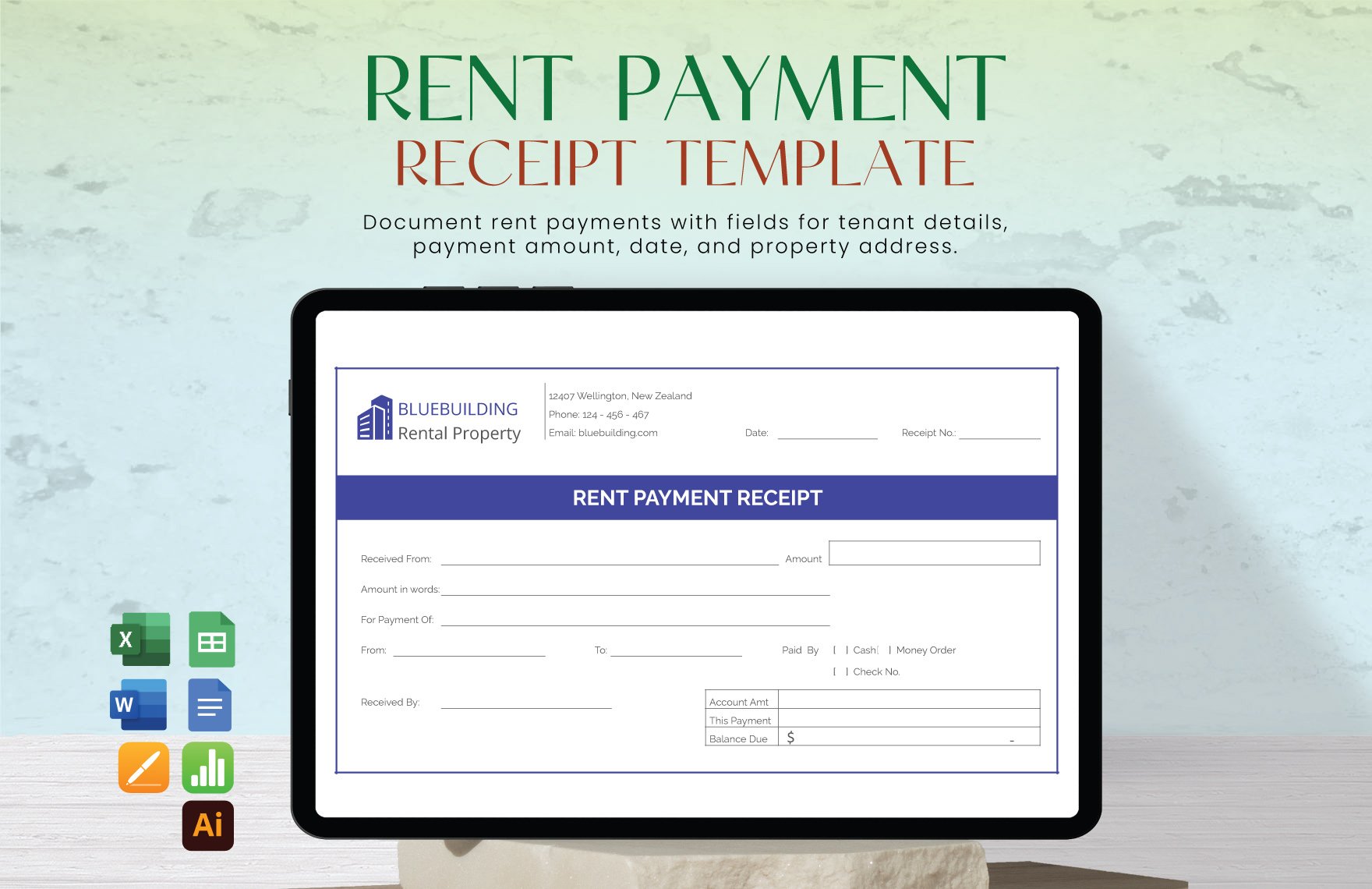
The payment method should also be identified. Common entries include cash, check, bank transfer, debit card, credit card, electronic transfer, money order, or another method appropriate to the transaction. For checks or electronic transfers, a reference number can improve reconciliation.
Receipt Number and Date
A unique receipt number gives each transaction a recognizable identifier. Numbering can be sequential, such as 1001, 1002, and 1003, or it can incorporate a year, branch, customer code, or other internal convention.
The numbering system should be consistent and should not be casually reused. If a receipt is voided, corrected, or replaced, retain an appropriate record of what happened instead of silently reassigning the number to another transaction.
The payment date should normally reflect when the payment was actually received or processed according to the business’s recordkeeping procedure. If the date of the invoice differs from the date of payment, the receipt should make the distinction clear.
For recurring payments, the date becomes particularly important because several receipts may relate to the same customer or account. A monthly rental receipt, for example, should identify the specific payment period rather than relying only on the customer’s name.
These fields may appear simple, but they form the basic identity of the receipt. When a question arises months later, the receipt number and date provide a starting point for locating the related transaction in a ledger or accounting system.
Payer and Recipient Information
Names should be entered accurately and consistently. For a business customer, use the appropriate legal or trading name according to the records used for the transaction. For an individual, use the name that identifies the payer clearly.
Contact details should be proportionate to the purpose of the receipt. A simple cash transaction may not require extensive information, while a professional service payment or commercial transaction may benefit from addresses, email addresses, or customer account references.
When privacy matters, avoid placing unnecessary personal information on a receipt. A receipt should contain enough information to identify the transaction without collecting data that has no practical purpose.
For recurring customers, consistent naming is particularly valuable. If one receipt says “ABC Ltd.,” another says “ABC Company,” and a third says “A.B.C.,” the records can become harder to search and reconcile.
A standardized template helps solve this problem because the same payer and recipient fields appear in the same locations on every receipt. This makes manual review faster and also makes digital data entry more predictable.
How to Describe the Payment
The purpose-of-payment field should be specific enough that another person can understand the transaction without asking the original preparer. “Payment received” is usually less informative than “Payment for website design, invoice INV-1042.”
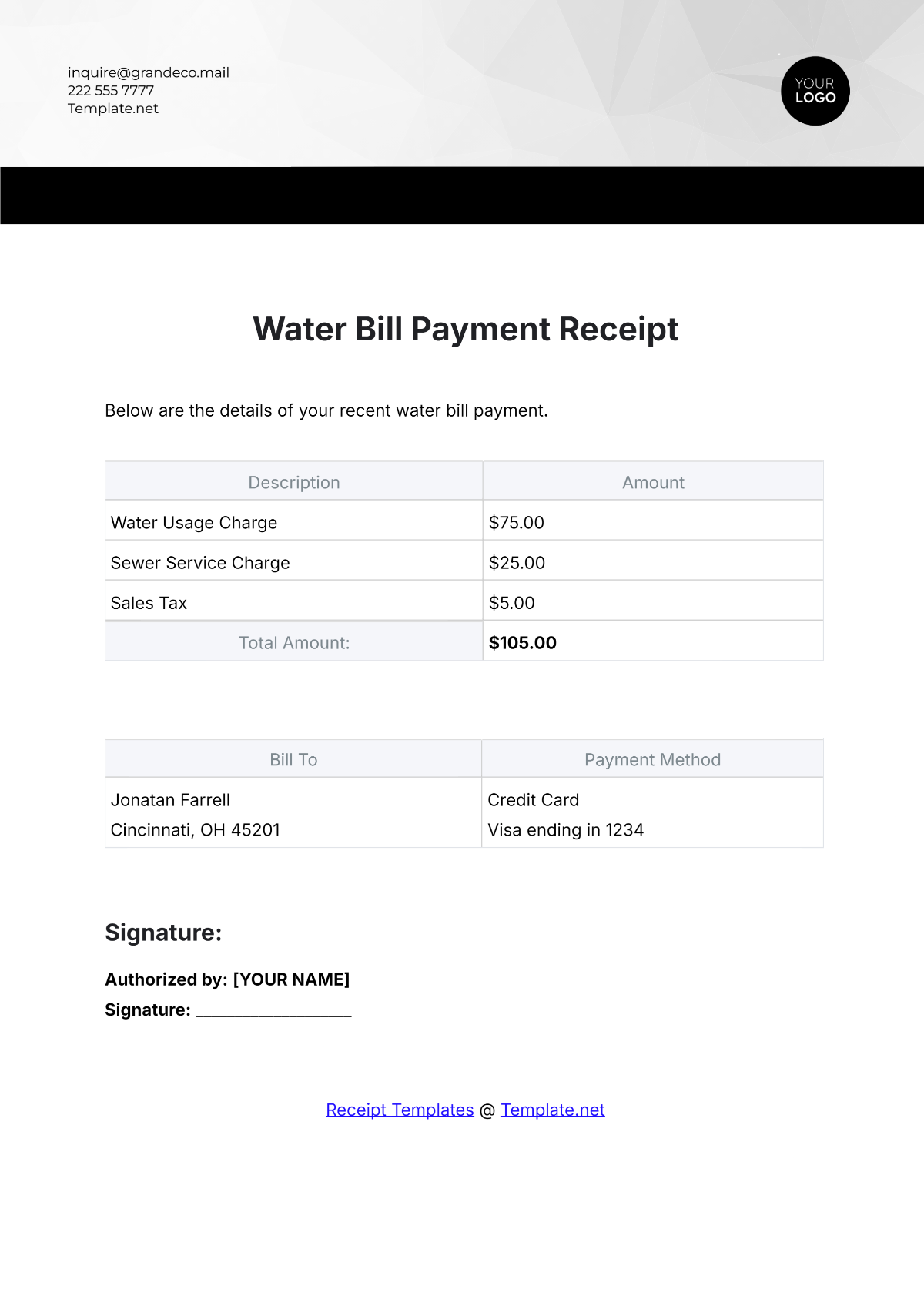
For goods, identify the products or order when useful. For services, identify the service period, project, milestone, or invoice. For rent, identify the property and rental period. For installments, state the installment or account reference and distinguish the amount paid from the remaining balance.
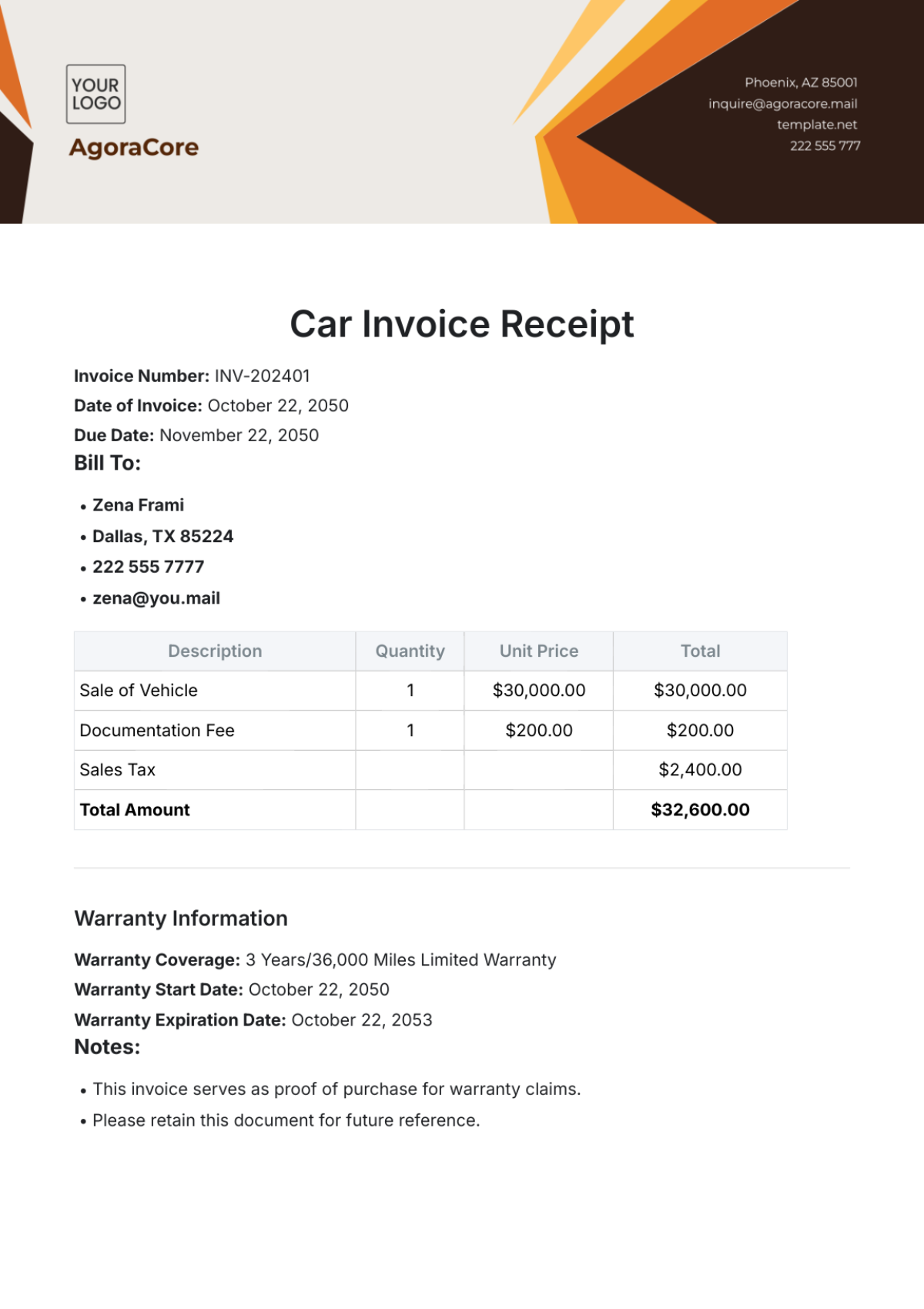
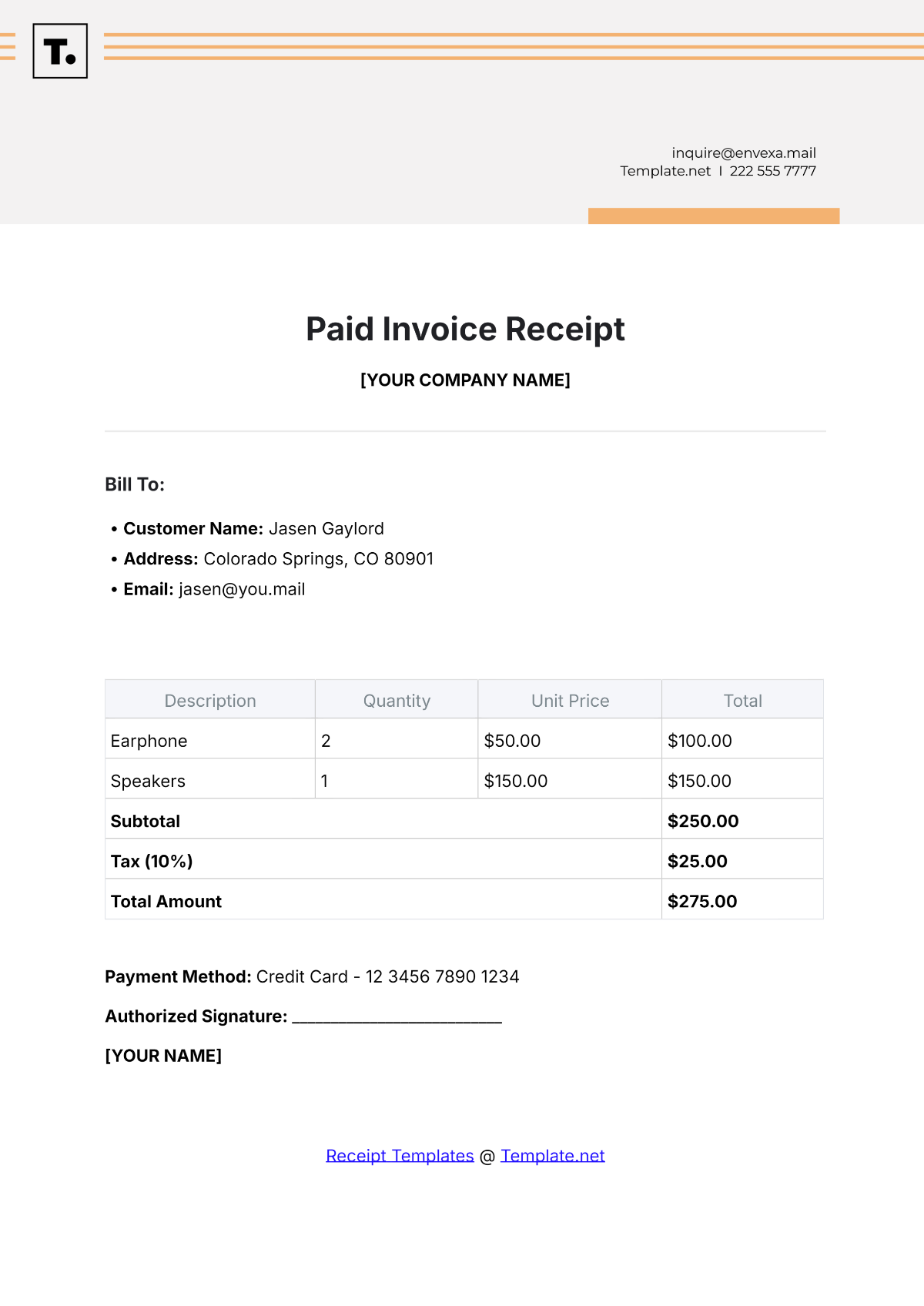
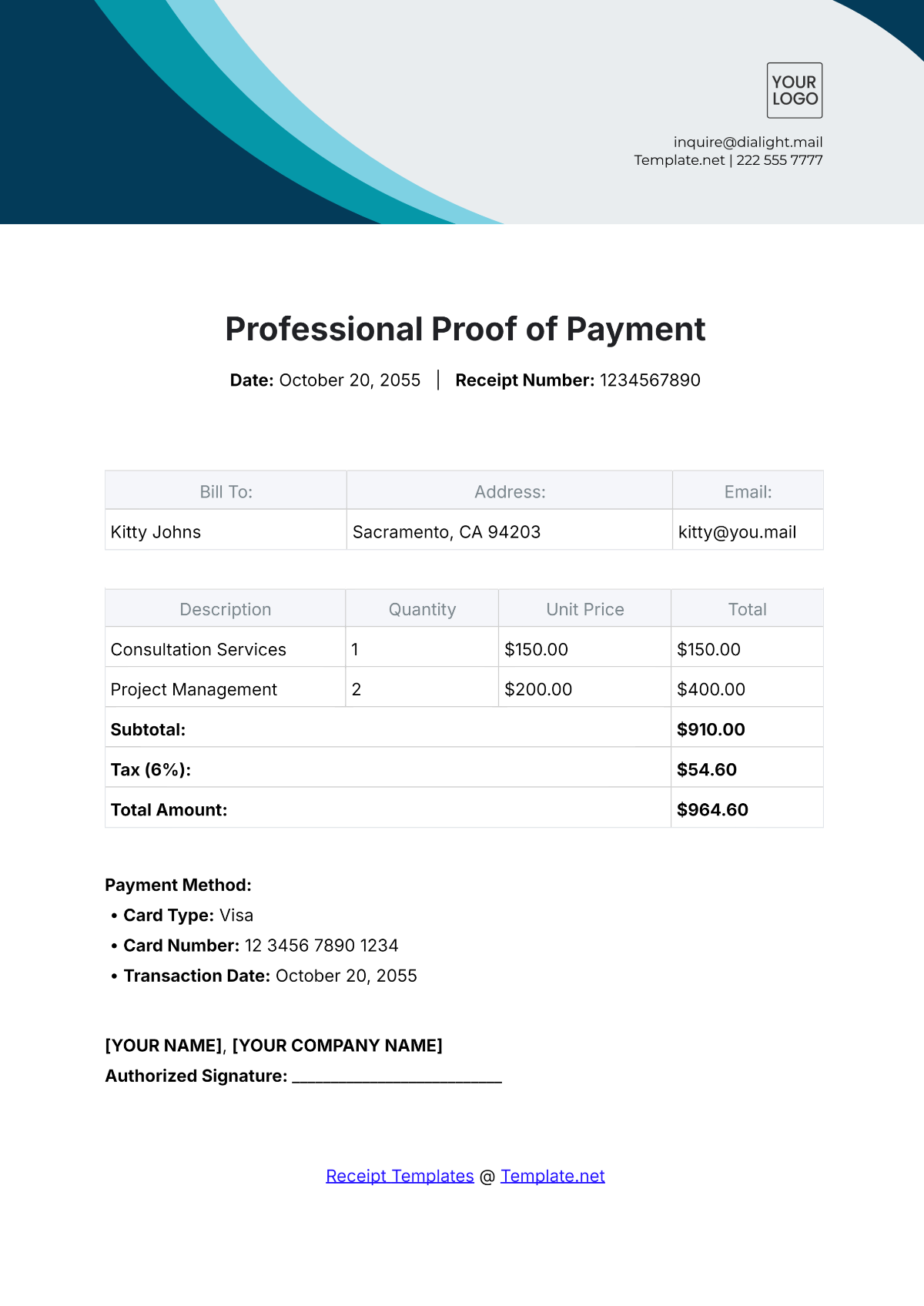
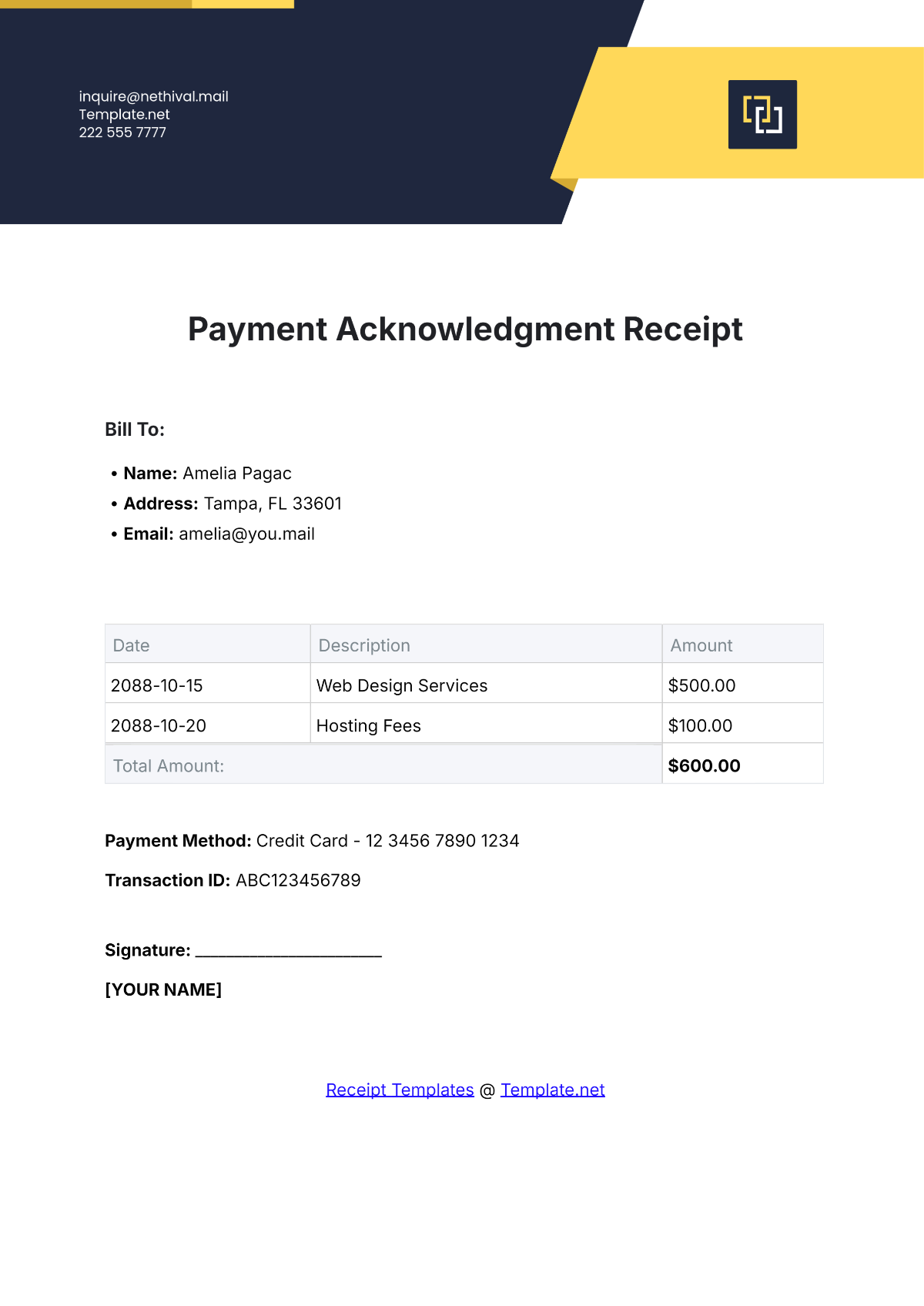
If the receipt contains several products or services, an itemized table may be more useful than a single description. Typical columns include description, quantity, unit price, and line total.
Itemization is particularly helpful when the receipt needs to explain how the total was calculated. It allows the payer and recipient to see what was included and provides better supporting information for later bookkeeping.
However, itemization should not be added merely for appearance. A very simple payment may be easier to document with one concise description and one total amount. The template should match the complexity of the underlying transaction.
Payment Receipt Formats: PDF, Word, and Excel
The file format you choose affects how the receipt is created, edited, distributed, and stored. PDF, Word, and Excel can all be useful, but they serve different purposes.
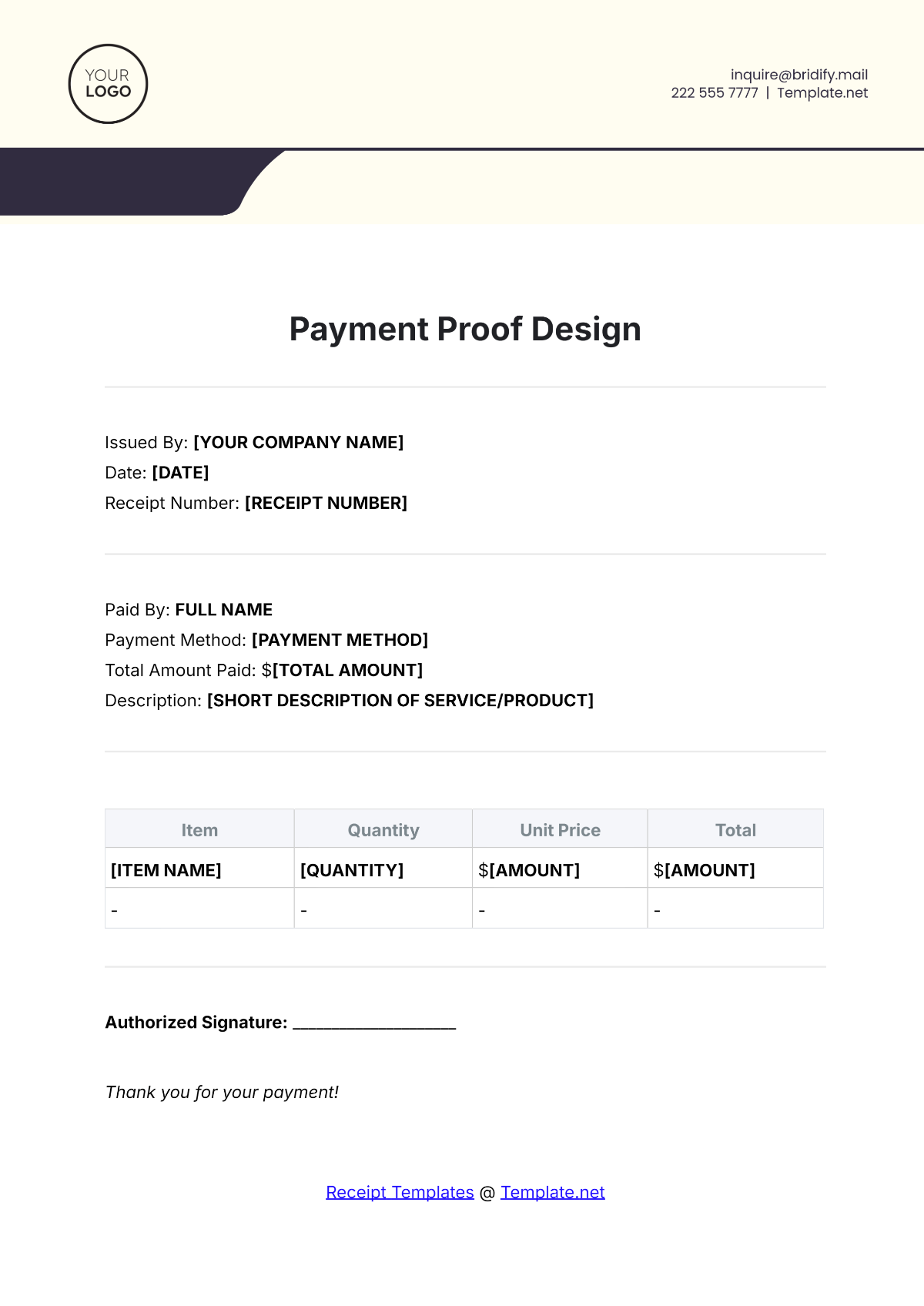
PDF is generally well suited to finalized receipts because the layout is stable across devices and applications. Once a receipt has been completed and reviewed, saving a copy as PDF can help preserve the appearance of the document.
Word is useful when the receipt requires frequent text editing or customization. A small service business may prefer Word because staff can adjust wording, add notes, change fields, or adapt the template for different customers.
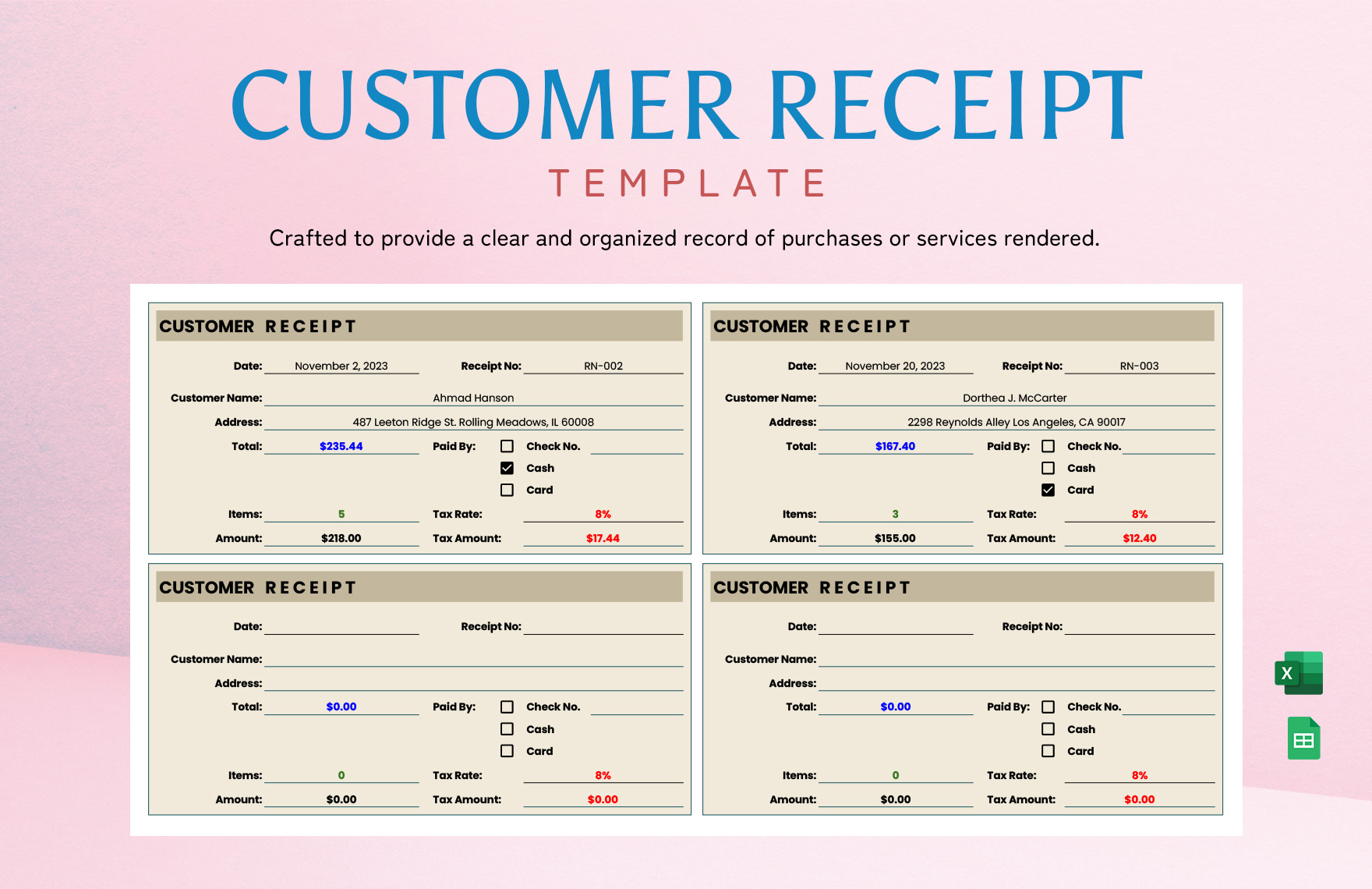
Excel is useful when calculations are important. A spreadsheet can calculate quantities, unit prices, subtotals, taxes, discounts, and totals using formulas. This can reduce arithmetic errors when the receipt contains multiple line items.
There is no universally correct format. The best choice depends on whether the priority is stable distribution, flexible editing, or automated calculation. Some businesses use more than one format: Excel for preparation, PDF for final delivery, and a bookkeeping system for long-term transaction records.
When PDF Is the Better Choice
PDF is often appropriate when the receipt is complete and ready to send to a customer. It is convenient for email, document storage, and printing because the layout is designed to remain consistent.
A PDF also helps prevent accidental formatting changes after the receipt has been issued. The editable source can remain in the business’s working files while the PDF represents the customer-facing version.
For a finalized receipt, check the payer name, recipient name, amount, date, receipt number, description, and payment method before exporting. Errors are much easier to correct before the document is distributed.
If the receipt contains a signature, approval, or authorization field, make sure the appropriate person completes it according to the organization’s procedure. A template itself does not automatically make a transaction authorized.
PDF is especially useful for digital filing because the file can be named systematically. A naming convention such as “Receipt-2026-0048-CustomerName.pdf” can make future retrieval much easier, provided the naming policy does not expose unnecessary personal information.
When Word Is the Better Choice
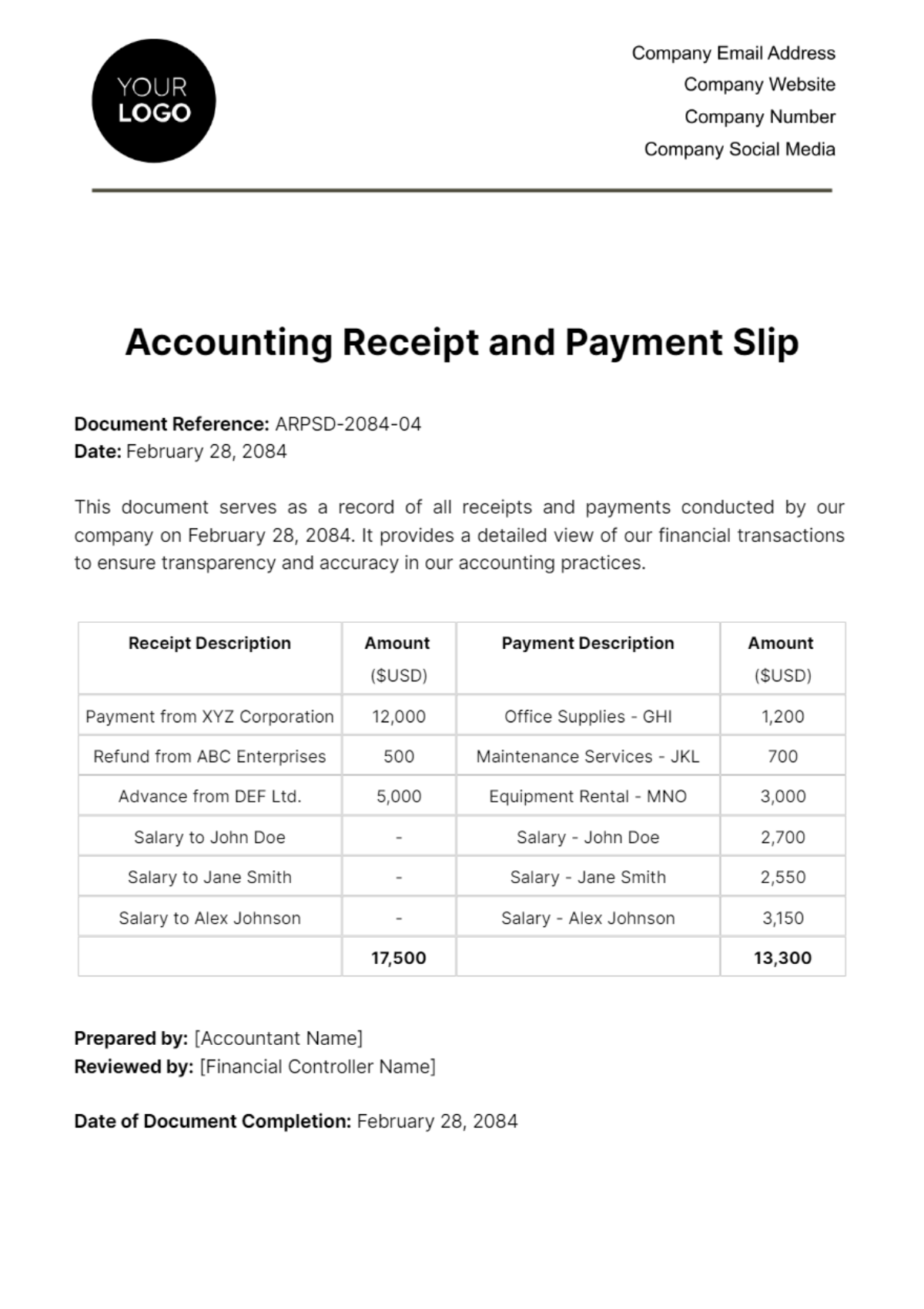
Word is useful when the document needs narrative text, flexible formatting, or frequent customization. A consultant, freelancer, contractor, or small service provider may find it easier to maintain a Word-based receipt than a spreadsheet.
A Word receipt can include a logo, business information, payment terms, project references, notes, signature lines, and other text without requiring complex spreadsheet formulas.
When using Word, protect the consistency of important fields. Keep the receipt number, payment date, amount, and customer information in predictable locations so that every receipt remains easy to read.
Tables can be used to create clean itemized sections. However, overly complex formatting can make documents difficult to maintain, especially if staff members have different versions of Word or edit documents on different devices.
For that reason, a Word template should be tested by entering realistic information before it becomes the standard form. Check page breaks, spacing, table behavior, printing, and PDF export rather than assuming the layout will always remain perfect.
When Excel Is the Better Choice
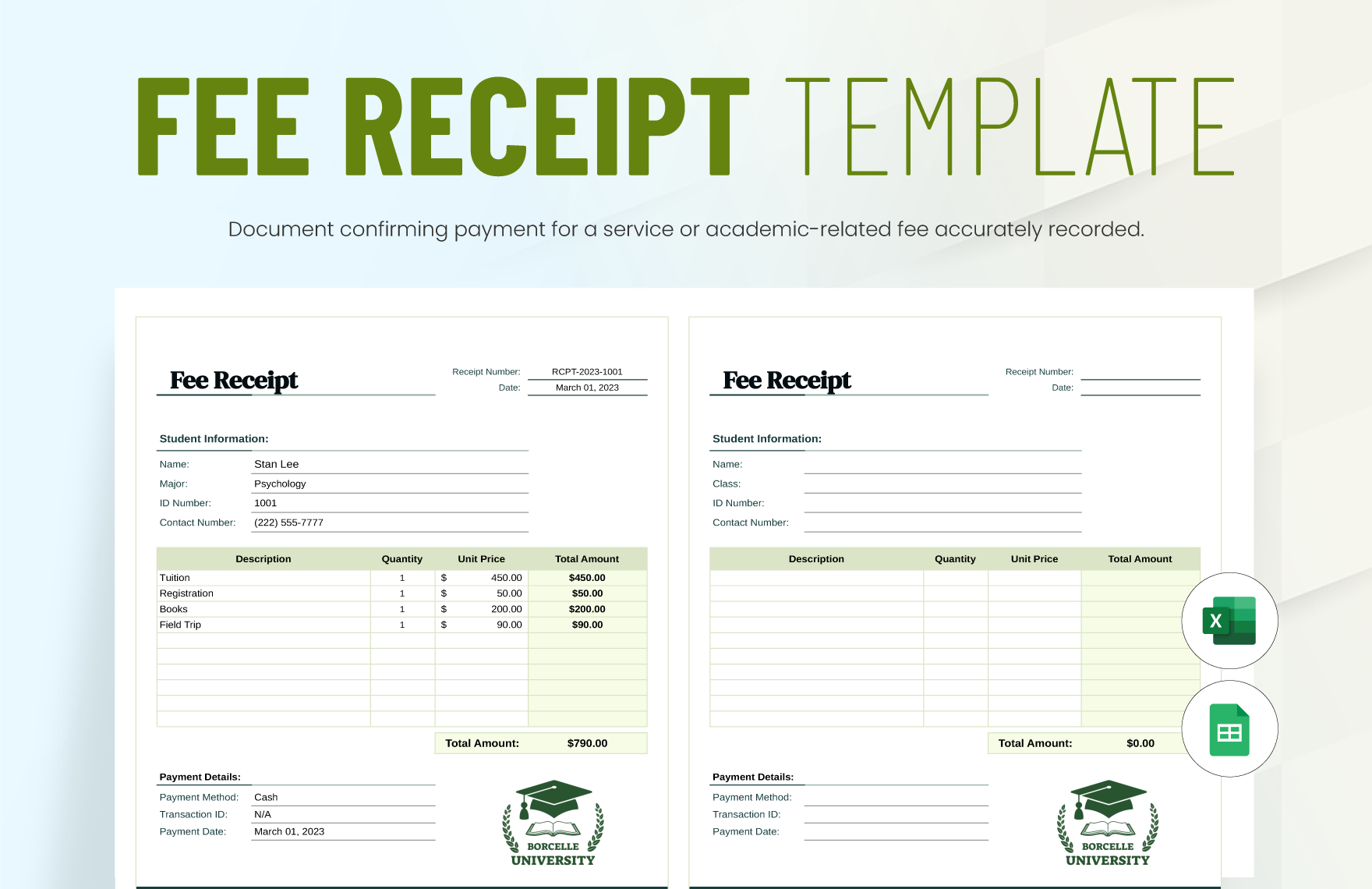
Excel becomes especially useful when a receipt contains several line items or when the same template must perform calculations repeatedly. Formula-driven fields can calculate line totals and summarize the transaction automatically.
A basic formula structure might multiply quantity by unit price for each line, add those line totals to create a subtotal, calculate any applicable tax, and then subtract discounts or deposits when appropriate.
Automatic calculation can reduce arithmetic mistakes, but formulas should still be checked. A spreadsheet can produce a precise answer to an incorrectly entered quantity or price, so automation does not eliminate the need for review.
Formatting should also distinguish editable cells from calculated cells. This helps users understand where information should be entered and reduces the risk of overwriting formulas.
Before adopting an Excel receipt as a standard business document, test it with zero values, large values, decimals, discounts, multiple items, and partial payments. A template should behave predictably across the situations it is designed to handle.
Payment Receipt vs. Invoice
An invoice and a payment receipt are closely related but perform different functions. An invoice generally communicates what the customer owes and requests payment, while a payment receipt confirms that money has been received.
An invoice may show an invoice date, due date, products or services, prices, taxes, payment instructions, and the amount due. A receipt may reference that invoice and show the amount paid, payment date, payment method, and remaining balance if the payment was not complete.
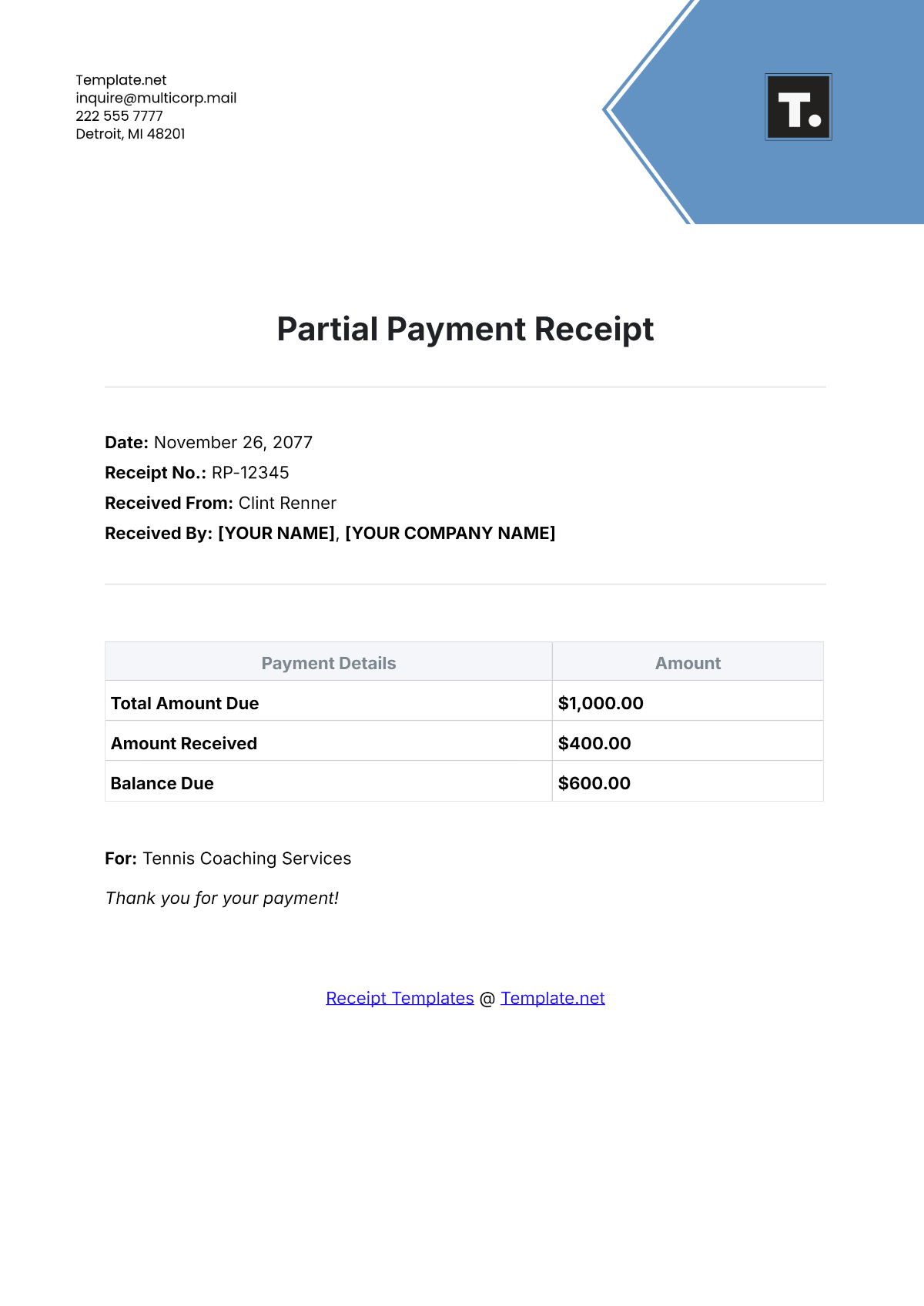
The distinction becomes particularly important with partial payments. If an invoice is for $1,000 and the customer pays $400, the receipt should not imply that the entire invoice has been settled. It should identify the $400 payment and, where appropriate, the remaining $600 balance.
A paid invoice can sometimes serve as evidence that a payment was made when it clearly records the payment status and relevant transaction details. However, businesses should follow their own accounting procedures and any applicable legal or contractual requirements.
Using separate concepts for “amount owed” and “amount received” makes financial records easier to understand. It also helps prevent the common mistake of treating an invoice total as though it were automatically the amount actually paid.
How to Fill Out a Payment Receipt Correctly
Start by assigning the next appropriate receipt number. If the business uses sequential numbering, check the previous receipt or numbering log before entering a new number. Avoid creating duplicate numbers because they can complicate reconciliation.
Enter the payment date carefully. If a customer pays on one date but the payment is processed later, follow the business’s established accounting procedure and make the relevant dates clear when necessary.
Enter the recipient and payer information using the same names used elsewhere in the accounting records. This reduces confusion when the receipt is later matched with an invoice, bank transaction, customer account, or ledger.
Describe exactly what the payment covers. Include an invoice number, account number, order number, rental period, project name, or service description when one exists and is relevant to the transaction.
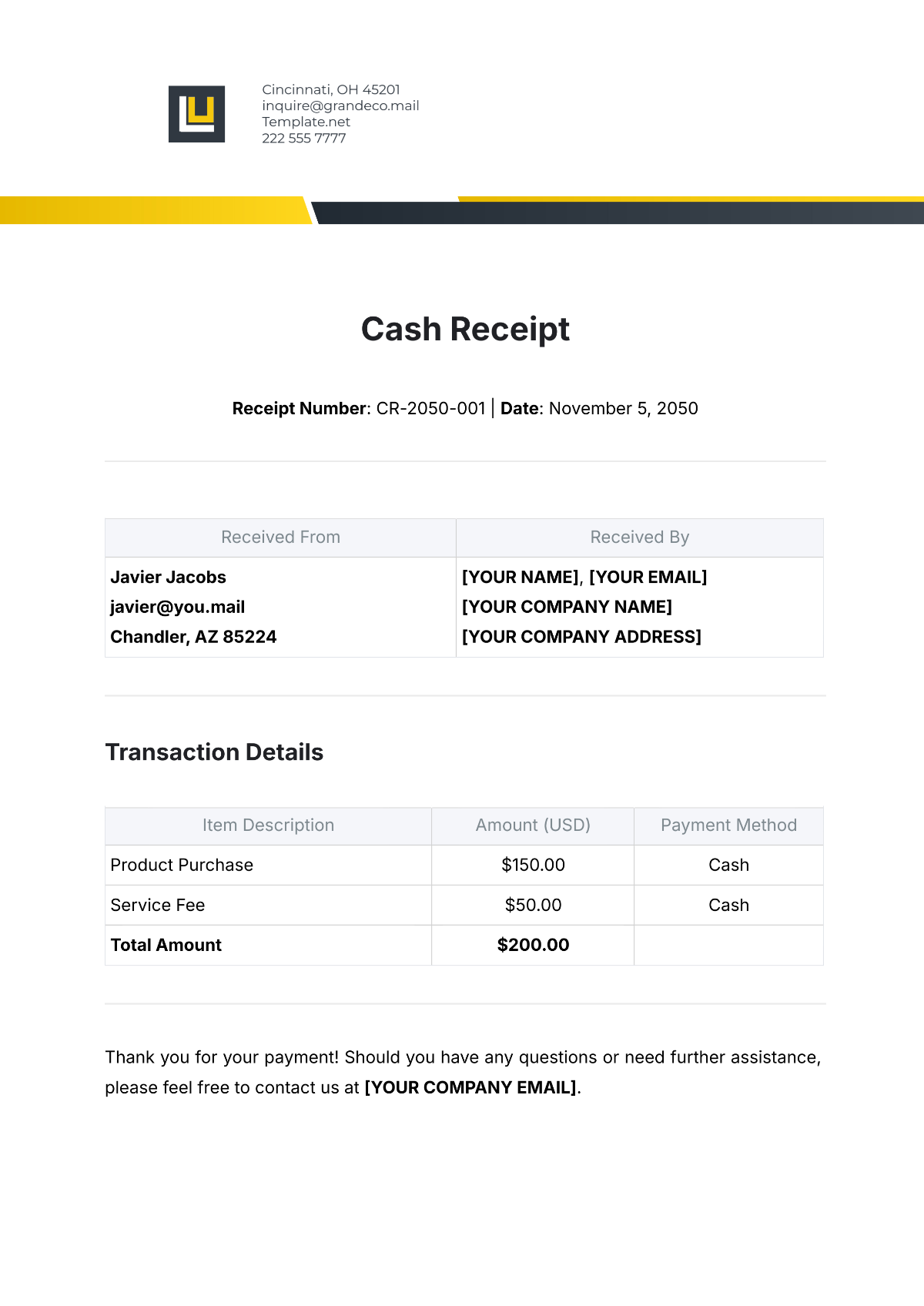
Finally, enter the payment amount and method, review all fields, and issue the receipt. For cash payments, count the money carefully. For checks or transfers, record the relevant reference information without copying unnecessary sensitive financial data.
Handling Cash, Checks, Cards, and Bank Transfers
Cash payments deserve careful documentation because there may be less electronic evidence associated with the transfer than with card or bank transactions. A receipt should identify the amount, date, payer, purpose, and person or business receiving the money.
For checks, the receipt can include the check number and payment amount. The check itself and related bank records may provide additional evidence, so the receipt does not need to reproduce information that is not necessary for the transaction record.
For card payments, businesses may record the payment method and an appropriate transaction reference. Avoid storing full card numbers or other unnecessary sensitive payment information on a general receipt.
For bank transfers and electronic payments, include the transaction reference when it helps connect the receipt to the corresponding bank record. The payment date and amount should match the underlying financial record.
The purpose of the receipt is to create a clear transaction record, not to duplicate every piece of information contained in a payment processor, bank statement, or card system. Good documentation uses enough information to establish the connection without creating unnecessary data exposure.
Partial Payments, Deposits, and Installments
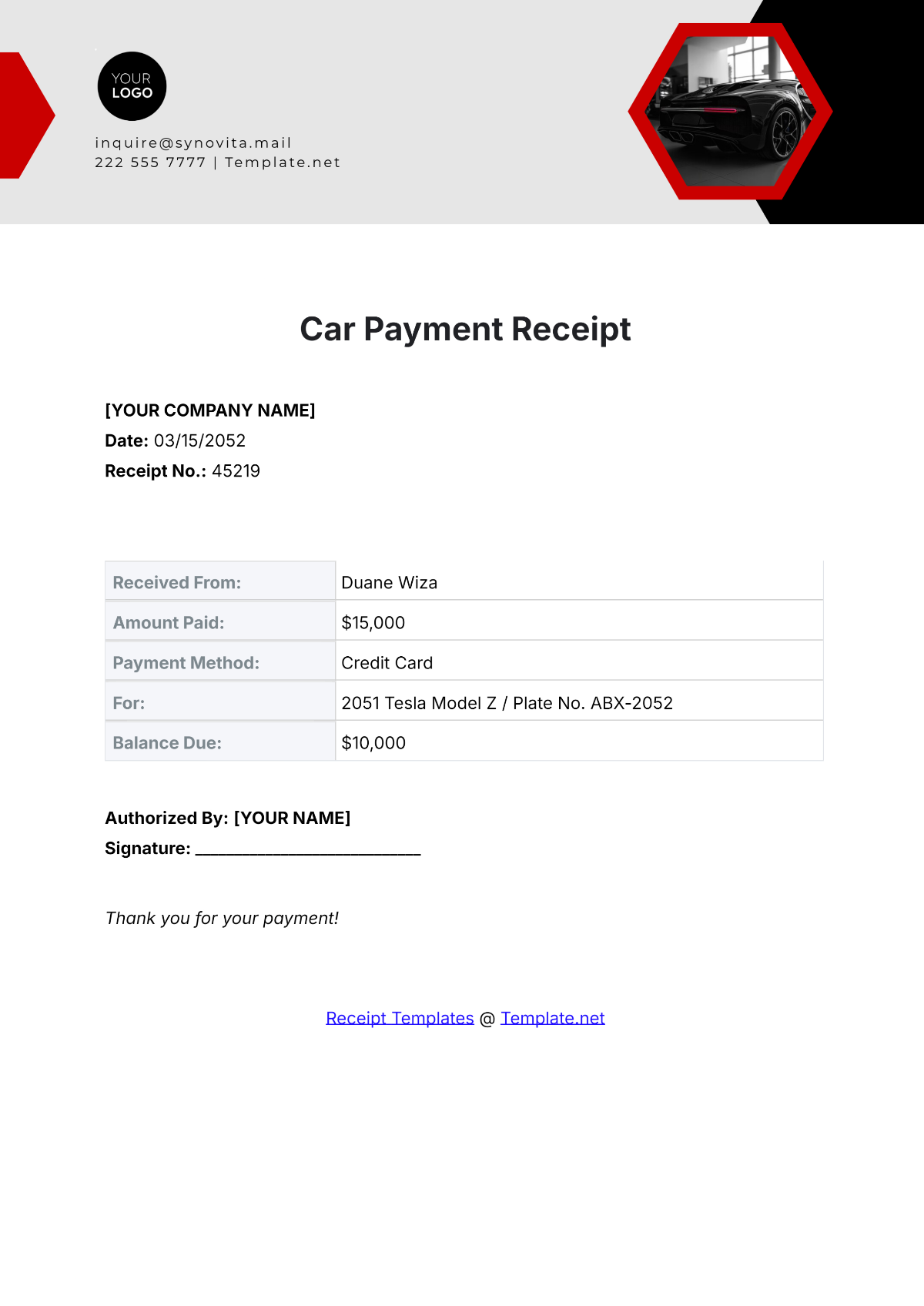
A receipt for a partial payment should clearly distinguish the amount received from the original amount due. This prevents the recipient from accidentally treating an installment as full settlement.
For example, suppose a hypothetical project invoice is $2,500 and the customer pays a $750 deposit. The receipt should identify the $750 received, explain that it is a deposit or installment, reference the project or invoice, and state the remaining balance if that information is appropriate.
Installment payments can use the same basic structure. Each receipt receives its own number and date, while the description identifies the installment or billing period. The accounting record can then show the cumulative amount paid over time.
A template that includes “Amount Due,” “Amount Paid,” and “Balance Remaining” can be useful for recurring or installment-based transactions. However, those fields should only be used when their definitions are clear.
The most important rule is to avoid ambiguous language. “Paid” can be interpreted as full settlement, so use wording such as “partial payment received” when the customer still owes money.
How to Create a Professional Receipt Design
A professional receipt should be easy to scan. Put the document title, receipt number, and payment date near the top so that the reader can immediately understand what the document represents.
Use clear labels rather than decorative wording. “Amount Received” is more precise than a vague label such as “Total,” especially when a receipt can be used for partial payments.
Keep related information together. Payer information can occupy one section, recipient information another, and transaction details a separate area. This visual grouping reduces the time required to locate information.
Use sufficient white space. A receipt packed with tiny text and narrow fields may technically contain everything required but can still be difficult to use. A slightly longer document can be more effective if it improves readability.
Finally, test the template in both digital and printed form. Check that important totals are visible, signature lines remain on the correct page, and the document does not unexpectedly split across pages.
Printable Payment Receipts
A printable receipt should have adequate margins and enough space for handwriting if it will be completed manually. Fields should be large enough to accommodate realistic names, dates, descriptions, and amounts.
Paper receipts are useful for face-to-face transactions, field services, small events, rentals, community organizations, and situations where customers need an immediate physical acknowledgment.
If receipts are printed in batches, keep the numbering sequence under control. Pre-numbered forms can make tracking easier, but businesses should have a procedure for damaged, voided, lost, or incorrectly completed receipts.
Printing should also be tested on the actual paper size that will be used. A receipt designed for Letter paper may not behave identically when printed on A4 or on smaller receipt stock.
For organizations that issue large quantities of paper receipts, consider retaining a consistent duplicate or digital record. The appropriate retention procedure depends on the organization’s accounting, tax, contractual, and operational requirements.
Digital Payment Receipts
Digital receipts can be delivered by email, customer portals, accounting systems, or other electronic methods. They can reduce paper handling and make it easier for both parties to search for previous transactions.
A digital receipt should still contain the same core transaction information as a paper receipt. Moving from paper to digital does not remove the need for accurate dates, amounts, payer identification, payment purpose, and transaction references.
File organization becomes important when receipts are stored electronically. A folder structure based on year, month, customer, project, or transaction type can make retrieval easier, provided it matches the organization’s existing recordkeeping system.
Digital files should also be backed up appropriately. A receipt that exists only on one computer or inside one email account can be difficult to recover if that system fails.
For electronic recordkeeping, consistency matters more than complexity. A simple naming convention and dependable storage process can be more useful than a complicated folder structure that employees do not follow.
Organizing Receipts for Bookkeeping
A completed receipt should connect naturally with the corresponding accounting record. When a payment is received, record it according to the organization’s bookkeeping procedure rather than treating the receipt as a substitute for the accounting entry.
Keep receipt numbers sequential or otherwise traceable. If a customer asks about a particular payment, the receipt number can help locate the original document and the associated accounting entry.
Organize receipts by a method that makes sense for the business. Common approaches include chronological order, customer, project, payment type, accounting period, or transaction category.
Digital and paper copies should not conflict. If a receipt is corrected, make sure the current version is clearly identified and the accounting record reflects the correction.
The IRS states that supporting business documents should be kept in an orderly and safe manner and notes that businesses can choose recordkeeping systems suited to their operations. IRS Publication 583 provides detailed recordkeeping information for businesses.
Common Payment Receipt Mistakes
One common mistake is failing to record the payment date. A receipt without a clear date can be difficult to reconcile with bank statements and customer accounts, particularly when several transactions occur close together.
Another mistake is using an ambiguous description. A receipt that simply says “service” may not provide enough context months later. A concise description such as “Website maintenance — September service period” is more useful.
Incorrect totals are another avoidable problem. When using a manual receipt, calculate the amount carefully. When using Excel, verify formulas and test the template before relying on it for repeated transactions.
Businesses also sometimes confuse the invoice total with the amount actually received. If a customer pays only part of an invoice, the receipt should document the payment received rather than incorrectly presenting the entire invoice as paid.
Finally, avoid including unnecessary sensitive information. A professional receipt should document the transaction without becoming a storage location for passwords, full payment-card numbers, or other information that the recipient does not need.
Best Practices for Small Businesses
Choose one standard receipt design and use it consistently unless different transaction types genuinely require different forms. Consistency makes training easier and helps customers recognize documents issued by the business.
Use a predictable numbering system. If several employees issue receipts, establish who controls the sequence and how unused, canceled, or corrected receipts are handled.
Review the completed receipt before sending or printing it. A short verification checklist can include the payer, recipient, date, receipt number, payment purpose, amount, payment method, and related invoice or account reference.
Reconcile payments regularly. A receipt says what was recorded as received, while the bank or payment processor provides another record of the financial event. Comparing the two can reveal missing entries, duplicates, or errors.
Keep the receipt process connected to the broader bookkeeping workflow. A receipt should not exist as an isolated document; it should support the transaction record and make later reconciliation easier.
Using a Receipt for Different Business Situations
A freelancer may use a simple receipt containing the client name, project description, invoice reference, payment amount, date, and method. A large retail transaction may need itemized products, quantities, taxes, and discounts.
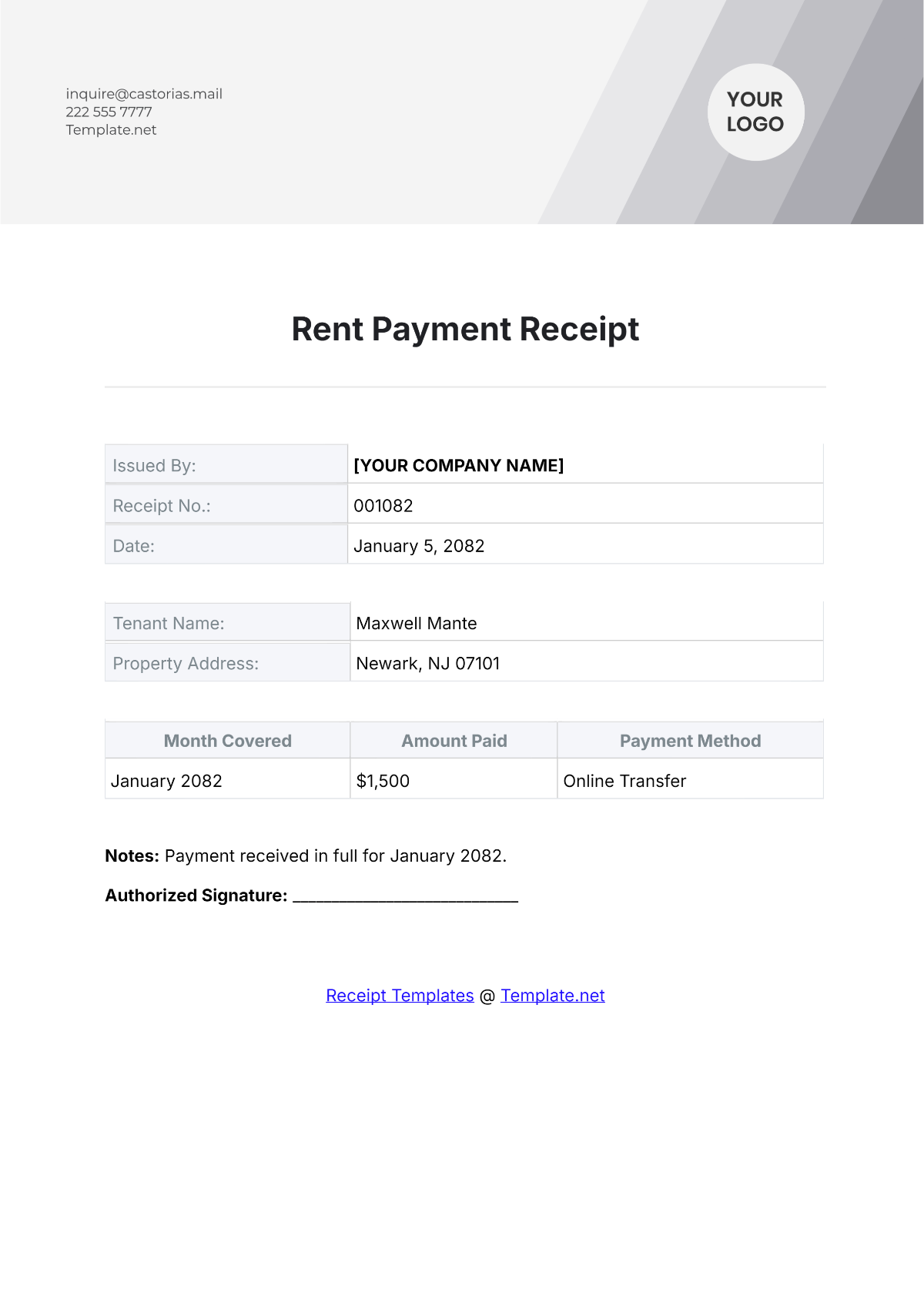
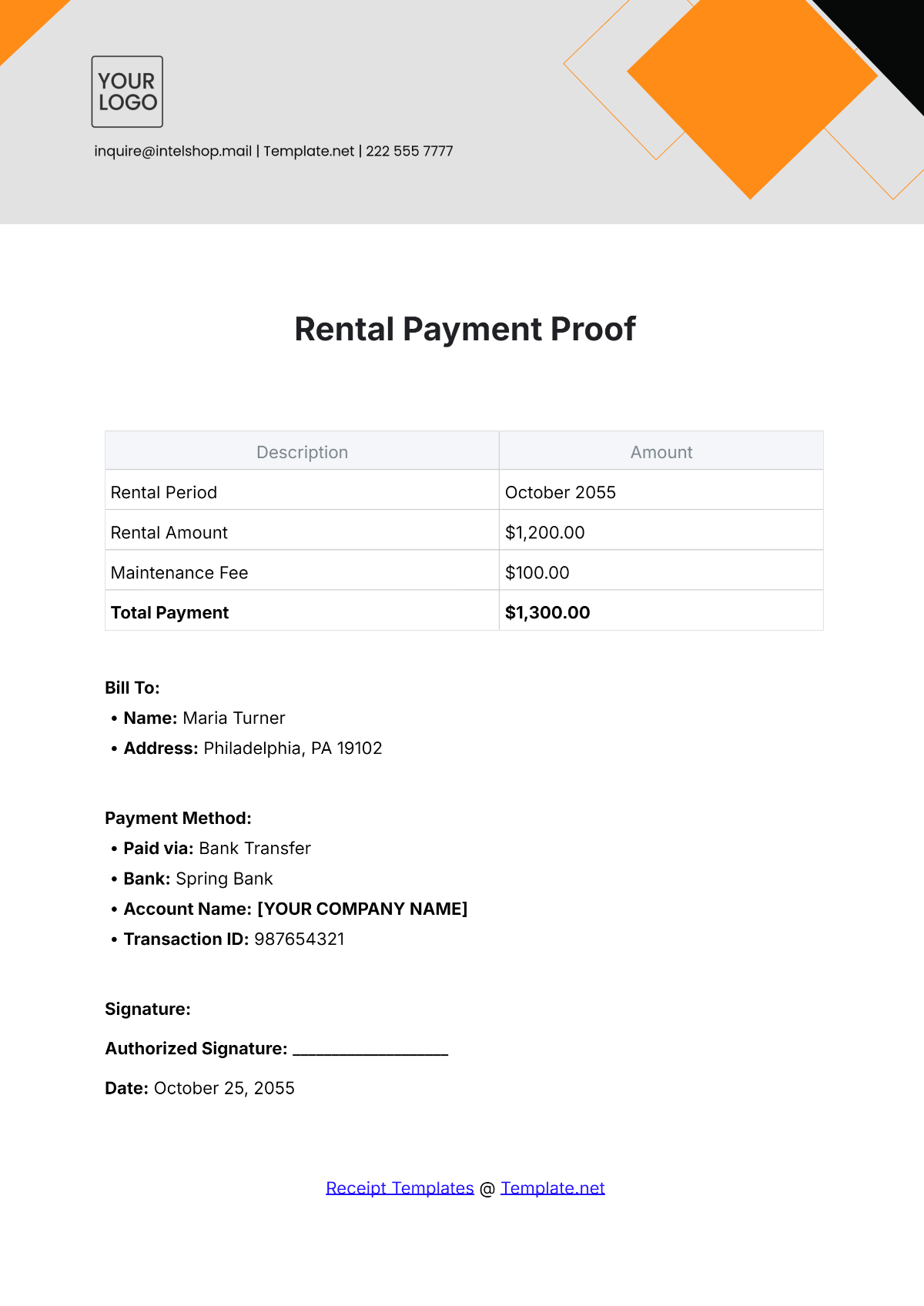
A landlord or property manager may need the rental property, tenant, rental period, payment date, payment method, and amount received. A receipt can also indicate whether the amount covers rent, a deposit, utilities, or another charge.
A school, training provider, or association may use a receipt to document tuition, membership, registration, event, or activity payments. In such cases, an account or student reference may be more useful than a product description.
A contractor may use a receipt for deposits, milestone payments, or final balances. The description should clearly identify the project and the payment stage so that the receipt remains meaningful if the project continues for several months.
The same basic template can often serve all of these situations if it contains flexible fields. When the transaction becomes substantially more specialized, a dedicated version may be preferable.
Practical Example: A Simple Service Payment
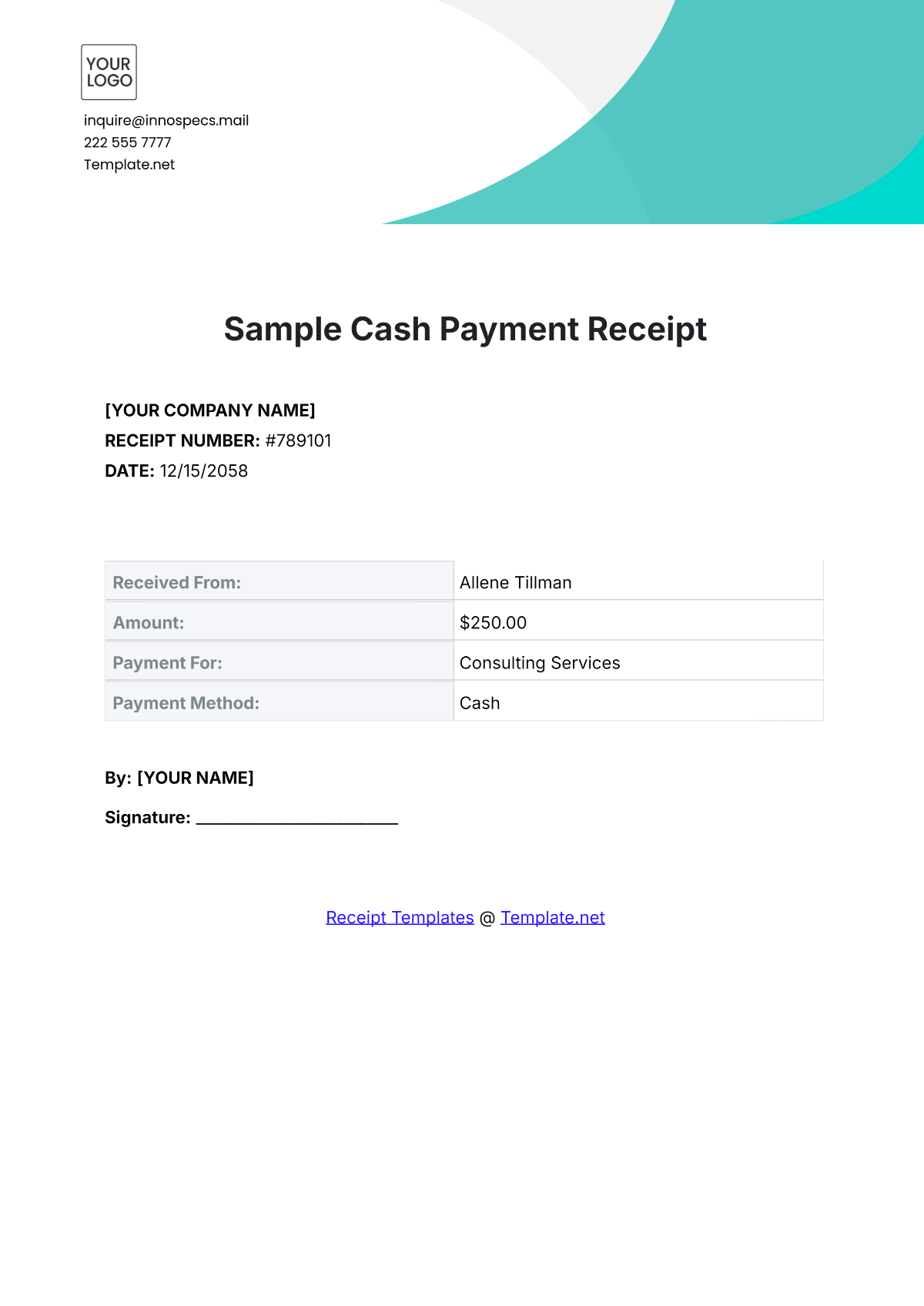
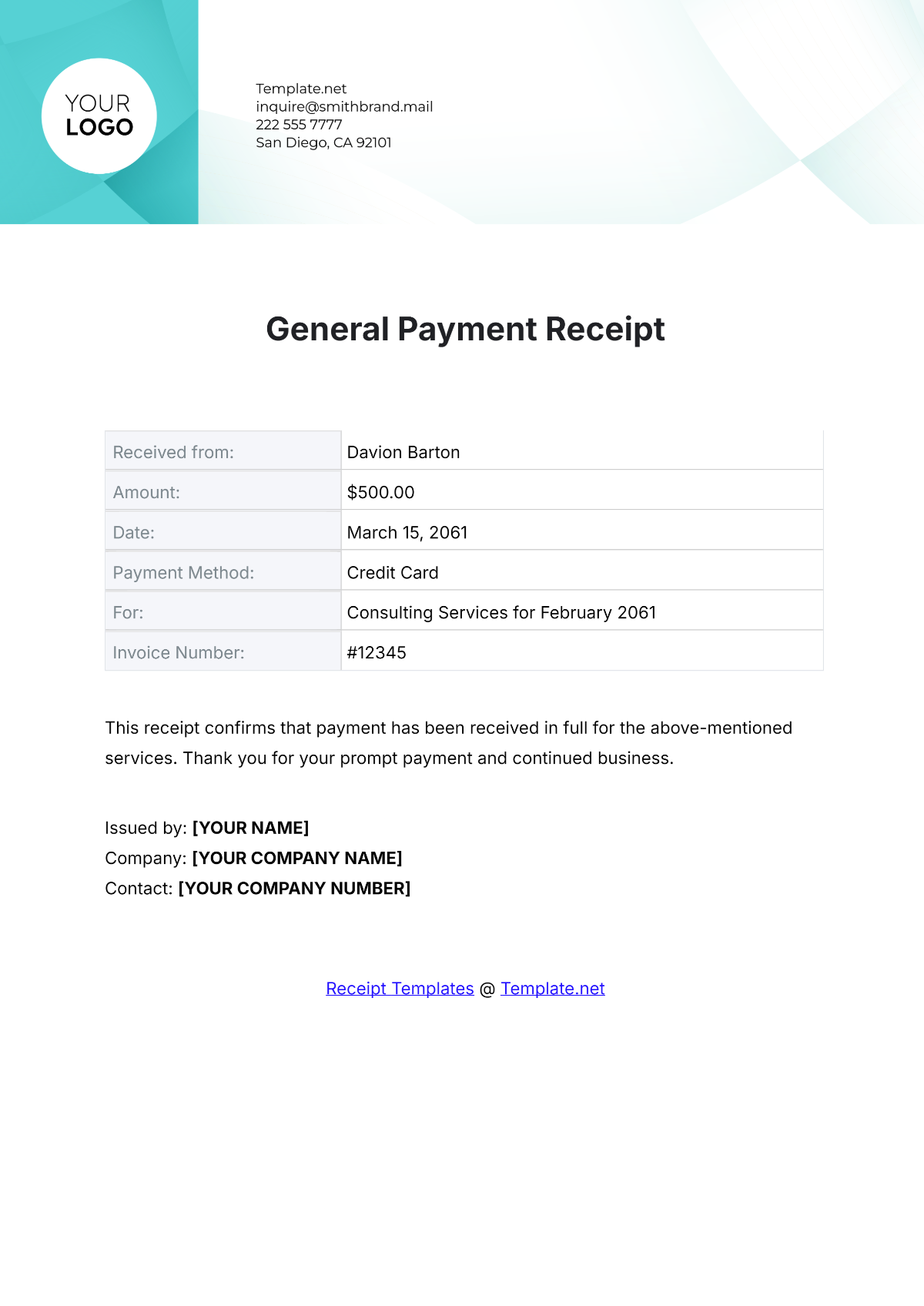
Consider a hypothetical freelance designer who completes a logo project for a client. The invoice is for $600, and the client pays the full amount by bank transfer on September 10.
The receipt number could be “2026-018.” The recipient section would identify the designer, while the payer section would identify the client. The description could state “Final payment for logo design project, Invoice INV-026.”
The amount received would be $600, and the payment method would be bank transfer. If available, a transaction reference could be included so the payment can be matched to the corresponding bank entry.
The receipt should not invent additional charges simply to make the document look more complete. If no tax, discount, shipping, or other adjustment applies, those fields can be omitted or left out of the template version used for simple transactions.
This example demonstrates an important principle: the receipt should describe the real transaction clearly rather than forcing every possible accounting field into every document.
Practical Solution: A Reliable Payment Receipt Workflow
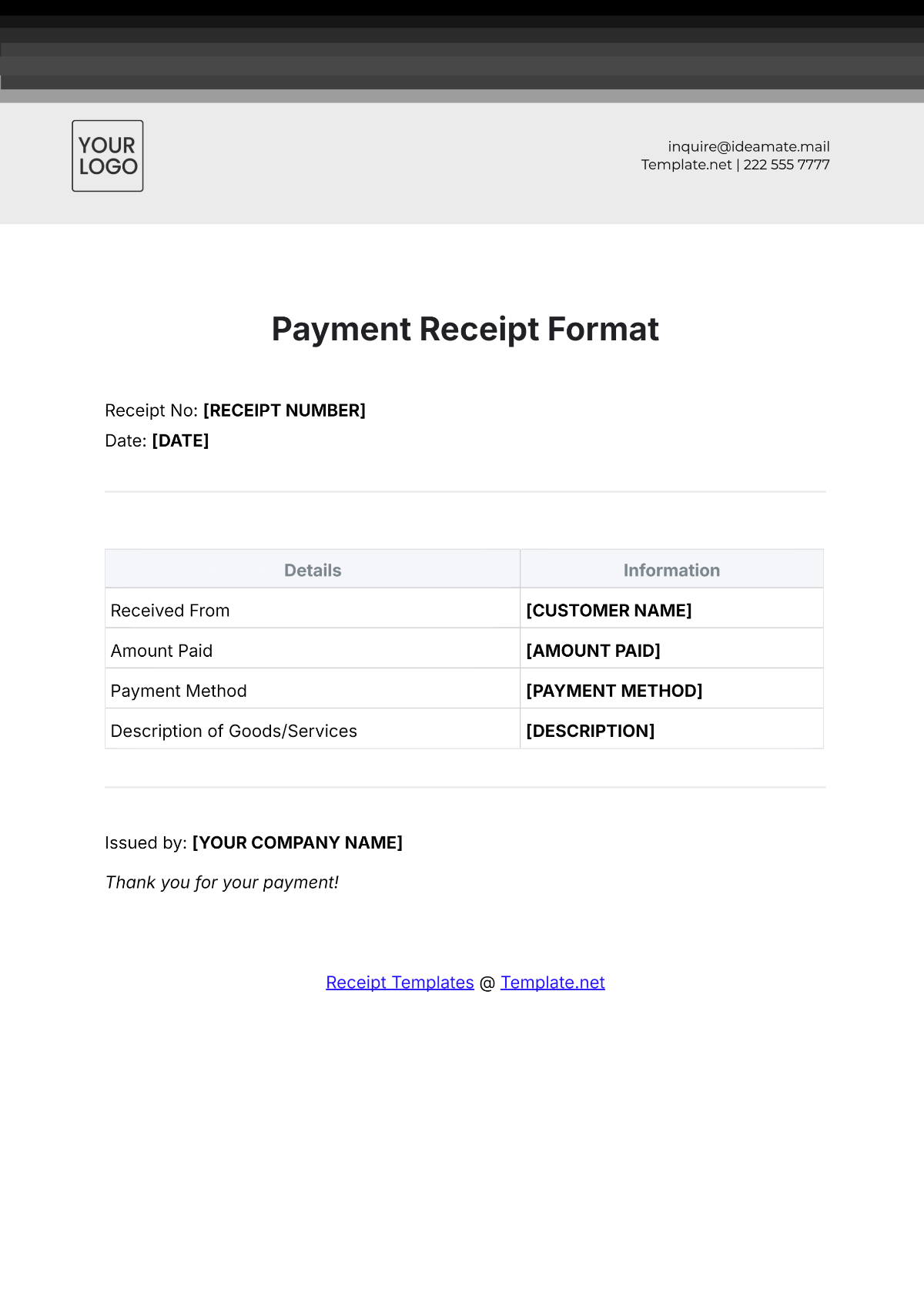
The most practical solution is to create one standardized receipt template, define the fields that every transaction requires, and establish a simple workflow for numbering, completing, reviewing, issuing, and storing each receipt.
Step 1: Choose the format. Use PDF when finalized layout is the priority, Word when flexible editing is most important, and Excel when calculations or itemized totals are central to the process.
Step 2: Define the required fields. At minimum, consider receipt number, date, payer, recipient, amount received, payment purpose, and payment method. Add invoice numbers, account references, tax details, signatures, or balances only when they are useful.
Step 3: Establish numbering. Decide whether receipts will use sequential numbers, annual sequences, branch codes, or another system. Document the method so different employees do not create conflicting numbers.
Step 4: Complete the receipt immediately after payment. Enter the transaction while the details are still available. This reduces the risk of forgotten dates, incorrect amounts, or vague descriptions.
Step 5: Review before issuing. Compare the amount with the actual payment, verify the payer and recipient, confirm the date, check the payment method, and ensure any invoice or account reference is correct.
Step 6: Provide the receipt to the payer. Depending on the transaction, this may mean printing the receipt, emailing a PDF, sending it through a customer portal, or providing another appropriate electronic copy.
Step 7: Store the business copy. Keep the receipt with the supporting records according to the organization’s recordkeeping procedure. The IRS recommends maintaining supporting documents in an orderly and safe manner and emphasizes that businesses should retain records needed to support their transactions and tax reporting.
Step 8: Reconcile regularly. Compare issued receipts with invoices, bank transactions, payment processor records, and accounting entries. Investigate differences instead of allowing them to accumulate.
Step 9: Correct errors transparently. If a receipt contains an error, follow the business’s correction procedure. Avoid simply deleting transaction history when the receipt has already been issued or recorded.
Step 10: Review the template periodically. As the business changes, fields that were once useful may become unnecessary, while new requirements may emerge. A template should evolve with the transaction process without becoming unnecessarily complicated.
Reference Examples
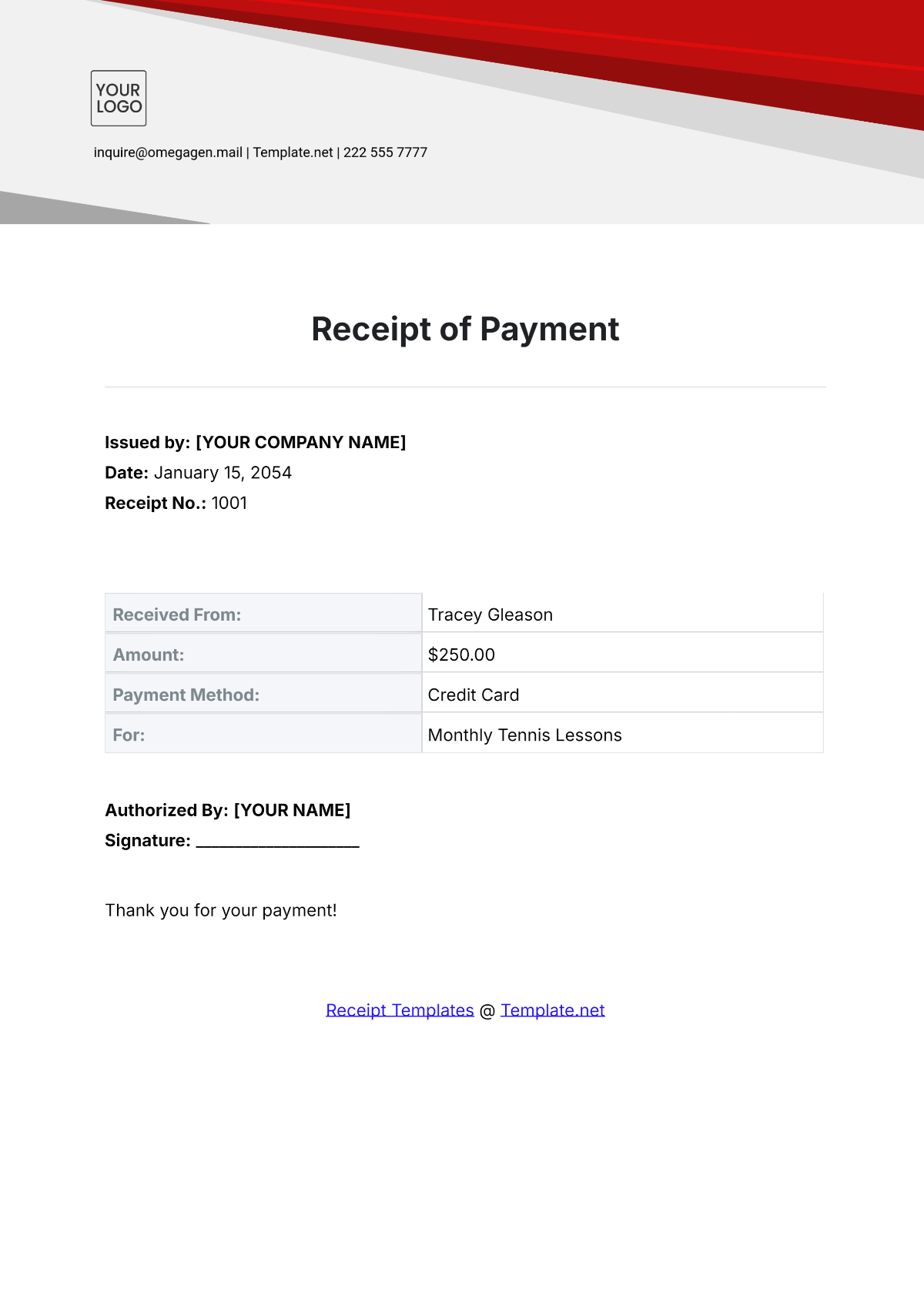
The following examples illustrate different visual approaches to payment receipts and related transaction documents. The images are examples of document layouts and should not be interpreted as universal legal, tax, or accounting requirements.
payment receipt template blank pdf
Source: Template.net
payment receipt template blank word document
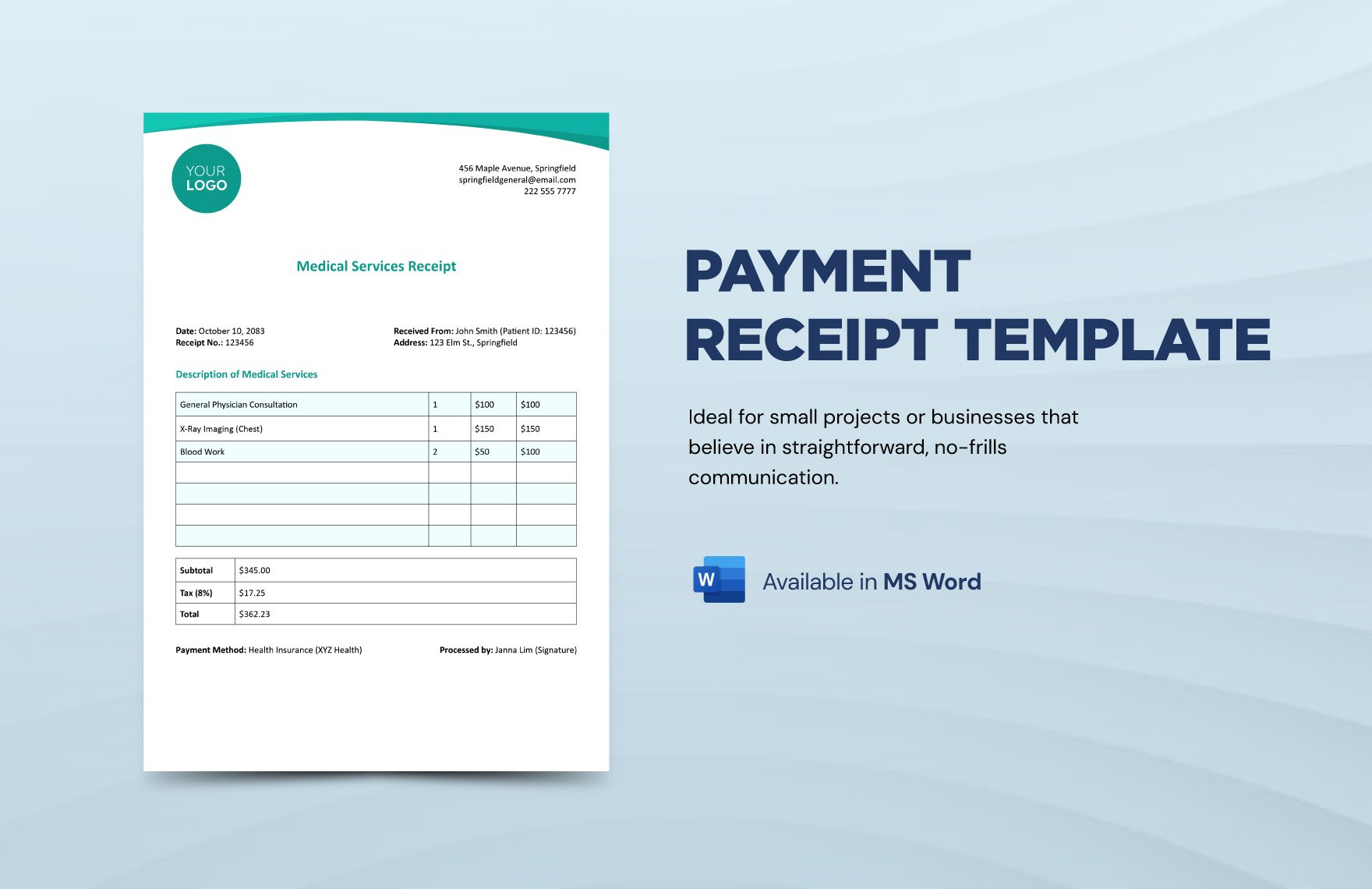
Source: Template.net
payment receipt template blank free download
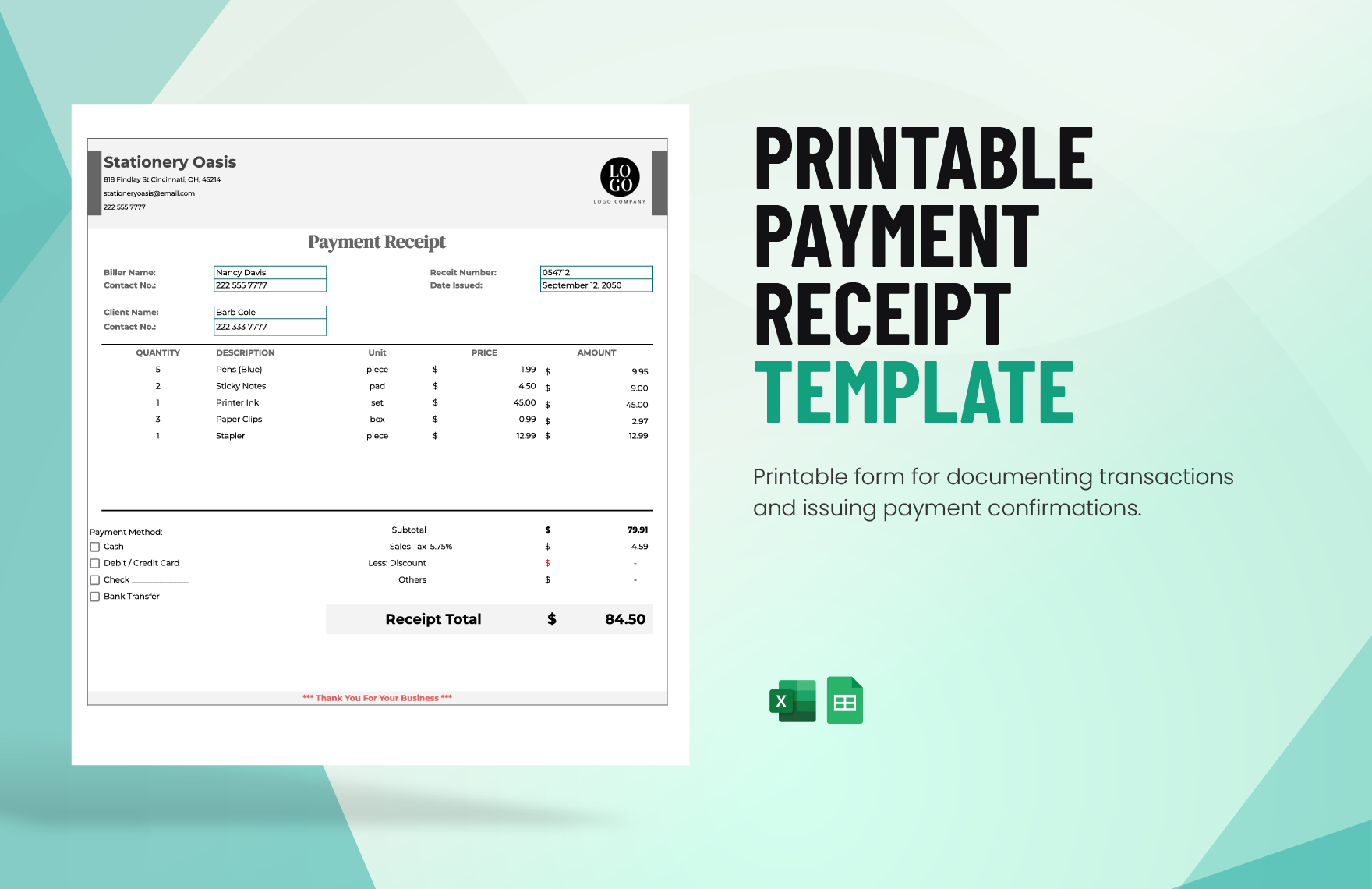
Source: Template.net
payment receipt template blank word
Source: Template.net
payment receipt template blank excel
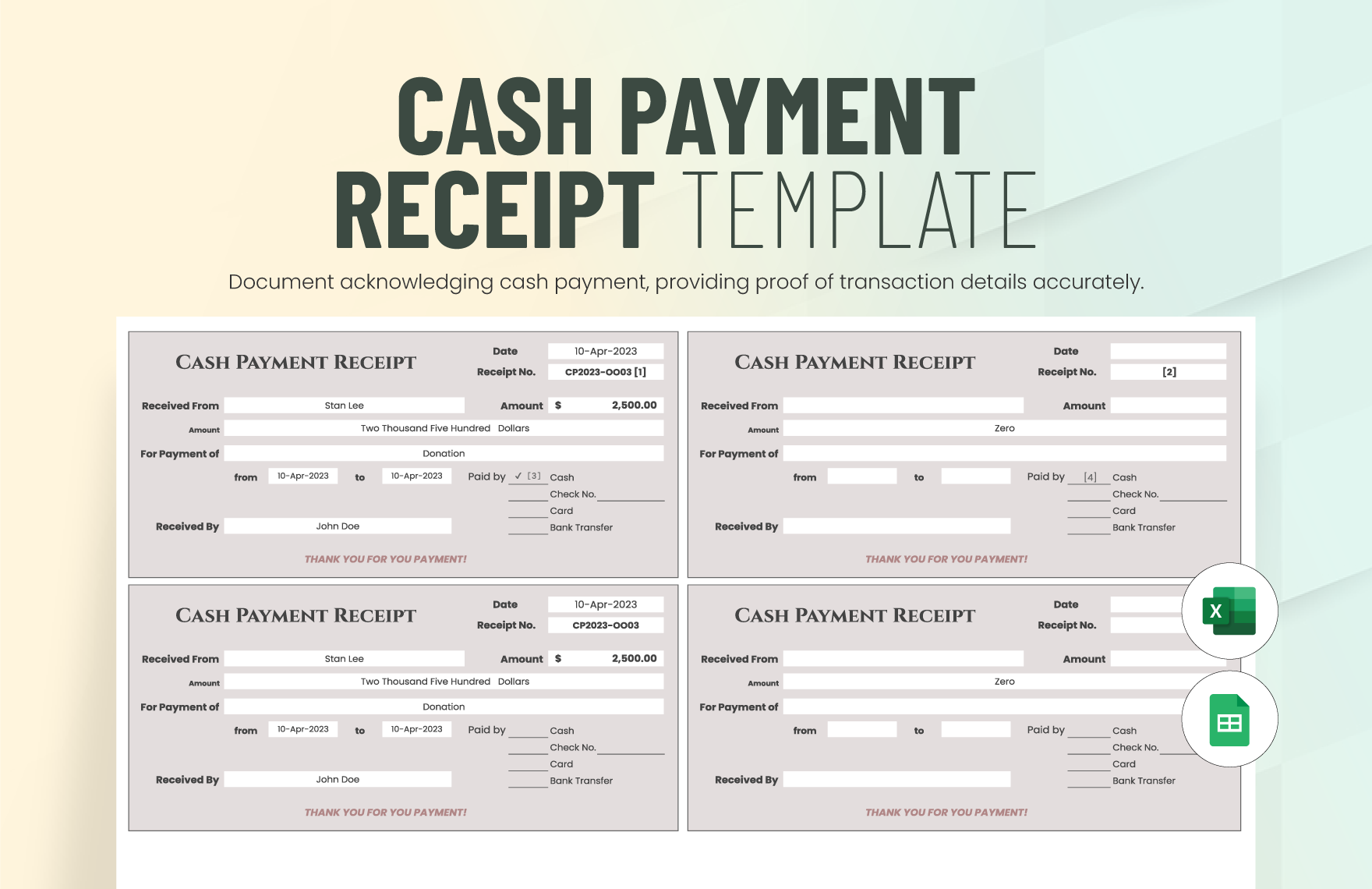
Source: Template.net
payment receipt template blank printable
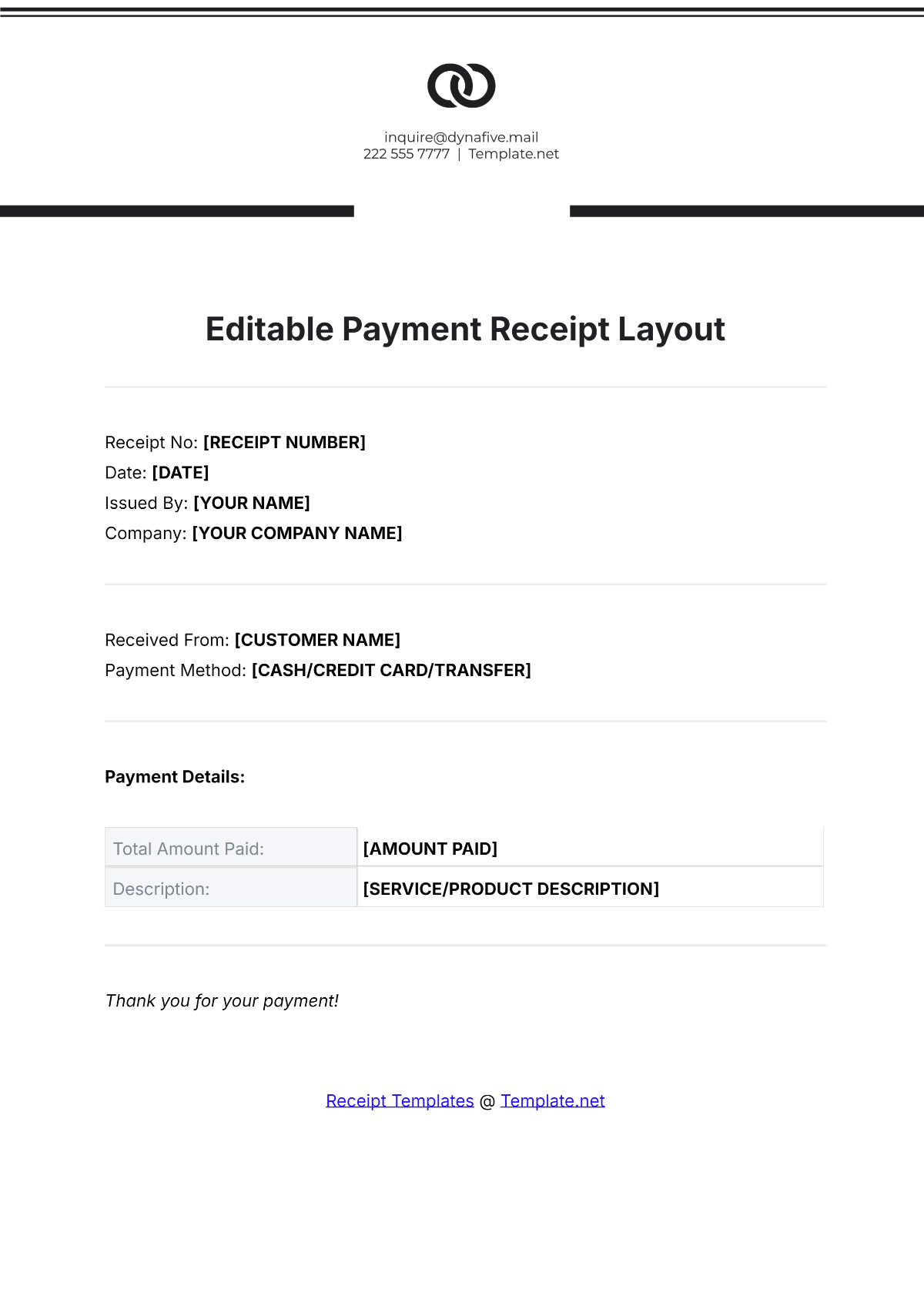
Source: Template.net
payment receipt template blank free
Source: Template.net
payment receipt template blank download
Source: Template.net
blank payment receipt template
Source: Template.net
sample payment receipt template
Source: Template.net
receipt for payment template free
Source: Template.net
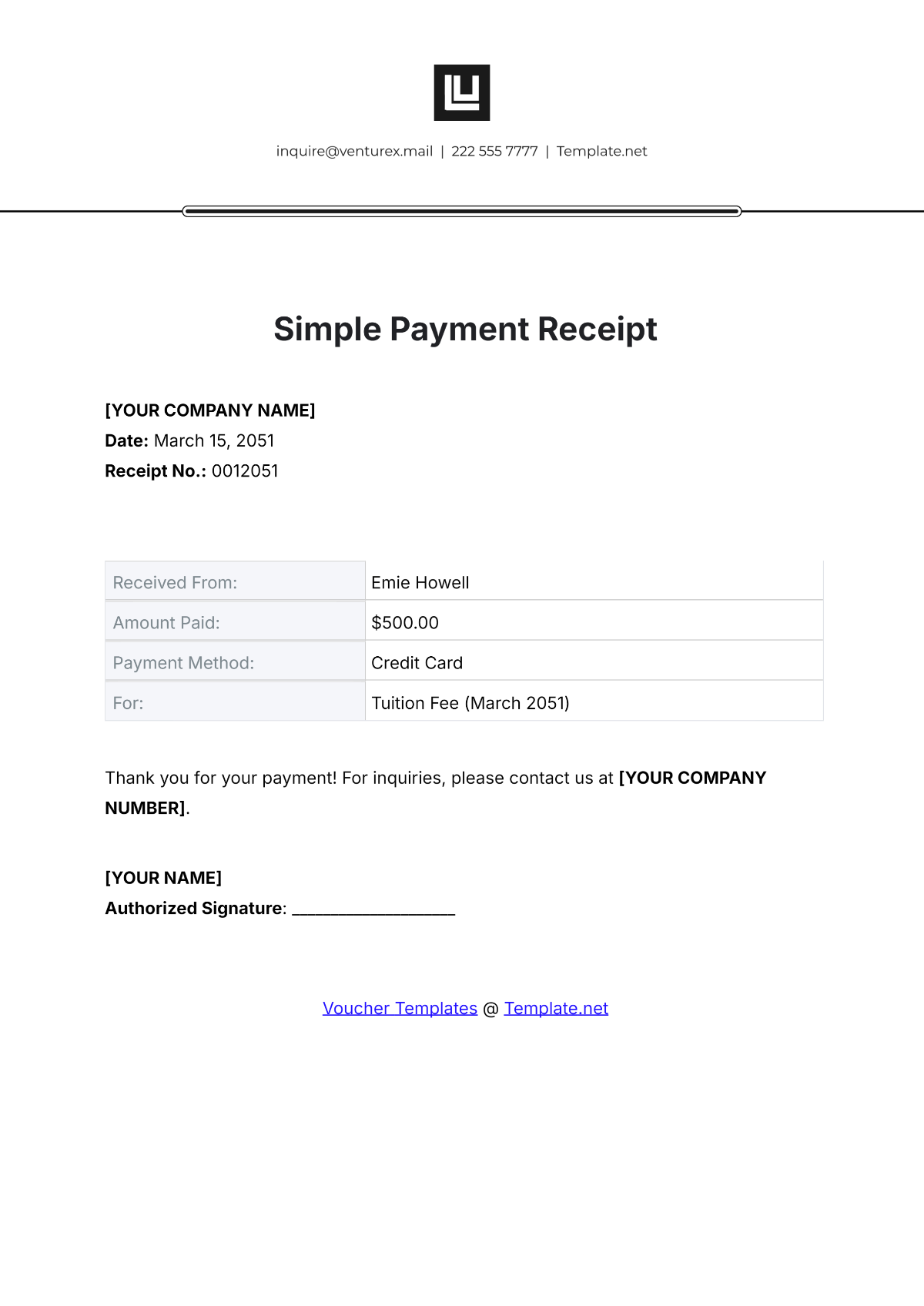
basic payment receipt template
Source: Template.net
Frequently Asked Questions
What is a payment receipt used for?
A payment receipt confirms that a specified payment was received and identifies the transaction it relates to. It can support customer records, bookkeeping, reconciliation, and other documentation processes.
What should a blank payment receipt contain?
A useful blank receipt normally includes a receipt number, payment date, payer, recipient, amount received, payment purpose, and payment method. Depending on the transaction, it may also include an invoice number, account reference, itemization, tax, balance, or signature.
Is a payment receipt the same as an invoice?
No. An invoice generally communicates an amount owed and requests payment, while a receipt confirms that payment has been received. A receipt can reference the invoice that the payment settles.
Should I use PDF, Word, or Excel?
Choose PDF when the document is finalized and should retain a stable layout, Word when flexible text editing is important, and Excel when calculations and itemized totals are central to the receipt.
Can I use one receipt template for different types of payments?
Yes, provided the template contains the information needed for each transaction. A flexible general template can work for many businesses, while specialized transactions such as rent, installments, or detailed service work may benefit from additional fields.
How should receipt numbers be assigned?
Use a consistent numbering system that makes every issued receipt identifiable. Sequential numbers are common, but businesses can use another logical convention as long as it is controlled and consistently applied.
What should I write for a partial payment?
Clearly state that the amount is a partial payment or installment and identify the related invoice, account, project, or billing period. If useful, show the remaining balance so that the receipt cannot be mistaken for full settlement.
Do digital receipts need the same information as printed receipts?
The core transaction information should remain clear regardless of delivery method. A digital receipt should still identify the parties, date, amount, payment purpose, and payment method when those details are relevant.
Should I keep copies of payment receipts?
Businesses should maintain supporting records according to their applicable accounting, tax, contractual, and operational requirements. The IRS explains that receipts and other supporting documents can support entries in business records and tax returns.
Can a receipt be handwritten?
A handwritten receipt can document a transaction when the information is legible and complete, but a standardized printed or digital template can improve consistency, readability, numbering, and recordkeeping.
Should a receipt show tax?
If tax applies to the transaction and the receipt needs to document it, show the relevant tax amount or rate clearly. Whether tax must appear and how it must be presented depends on the transaction and applicable rules.
How can I make a payment receipt look professional?
Use clear labels, consistent spacing, readable typography, accurate calculations, a logical information hierarchy, and enough white space. The receipt should prioritize clarity over decorative design.
Conclusion
A well-designed payment receipt template blank can turn a basic acknowledgment of payment into a consistent and useful transaction record. The strongest templates focus on accurate identification of the payer and recipient, a unique receipt number, payment date, amount received, payment purpose, payment method, and any reference needed to connect the payment with an invoice or account. Whether you choose PDF, Word, Excel, or a printable form, the goal is not simply to produce a good-looking document; it is to create a reliable record that can be understood, issued, stored, and reconciled later.
