A practical monthly operations report template should do more than display numbers. It should help readers understand what happened, why performance changed, which risks require attention, what actions were completed, and what needs to happen next.
The strongest reports balance detail with usability. Operational teams need enough underlying information to validate results, while executives usually need a concise view of performance, exceptions, trends, resource constraints, and decisions.
This guide explains how to design, populate, analyze, and present a monthly operations report across service businesses, manufacturing, logistics, facilities, technology, administration, and other operational environments. It also explains when spreadsheet, document, PDF, and presentation formats make the most sense.
Whether you are building your first report or replacing a complicated reporting process, the goal is the same: create a repeatable reporting system that makes operational performance easier to measure, explain, compare, and improve.
What Is a Monthly Operations Report?
A monthly operations report is a recurring management document that summarizes operational performance during a defined month. It normally combines quantitative measures, qualitative commentary, exceptions, completed activities, unresolved issues, and planned actions.
The report may cover a single department, an entire operating unit, several locations, a production facility, a service team, or a portfolio of projects. Its scope should be clear so readers understand which activities and metrics are included.
Unlike a simple activity log, an operations report interprets performance. A list might show that 420 work orders were completed, for example, while a useful report explains whether that volume met expectations, how it compared with the previous month, and whether backlog increased or decreased.
The reporting period should also be explicit. A report can cover a calendar month, a fiscal month, a four-week operating cycle, or another standardized period. Consistency matters because changing the reporting window makes month-to-month comparisons unreliable.
A good report therefore acts as both a record and a management tool. It creates an audit trail of what happened while giving decision-makers a structured basis for resource allocation, corrective action, planning, and continuous improvement.
Why a Standardized Monthly Operations Report Matters
Operational information often originates in multiple systems. Teams may track staffing in one spreadsheet, customer issues in another application, maintenance in a work-order system, inventory in an ERP, and financial information in accounting software.
Without a standardized reporting structure, every month becomes a reconstruction exercise. Someone has to decide which numbers matter, copy information between files, recreate charts, reconcile definitions, and remember which commentary leadership expects.
A standardized template reduces that variability. The same sections appear each month, the same KPI definitions are used, and the same owners provide the same categories of information. This makes the reporting process more predictable and easier to improve.
Standardization also improves comparability. If one month measures productivity per employee and another measures productivity per labor hour, a trend may appear to change when the real difference is the calculation method.
The best template is therefore not necessarily the most visually impressive one. It is the one that produces reliable, comparable information with the least unnecessary manual effort while still giving decision-makers enough context to act.
Core Components of a Monthly Operations Report Template
A strong template normally starts with report identification. Include the reporting period, business unit, department, location, report owner, preparation date, and any relevant version or approval information.
The next component is the executive summary. This should answer the most important questions quickly: what went well, what missed expectations, what changed materially, what risks emerged, and what decisions or actions are required.
The KPI section provides the numerical backbone of the report. Depending on the business, this may include throughput, productivity, utilization, service levels, quality, delivery, backlog, incidents, staffing, cost, inventory, and customer-related indicators.
A variance section adds interpretation by comparing actual performance with targets, budgets, previous periods, or forecasts. Variance should not simply be displayed as a number; significant differences should have a reason and, when appropriate, an owner and action.
Finally, the template should include operational commentary, risks, corrective actions, completed initiatives, and priorities for the next month. This turns the report from a historical dashboard into a management instrument.
Choosing the Right Reporting Format
Different formats solve different reporting problems. A spreadsheet is usually strongest when the report depends on calculations, structured inputs, historical comparisons, filters, and automated charts.
A document is useful when narrative explanation matters more than interactive analysis. Word-style reports can work well for operational reviews where managers need to explain achievements, incidents, decisions, and corrective actions in detail.
PDF is valuable when the finished report must preserve its layout. A PDF is generally easier to distribute as a fixed record because tables, page breaks, headings, and charts remain positioned as intended.
A presentation is appropriate when the report is primarily used in a management meeting. Slides can emphasize trends, exceptions, decisions, and discussion points without forcing executives to read every underlying data table.
The most effective organizations often use more than one format. Data may originate in Excel or Google Sheets, be summarized in a management dashboard, and then be distributed as a PDF or presented through a short slide deck.
Designing the KPI Framework
KPI selection should begin with the decisions the report is expected to support. If management needs to decide whether staffing should increase, the report needs capacity, workload, utilization, service demand, and productivity information.
A KPI should have a clear definition, unit of measure, reporting frequency, owner, target, source, and calculation method. These details reduce disagreements about what a number actually represents.
Targets should also be documented. A performance rate of 94 percent may look positive in isolation but could be below a 98 percent contractual target. Conversely, a lower value may be acceptable if the operational objective is measured differently.
Do not overload the dashboard with every available metric. A report containing dozens of indicators can become difficult to interpret. Core KPIs should receive priority, while supporting measures can remain in detailed worksheets or appendices.
Use leading and lagging indicators together when possible. Completed work, defects, costs, and incidents describe outcomes, while backlog, capacity, preventive maintenance completion, training status, and workload can help explain what may happen next.
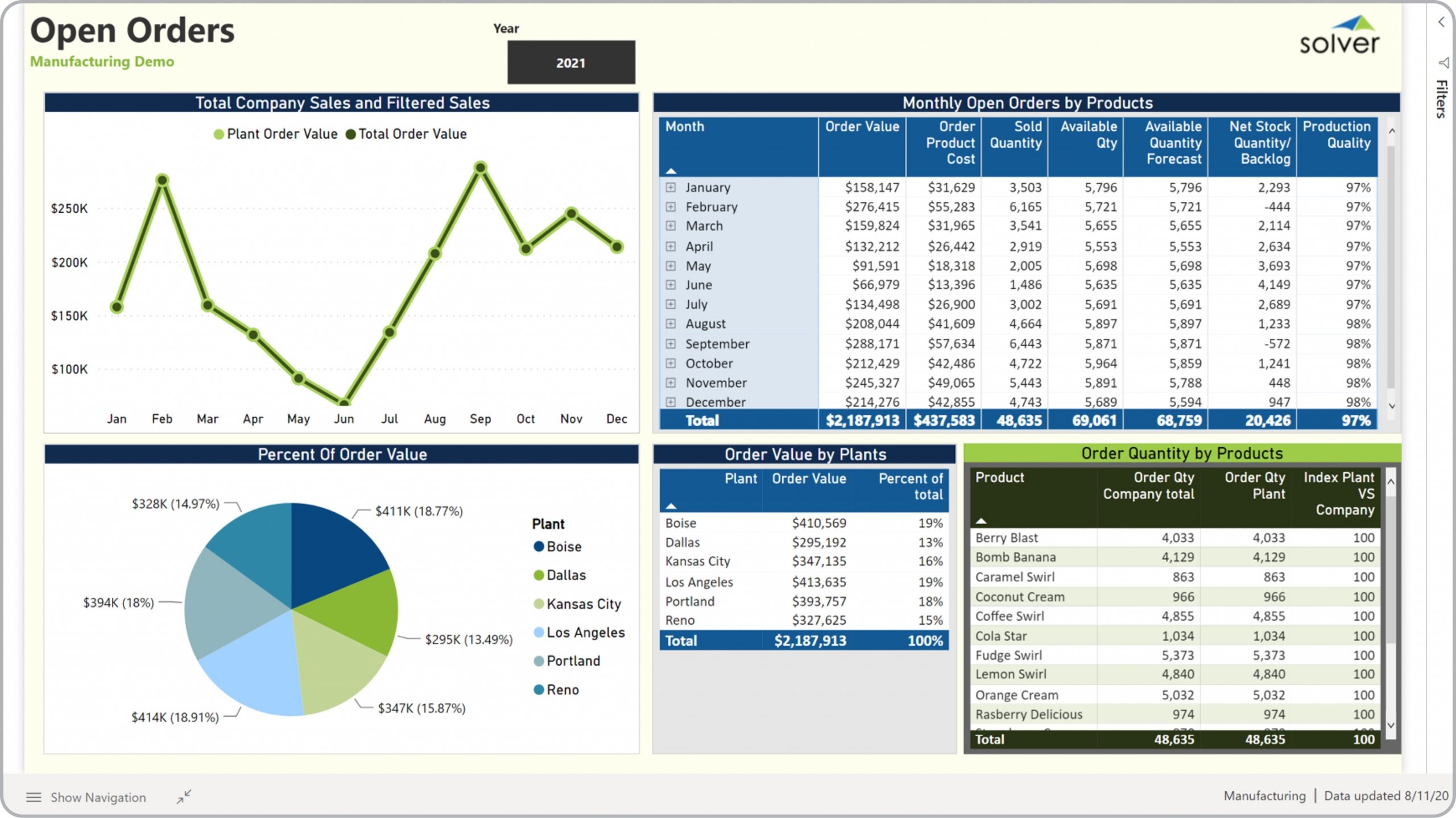
Monthly Operations Reporting for Manufacturing
Manufacturing operations require a more specialized KPI structure because physical production introduces equipment, materials, quality, labor, scheduling, and throughput constraints.
A manufacturing report may track production volume, production schedule adherence, downtime, changeover time, scrap, first-pass yield, defect rates, equipment utilization, labor productivity, inventory, backlog, and on-time delivery.
Production performance should be interpreted in context. A decline in output might result from planned maintenance, material shortages, staffing constraints, quality holds, demand changes, or equipment failure.
Quality measures should be connected to production measures rather than isolated. Producing more units is not necessarily an improvement if defect rates rise sharply or rework consumes additional labor and machine capacity.
For manufacturing leadership, the most useful report usually connects production, quality, inventory, maintenance, and delivery into one operational story. This makes bottlenecks easier to identify and prevents individual departments from optimizing their own metric at the expense of overall performance.

Quality, Errors, and Corrective Action
Quality information should show both the scale of problems and their operational impact. Useful fields include defect count, defect rate, severity, affected process, root cause, containment action, corrective action, owner, and due date.
A report becomes more useful when it distinguishes between isolated incidents and recurring patterns. A single error may require investigation, while repeated errors in the same process may indicate a systemic problem.
Corrective actions should be measurable. Instead of writing “improve process,” define what will change, who owns it, when it is due, and how the next report will determine whether the intervention worked.
Trend analysis is especially important for quality metrics. A stable number of defects can still hide deterioration if production volume has changed significantly, which is why rates and normalized measures are often more informative than raw counts.
Quality commentary should also avoid blame-oriented language. The report should help identify process conditions, controls, training gaps, equipment issues, or resource constraints so management can address causes rather than simply record symptoms.
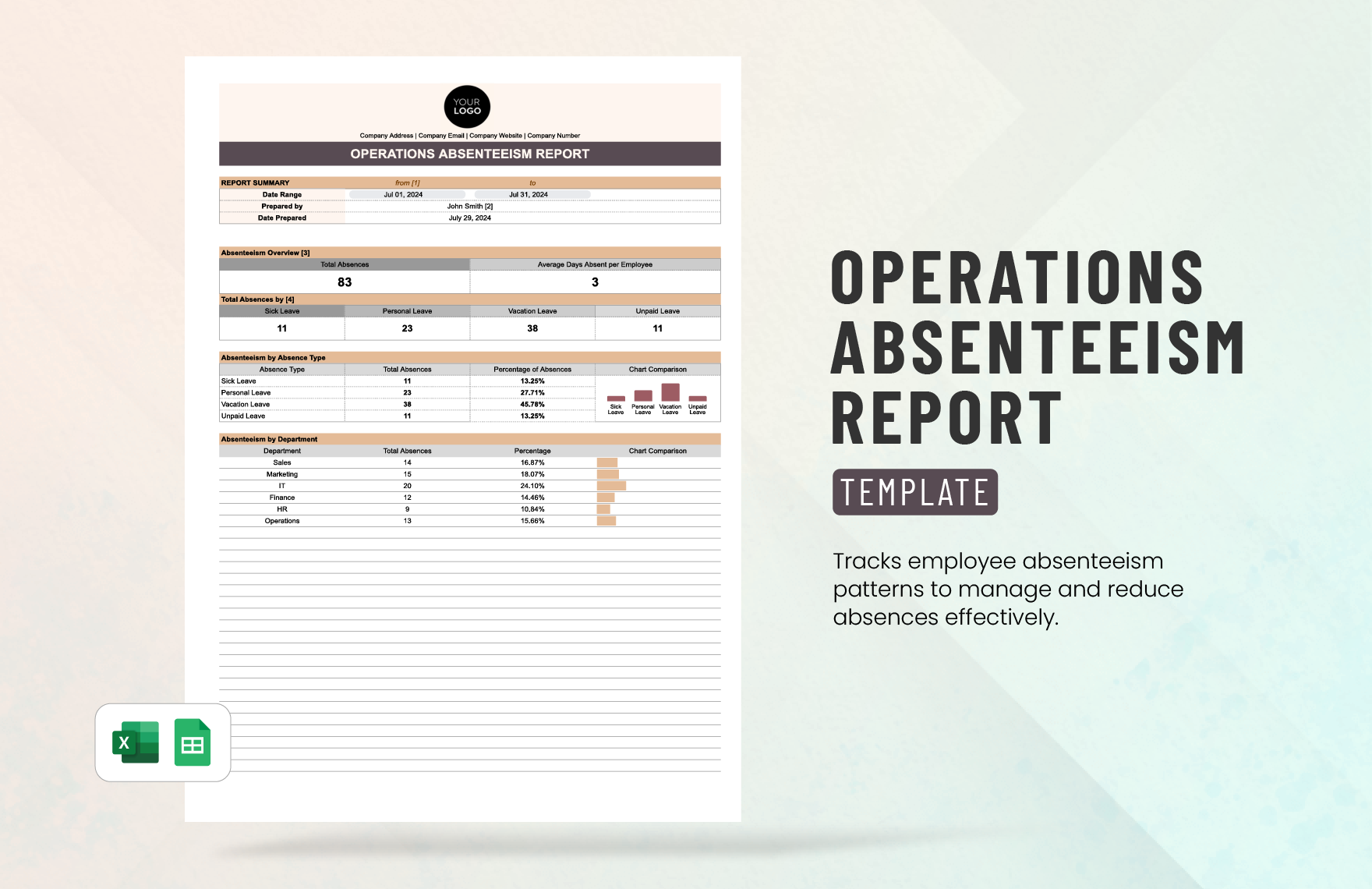
Workforce and Capacity Reporting
People are often the most important operating resource, so a monthly report should explain whether staffing capacity was sufficient for the workload being handled.
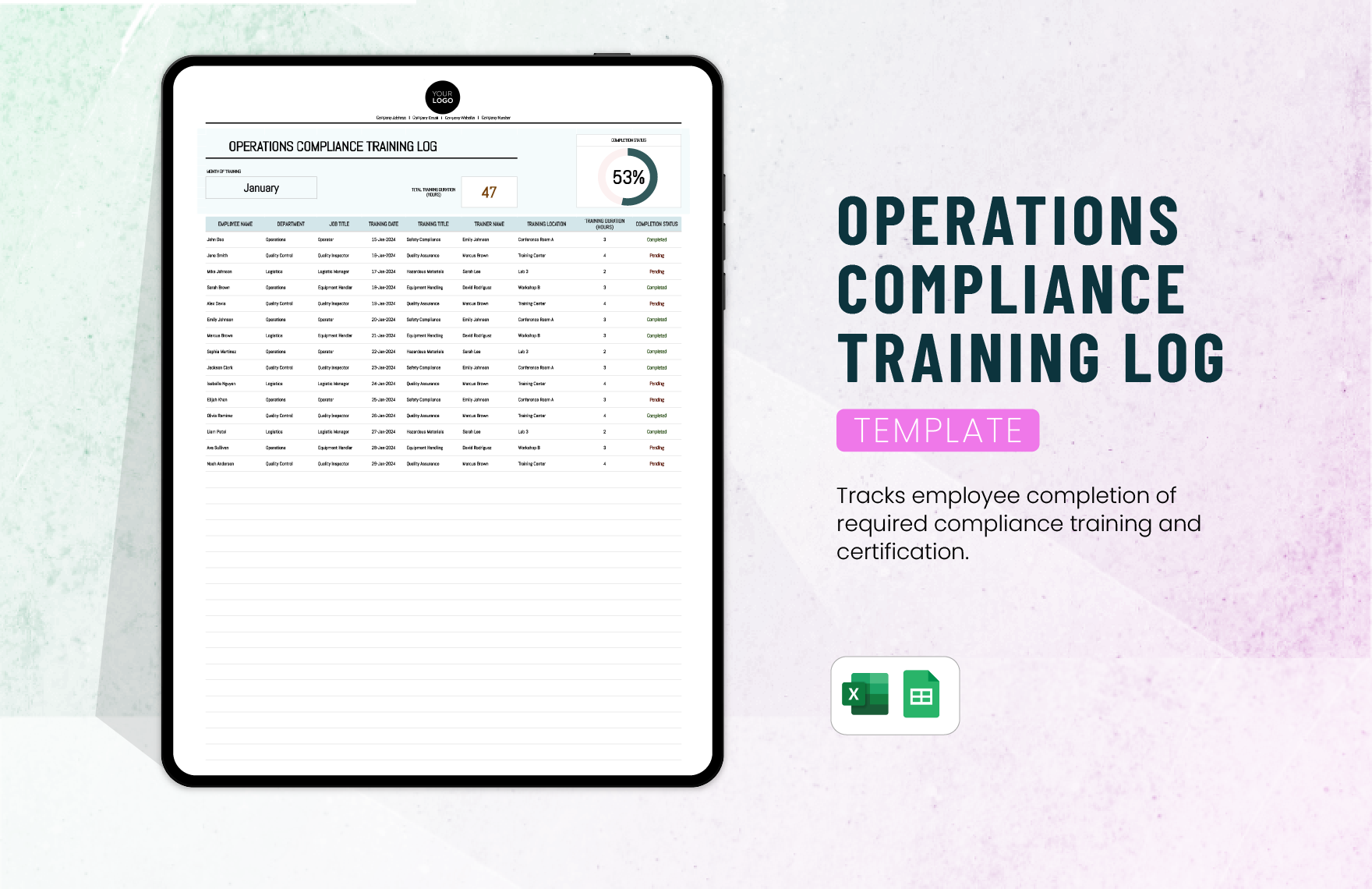
Useful workforce measures can include headcount, scheduled hours, productive hours, overtime, absenteeism, turnover, utilization, training completion, open positions, and workload per employee or team.
Capacity should be compared with demand. A team can appear highly productive because utilization is extremely high, but sustained utilization near maximum capacity may create overtime, burnout, quality problems, or service delays.
Absence reporting should focus on operational impact rather than merely counting missed days. Explain whether coverage was available, whether work was delayed, and whether recurring absence patterns require management attention.
For professional reporting, avoid turning employee-level information into unnecessary personal surveillance. Aggregate information should generally be sufficient for management decisions unless detailed records are genuinely required for a legitimate operational purpose.
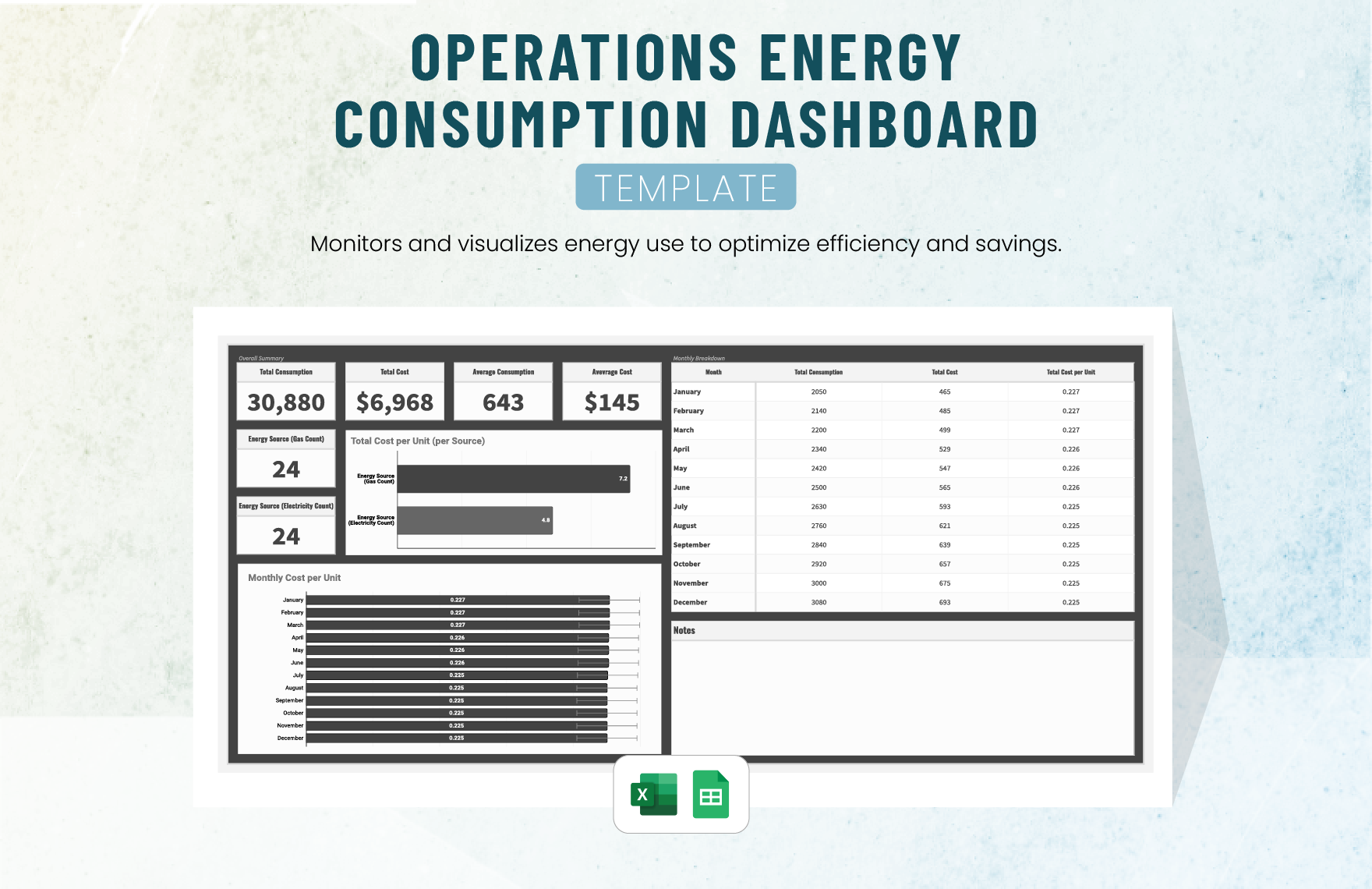
Cost and Resource Utilization
Operational costs should be connected to activity wherever possible. Total spending alone does not show efficiency because costs can rise simply because output, workload, or service volume increased.
Useful measures include cost per unit, cost per transaction, overtime cost, maintenance cost, energy cost, contractor spending, material consumption, and budget variance.
A monthly report should distinguish between controllable and less-controllable costs. This helps managers focus their attention on costs that can actually be influenced through process changes, purchasing decisions, scheduling, or resource allocation.
Resource utilization can also reveal hidden capacity. A facility may have sufficient theoretical capacity but limited practical capacity because of staffing, maintenance windows, changeovers, or operational constraints.
When cost performance is below target, the report should explain whether the issue is price, volume, mix, productivity, timing, or an exceptional event. This creates a much more useful management discussion than simply reporting an unfavorable variance.
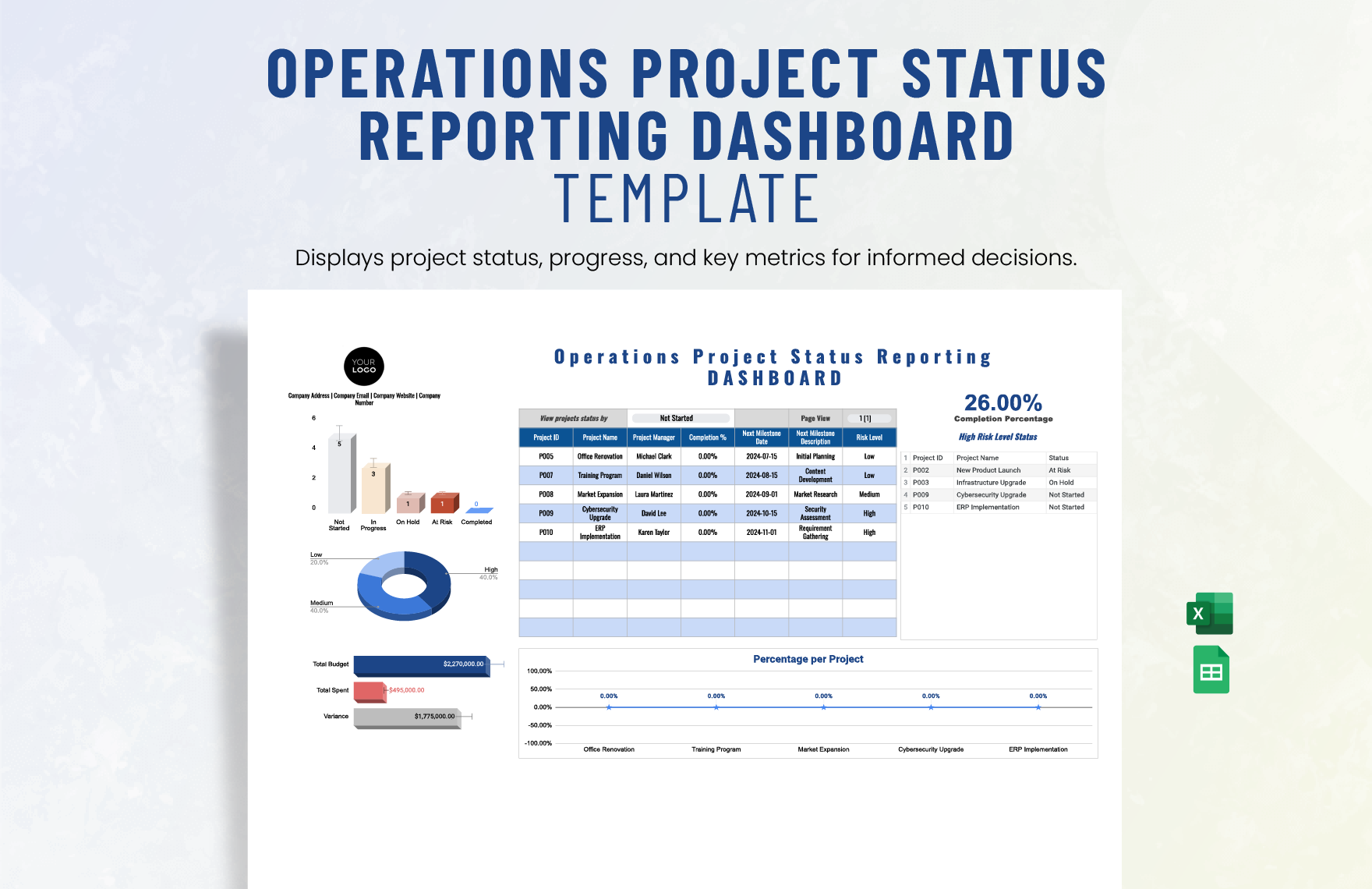
Project and Operational Initiative Tracking
Operations teams frequently manage improvement projects alongside routine work. A monthly report should therefore show whether important initiatives are progressing, delayed, completed, or blocked.
Each initiative should ideally have an owner, target completion date, current status, expected operational benefit, dependencies, and next action. This keeps the report connected to actual execution.
Status labels should have consistent definitions. For example, “on track” should mean the initiative is expected to meet its agreed milestone, while “at risk” should indicate that intervention is required to protect the planned outcome.
Do not use status colors as the only explanation. A red indicator without a reason forces readers to search for context. Add concise commentary that explains the constraint and the action being taken.
Completed initiatives should remain visible for at least a short period when they have meaningful operational impact. This makes it possible to connect improvement activity with subsequent performance changes.
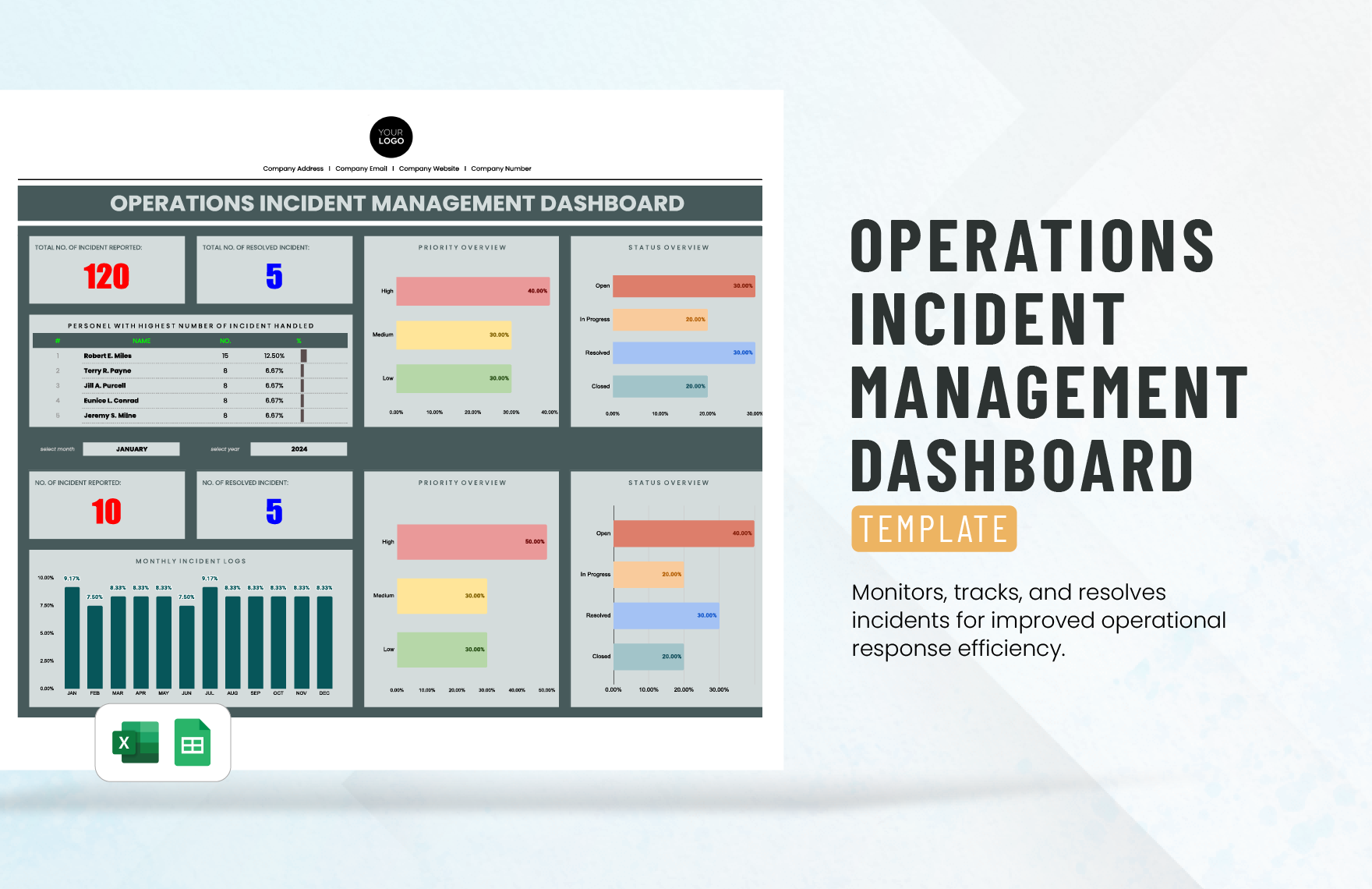
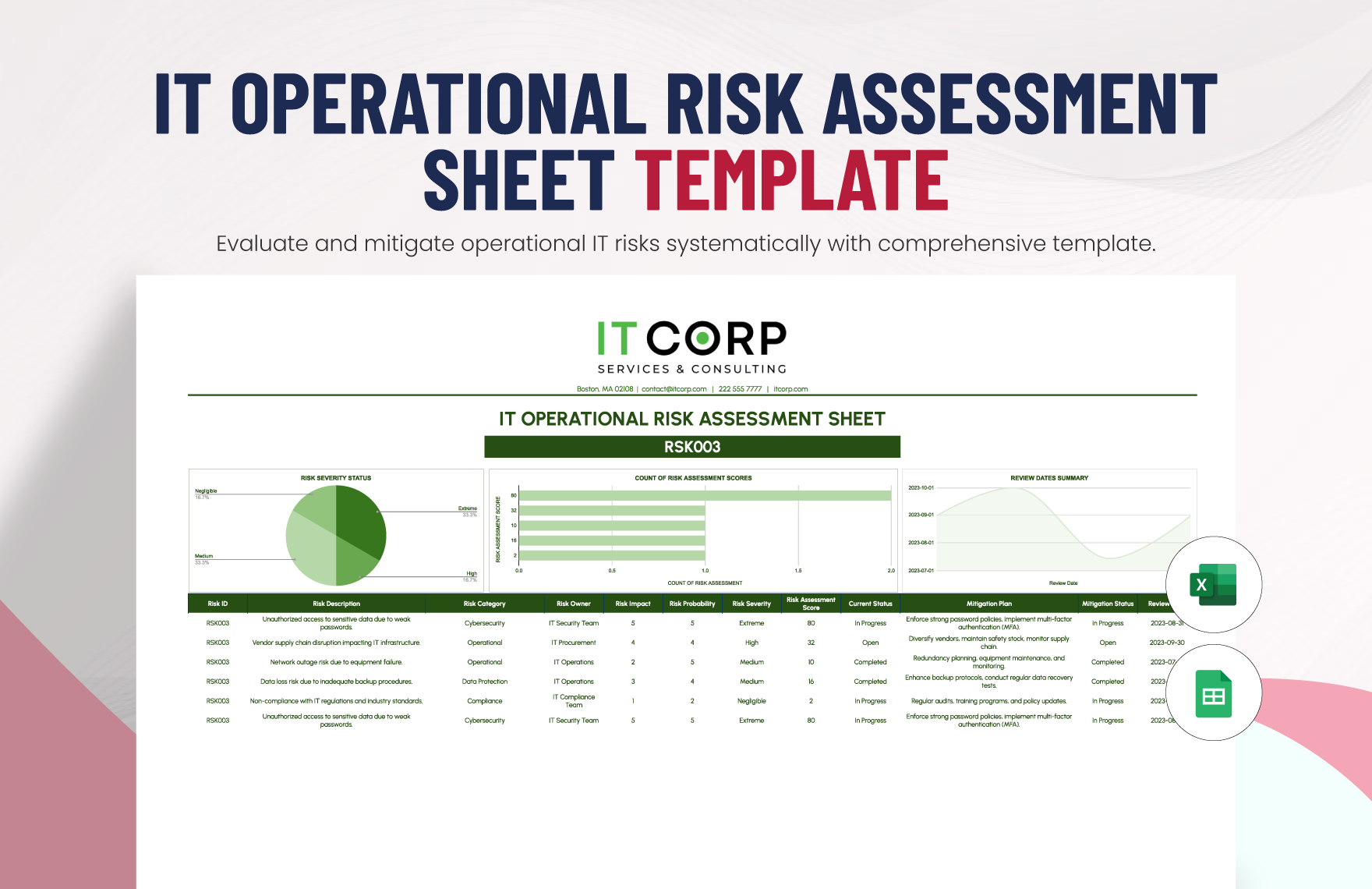
Incident and Risk Reporting
Operational incidents should be summarized according to severity, frequency, business impact, status, and corrective action. A report should make it easy to distinguish open incidents from issues that have already been contained.
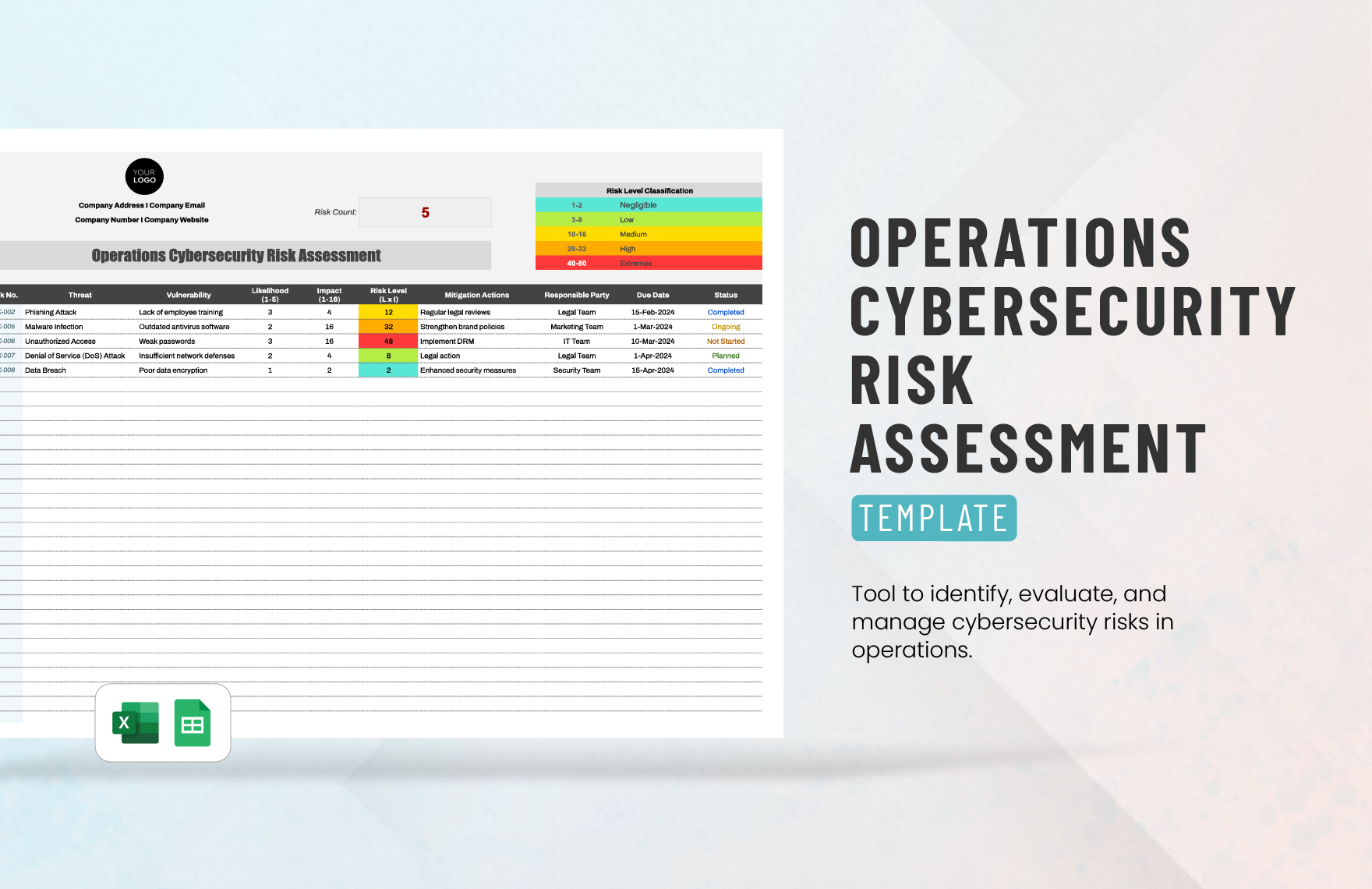
Risk reporting is slightly different because a risk may not have occurred yet. The template should therefore capture probability, potential impact, mitigation, owner, review date, and current status.
Incident trends can reveal process weaknesses. A recurring issue may appear minor when viewed individually but become significant when its frequency, downtime, customer impact, or cumulative cost is considered.
Risk and incident sections should be concise enough for leadership review while retaining enough detail for operational follow-up. Detailed investigation records can remain in the relevant operational system.
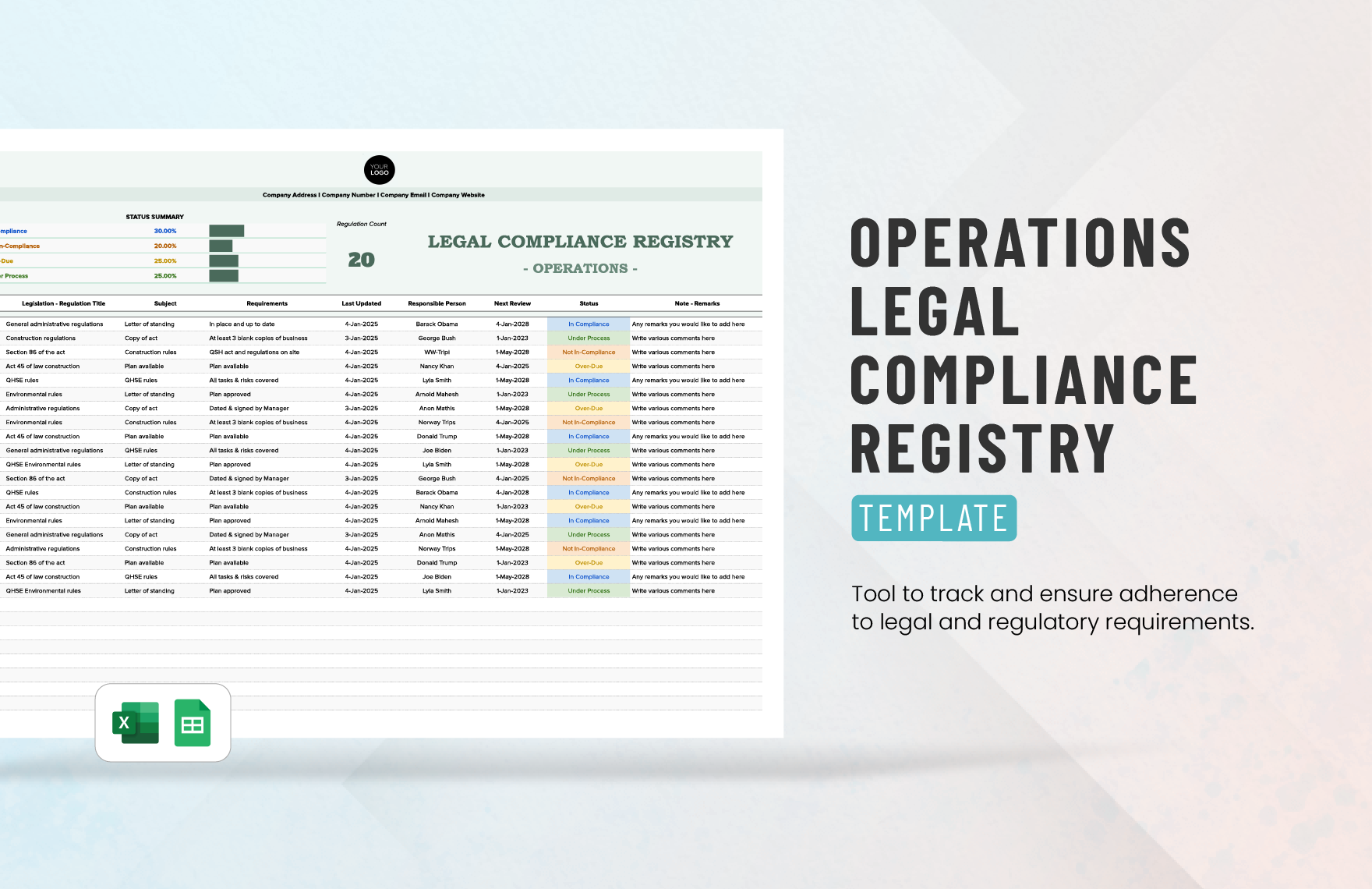
Escalation rules should be agreed before they are needed. If a specific severity, financial impact, safety concern, service disruption, or compliance issue requires immediate escalation, the monthly report should not be the first place that rule appears.
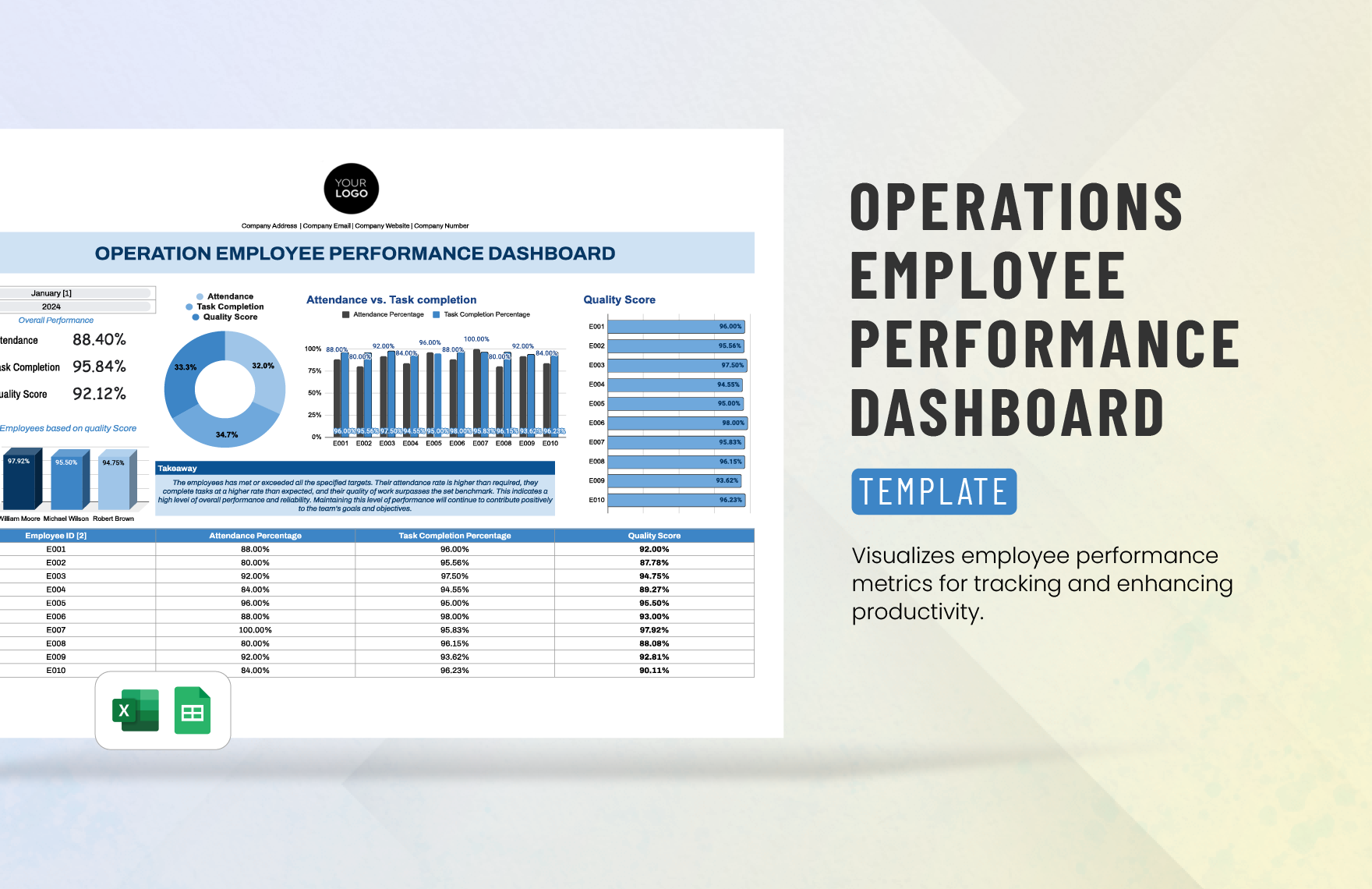
Employee Performance and Team Productivity
Team productivity measures should focus on work outcomes and process conditions rather than reducing performance to a single employee score.
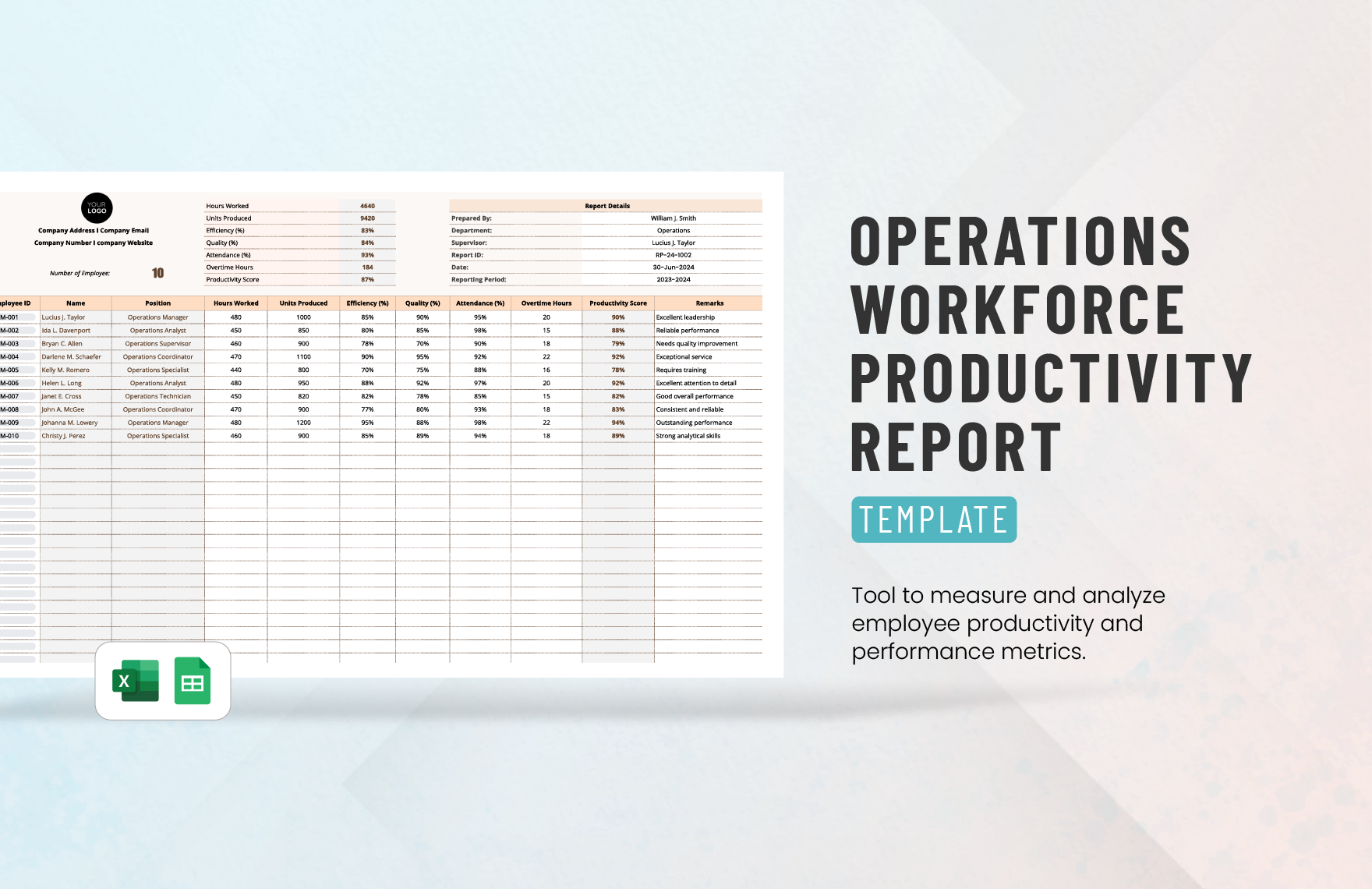
Useful team-level measures include completed work, service response time, quality rate, utilization, attendance, schedule adherence, backlog, and workload distribution.
Comparisons between teams should be made carefully. A team handling complex cases cannot always be fairly compared with one processing simple transactions, even if both teams have the same job title.
Productivity reporting becomes more meaningful when quality and workload are considered together. Increasing completed volume while service quality falls may represent acceleration rather than genuine improvement.
A mature report uses productivity information to identify capacity constraints, process bottlenecks, training needs, and opportunities for automation. It should support coaching and resource decisions rather than simply rank people.
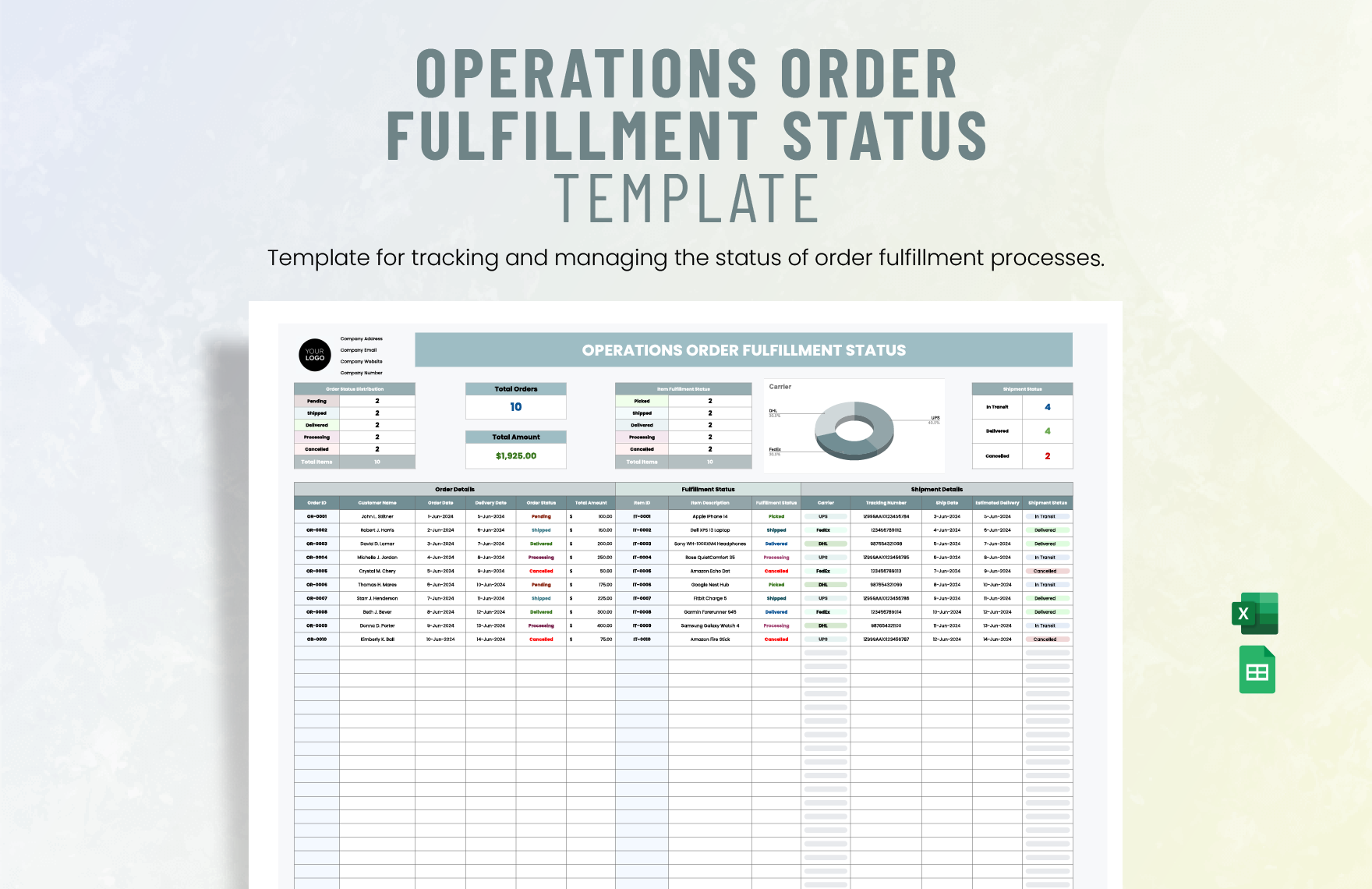
Customer Service and Order Fulfillment Metrics
Service-oriented operations should connect workload with customer outcomes. Common measures include order volume, completion rate, response time, resolution time, on-time delivery, backlog, returns, complaints, and service-level attainment.
Order fulfillment reporting should show where delays occur. A late order may be caused by inventory availability, production capacity, picking, transportation, documentation, customer changes, or another operational constraint.
Backlog deserves particular attention because it represents work that has not yet been completed. A growing backlog can indicate that demand is exceeding capacity even when current-period throughput appears healthy.
Customer complaints should be categorized rather than presented only as a total. Grouping complaints by cause can reveal recurring problems with products, processes, communication, delivery, or service quality.
When service metrics are reported monthly, include the previous period and target where possible. This lets readers see whether an improvement is real, temporary, or still below the required performance level.
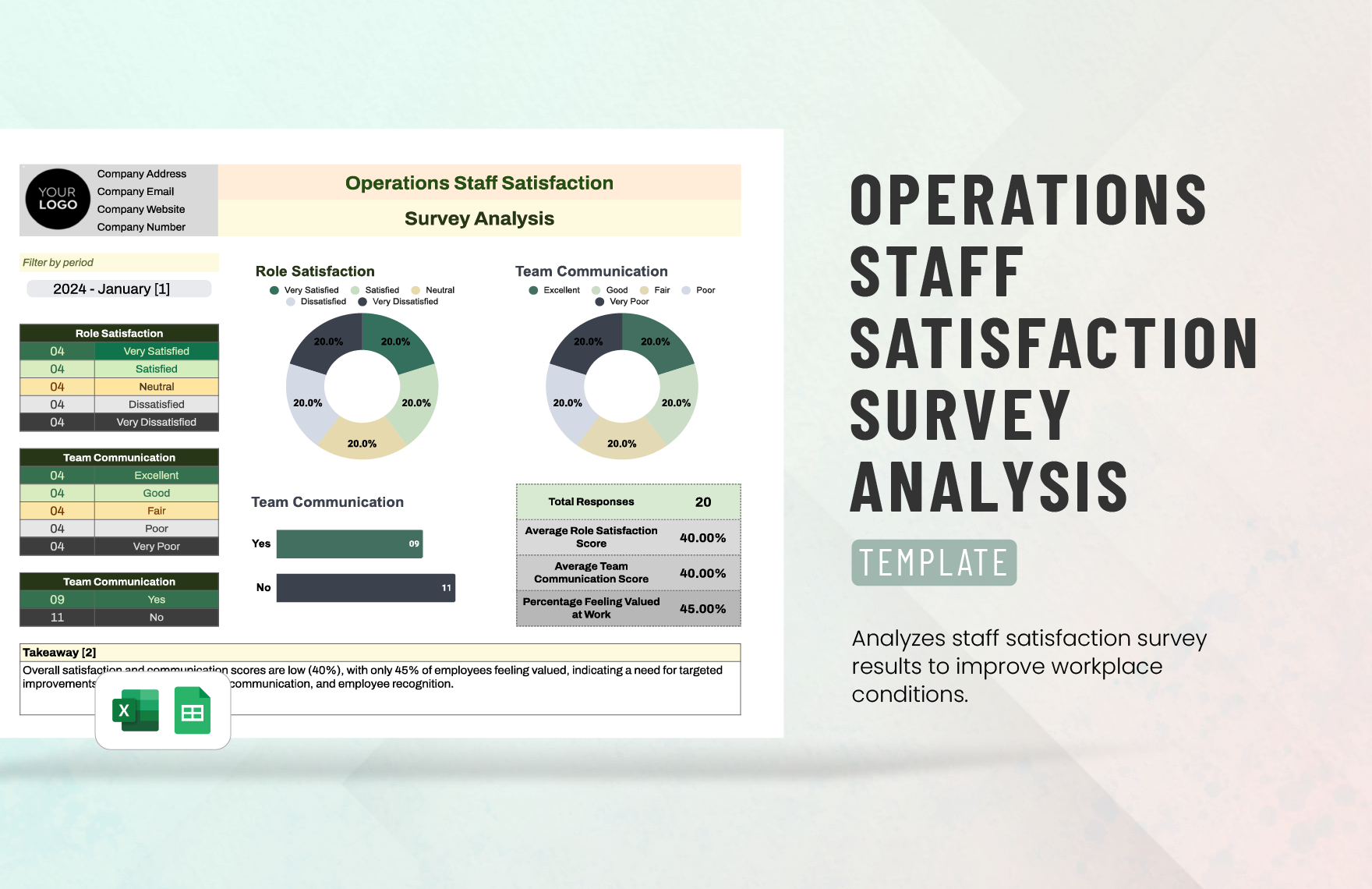
Using Surveys and Operational Feedback
Surveys can complement operational metrics by explaining experiences that numerical process measures cannot fully capture. They can be used with employees, customers, suppliers, or internal stakeholders.
A useful survey section should describe the question being measured, response period, population, number of responses, scoring method, and major themes. Without that context, a percentage can be difficult to interpret.
Survey results should not automatically be treated as objective operational performance measures. They are evidence about perceptions and experiences, which can be extremely valuable but should be interpreted alongside process data.
Open-ended responses can be categorized into themes. For example, repeated comments about workload, unclear procedures, system delays, or communication gaps may point toward areas that deserve deeper operational analysis.
The monthly report should focus on actionable findings rather than reproducing every response. A concise summary of the strongest recurring themes can help management decide what should be investigated or changed.
Inventory and Supply Chain Reporting
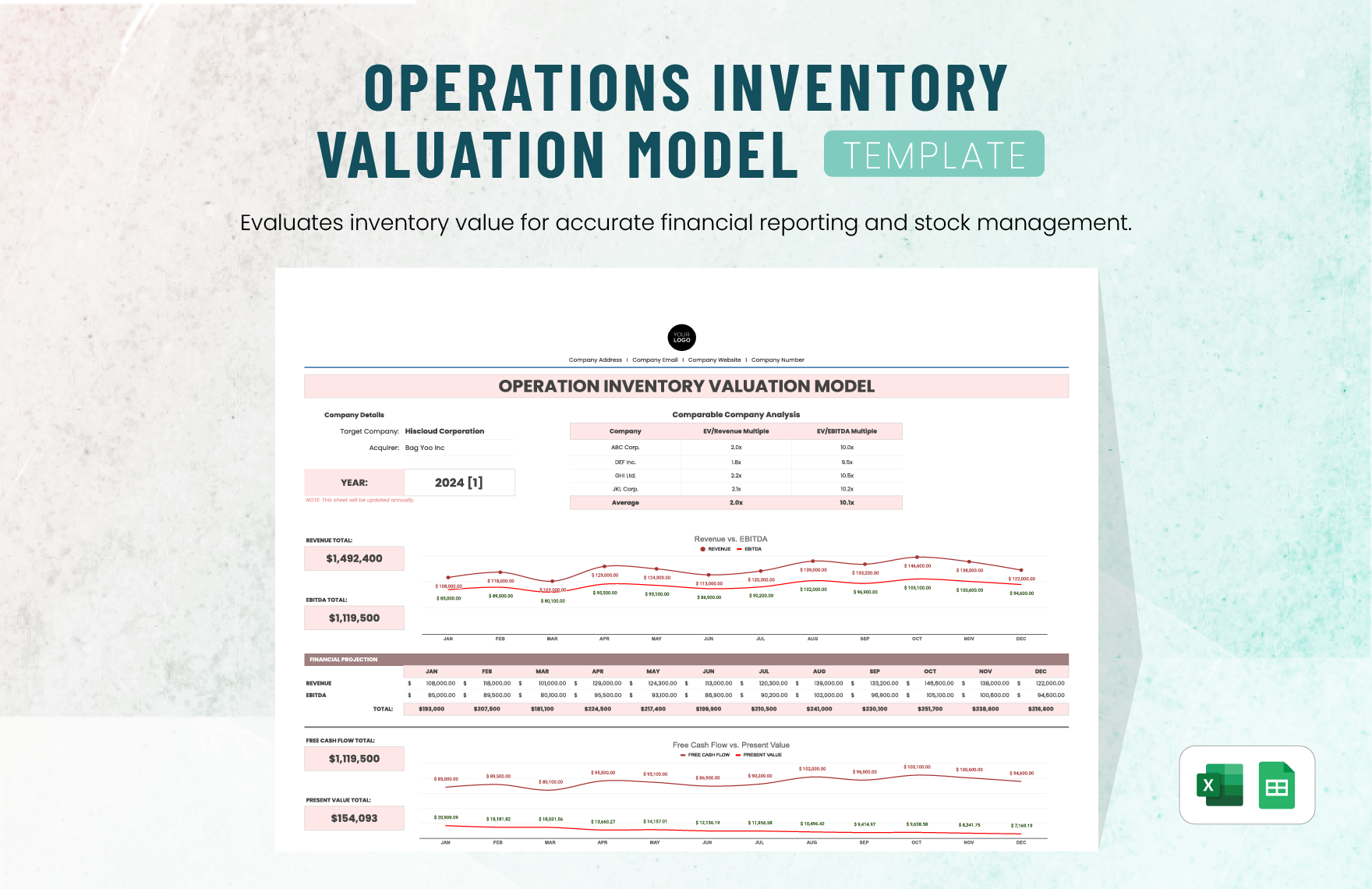
Inventory reporting should balance availability with financial efficiency. Excess inventory can tie up working capital and storage capacity, while insufficient inventory can interrupt production or delay customer orders.
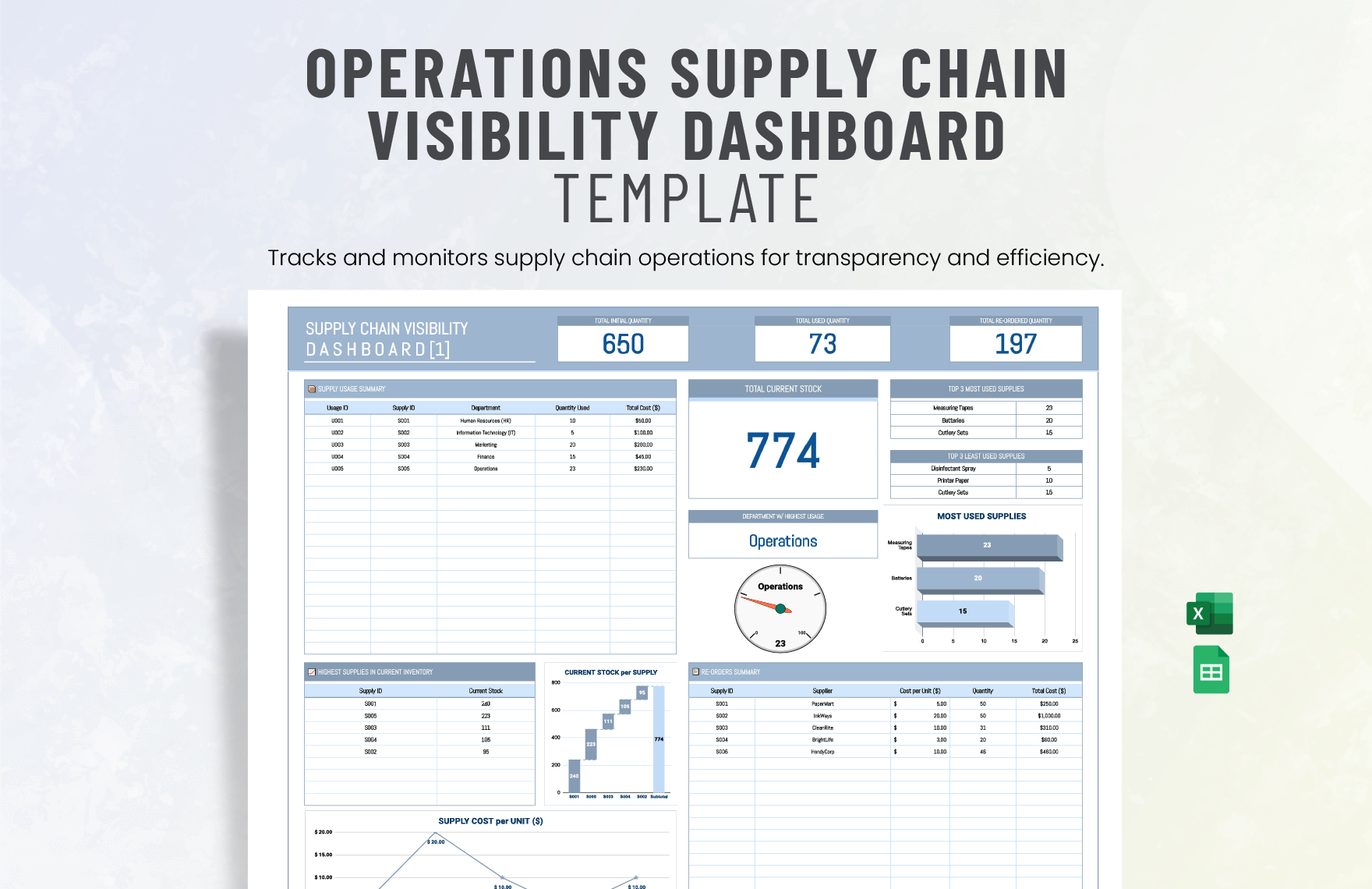
Useful measures include inventory value, days of supply, stockouts, slow-moving items, obsolete stock, reorder status, supplier lead time, purchase order backlog, and service-level performance.
Inventory values should be reconciled with the appropriate source system before publication. A dashboard that looks polished but contains stale or inconsistent inventory information can create more risk than a simple manual report.
Supply chain metrics should also identify concentration and dependency risks. Heavy reliance on one supplier, long lead times, or limited alternatives can make operational performance vulnerable even when the current month looks stable.
Monthly trend analysis is especially useful because supply chain disruptions often build gradually. Early warning indicators can give managers time to adjust purchasing, inventory policies, schedules, or supplier relationships.
Logistics and Delivery Performance
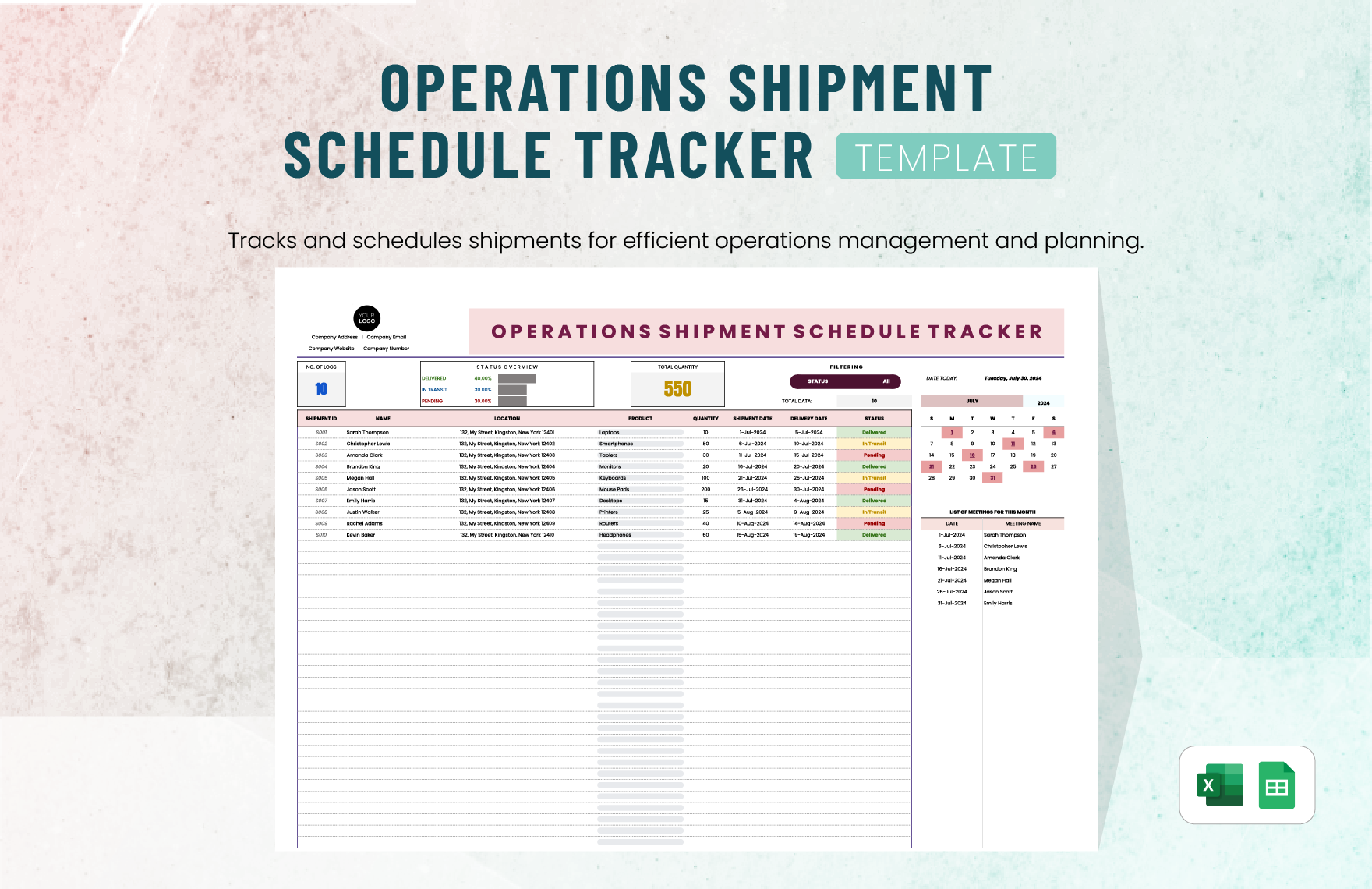
Logistics reporting should show whether shipments are moving according to plan and where exceptions are occurring.
A practical section can include shipment volume, on-time dispatch, on-time delivery, delayed shipments, average transit time, carrier performance, delivery exceptions, and open logistics issues.
Shipment reporting becomes more valuable when delays are classified by cause. Weather, carrier capacity, documentation, inventory availability, production delays, and customer-requested changes have different corrective actions.
Managers should also distinguish between isolated delivery exceptions and recurring carrier or process problems. A monthly report is an opportunity to identify patterns that may not be visible in daily operational activity.
For multi-site organizations, consistent definitions are essential. Every location should calculate delivery performance using the same start point, end point, time window, and exception rules unless there is a documented reason to use a different standard.
Maintenance and Asset Performance
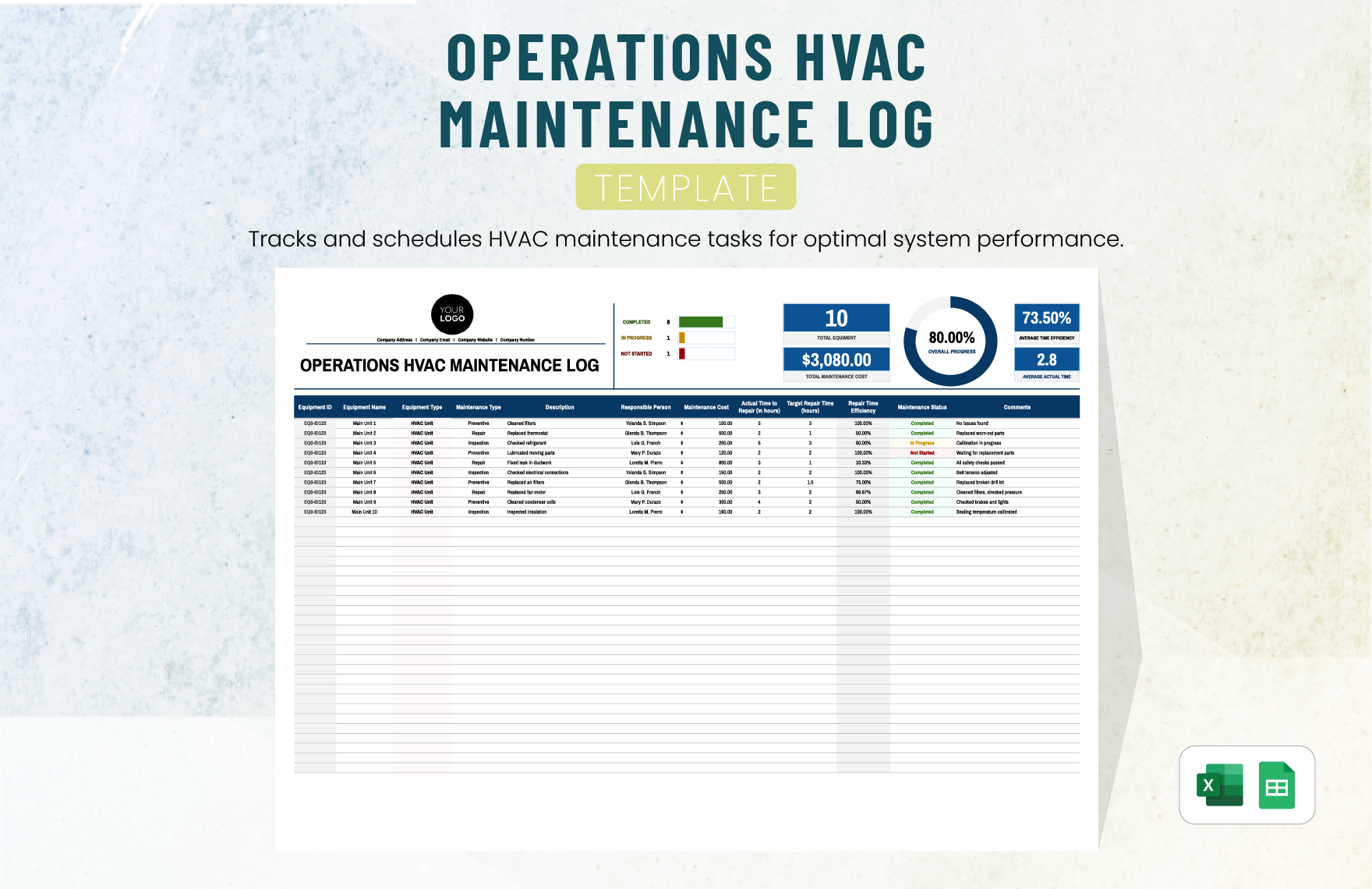
Maintenance reporting should connect preventive work, corrective work, equipment availability, downtime, and maintenance cost.
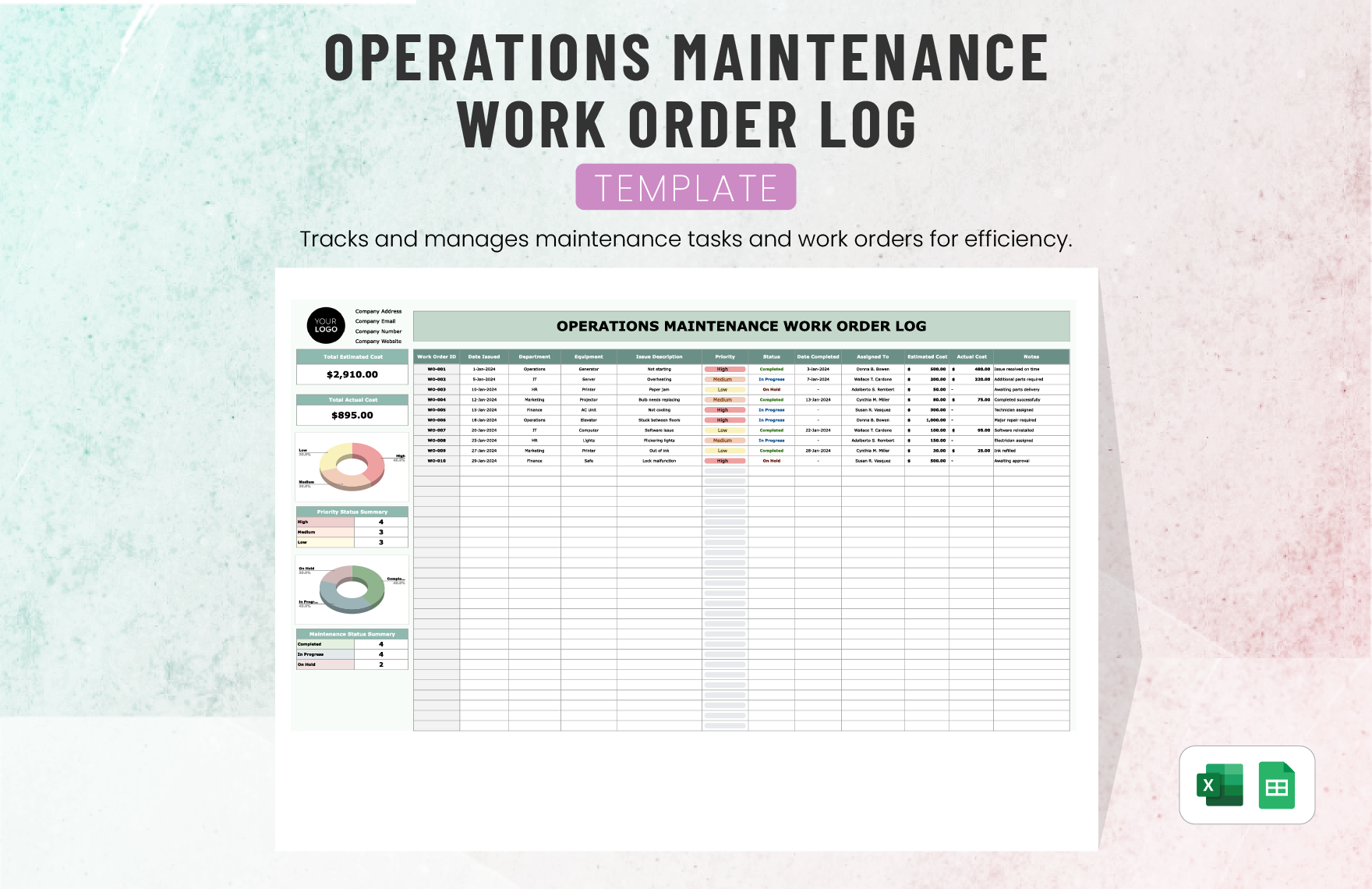
Useful measures include preventive maintenance completion, corrective work orders, mean time to repair, downtime, repeat failures, overdue maintenance, maintenance cost, and equipment availability.
A high number of completed maintenance tasks does not automatically mean maintenance performance improved. The report should consider whether critical assets remained available and whether recurring failures declined.
Overdue preventive maintenance should be highlighted when it affects important equipment. The report can identify the asset, missed activity, reason for delay, operational consequence, owner, and recovery date.
Maintenance commentary is most useful when it explains how asset condition affects operations. That connection allows leaders to evaluate whether maintenance resources, spare parts, staffing, or replacement investment need adjustment.
Analyzing Operational Costs and Variances
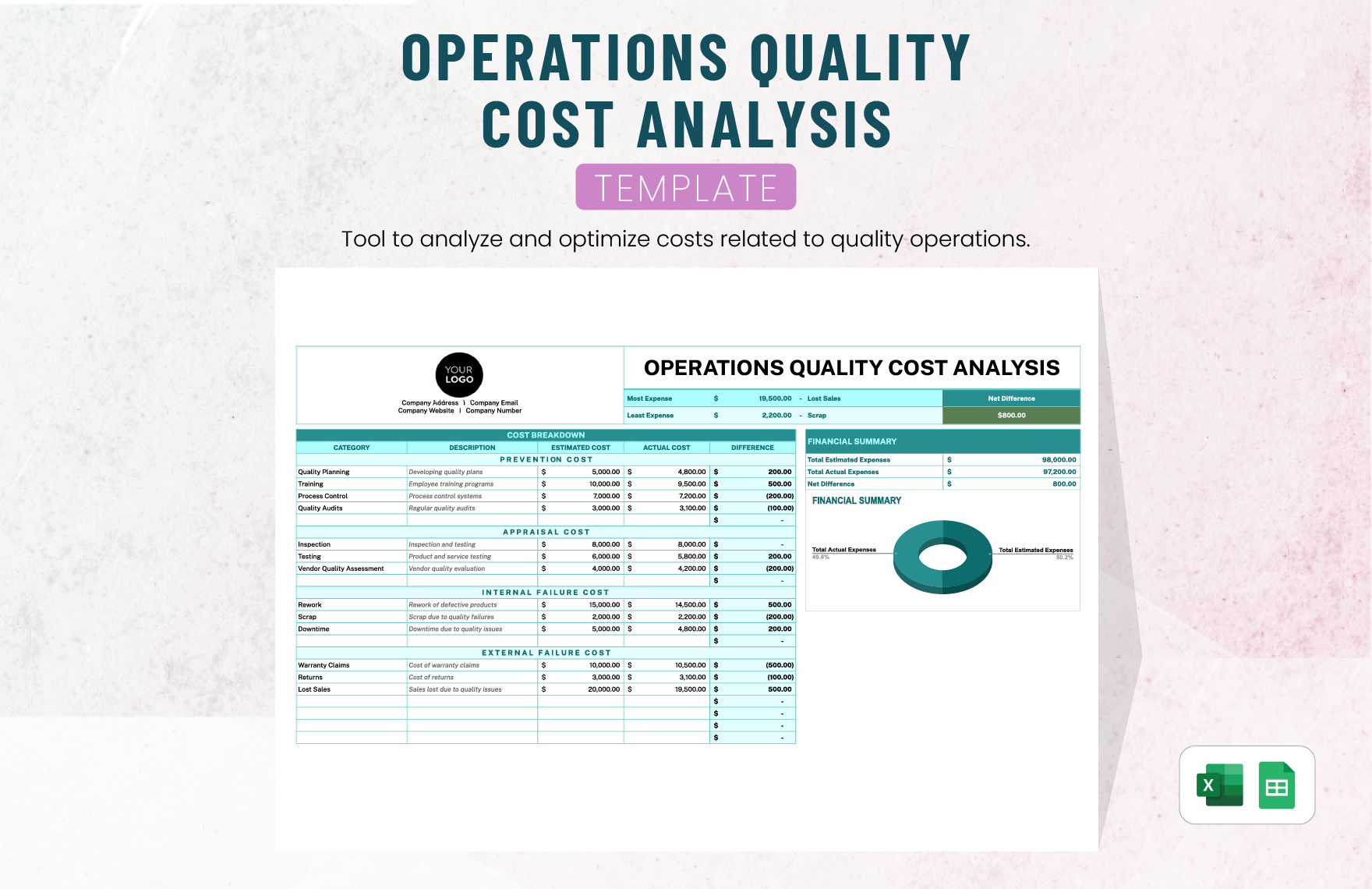
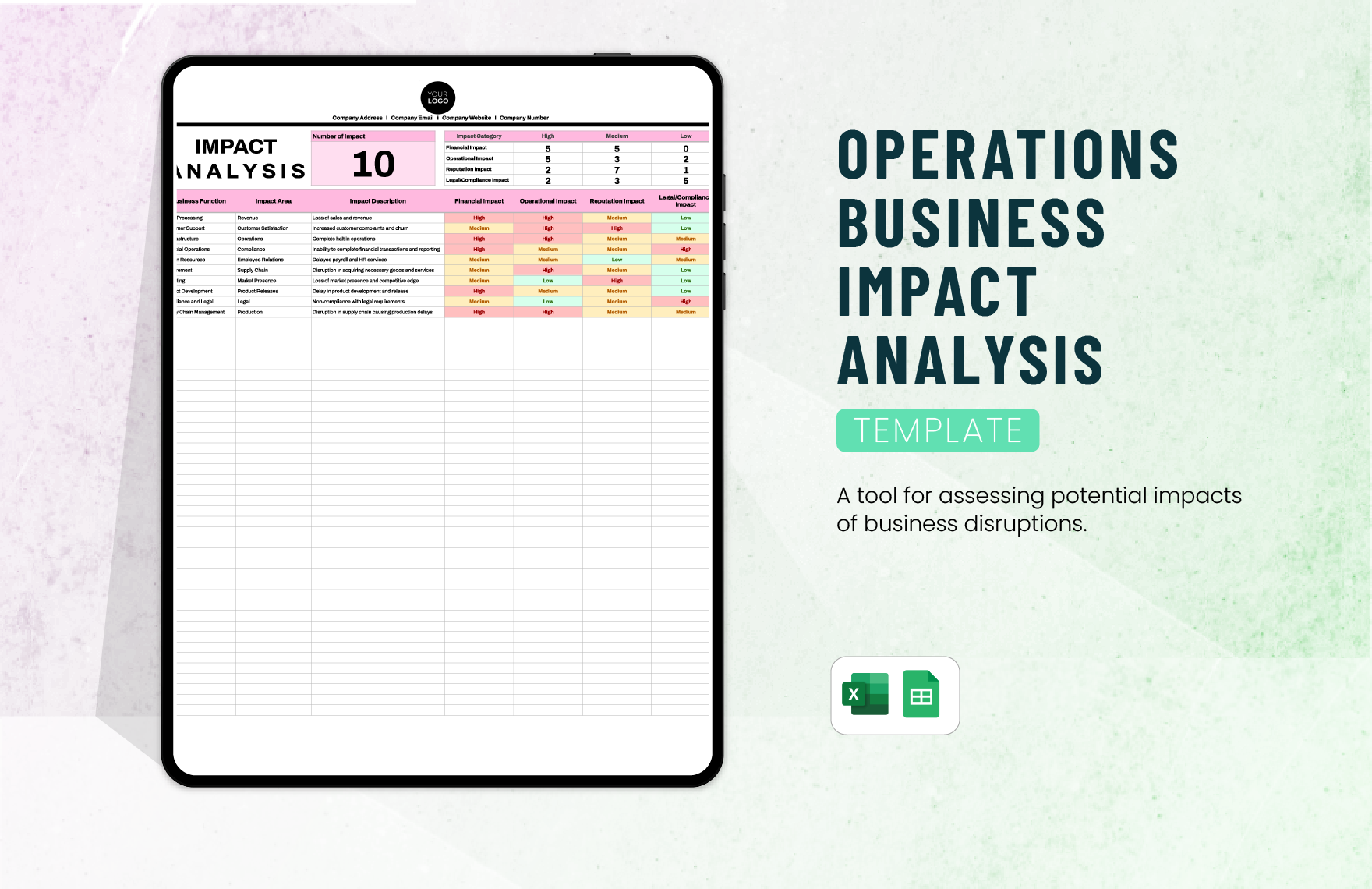
Variance analysis should explain the difference between actual performance and the selected comparison baseline. Depending on the business, that baseline may be budget, target, forecast, previous month, or prior-year period.
A useful variance calculation is simple: actual result minus comparison result. For percentage measures, the appropriate percentage-point or relative change calculation should be clearly defined so readers do not confuse the two.
Large variances should be investigated rather than automatically treated as problems. A favorable variance can sometimes signal under-spending that creates future operational risk, while an unfavorable variance may reflect a deliberate investment.
Commentary should identify the driver of the variance. Examples include volume, price, mix, timing, productivity, staffing, downtime, exceptional events, or changes in business requirements.
For recurring reports, maintain a consistent threshold for detailed variance commentary. This prevents the report from becoming overloaded with explanations for immaterial fluctuations while ensuring important changes receive attention.
How to Create a Monthly Operations Report Step by Step
Step 1: Define the purpose. Decide whether the report is primarily for operational control, executive review, client reporting, compliance, resource planning, or a combination of purposes.
Step 2: Define the reporting period. Establish the exact start and end dates and use the same convention every month.
Step 3: Identify data owners. Assign responsibility for each information category. One person may own staffing, another inventory, another quality, and another financial data.
Step 4: Standardize definitions. Document KPI formulas, units, targets, data sources, and exception rules before the first reporting cycle is completed.
Step 5: Build the input layer. Keep raw operational data separate from the management summary. This makes calculations easier to audit and reduces accidental changes to source information.
Step 6: Validate the Data
Validation should occur before the report is distributed. Check missing values, duplicate records, unexpected changes, incorrect dates, inconsistent units, and figures that do not reconcile with the source system.
Use simple control checks wherever possible. For example, completed work should not exceed received work unless carryover from an earlier period is explicitly included.
Financial totals should reconcile with the appropriate accounting or finance source, while inventory figures should agree with the designated inventory system at the agreed reporting cutoff.
Large changes should receive a reason code or explanation. This creates a useful audit trail and reduces the chance that a data-entry error will become part of an executive report.
Validation should be repeatable. A checklist or automated control sheet can make the process faster and more reliable as reporting volume increases.
Step 7: Analyze Trends
A monthly report should rarely be interpreted from one month alone. Compare the current period with at least one meaningful historical baseline.
Three-month or six-month views can reveal trends that are invisible in a single-period comparison. A KPI that improves slightly every month may deserve more attention than a one-time spike.
Trend analysis should also distinguish between structural changes and temporary events. If performance fell because of a planned shutdown, the report should make that context visible.
Use charts selectively. Line charts are generally useful for time trends, bar charts for category comparisons, and tables for exact values. Avoid adding visualizations that do not help a decision.
The purpose of a chart is not decoration. It should make a meaningful relationship easier to recognize, such as a rising backlog, declining quality, increasing cost, or widening gap between actual and target.
Common Mistakes in Monthly Operations Reports
One common mistake is reporting too many metrics. More data does not automatically create more insight. A crowded dashboard can hide the few indicators that actually require management attention.
Another problem is reporting numbers without explanation. A KPI that changed by a significant amount should usually have context, particularly when the change affects customers, cost, safety, compliance, or capacity.
Inconsistent definitions are another major weakness. If “on-time delivery” changes from month to month, trend comparisons become misleading even when the underlying data is accurate.
Manual copying is also risky. Repeatedly moving numbers between workbooks, presentations, and documents increases the possibility of transcription errors and makes the reporting process difficult to audit.
Finally, many reports fail because actions are not tracked to completion. A good report does not merely record that a problem exists; it connects the problem with an owner, action, deadline, and subsequent review.
Best Practices for a Professional Reporting Process
Keep the reporting calendar predictable. Data owners should know when inputs are due, when validation occurs, when the report is reviewed, and when the final version is distributed.
Separate data entry from presentation. Input sheets should be designed for reliable collection, while dashboard sheets should be designed for interpretation and decision-making.
Protect formulas and standard definitions from accidental edits. At the same time, make the template flexible enough to accommodate legitimate operational changes without requiring the entire report to be rebuilt.
Keep historical copies or an appropriate reporting archive. This makes it possible to investigate changes, compare prior commentary, and build longer-term trend analysis.
Review the template periodically. A KPI that no longer supports a decision should be removed, while an emerging operational risk may justify a new measure or reporting section.
Practical Example of a Monthly Operations Report Structure
Consider a hypothetical service operation with several teams responsible for customer requests, fulfillment, quality, staffing, and maintenance. The monthly report could begin with a one-page executive summary showing the most important results.
The next section could compare completed requests with incoming demand, followed by response-time performance, backlog, quality results, customer complaints, and staffing capacity.
A separate cost section could compare labor, overtime, contractor, technology, and maintenance costs with budget or forecast. Significant variances would receive short explanations rather than lengthy financial narratives.
The risk section could list the most important open issues with impact, owner, mitigation, and due date. This keeps operational concerns visible until they are resolved.
The final management section could identify three completed improvements, three current priorities, and three decisions or resources needed for the next month. The exact number is illustrative; the important principle is to keep priorities focused and actionable.
How to Use Excel, Google Sheets, Word, PDF, and PowerPoint Effectively
Excel works especially well when the report requires structured calculations, formulas, pivot tables, historical data, conditional formatting, and reusable dashboards. It is often the best starting point for teams that need a practical reporting engine.
Google Sheets is useful when multiple contributors need shared access and the organization prefers browser-based collaboration. A shared workbook can simplify data collection, although access permissions and change controls should be managed carefully.
Word is better suited to narrative-heavy operational reviews. It can present an executive summary, commentary, action log, and supporting tables in a document format that is familiar to many managers.
PDF is best treated as a distribution format rather than the primary analytical workspace. A PDF can preserve a finalized report, but editing and data reconciliation are generally easier in the underlying spreadsheet or document.
PowerPoint is ideal for meetings where leaders need to discuss performance, risks, decisions, and actions. Keep detailed data available separately so presentation slides remain focused rather than becoming miniature spreadsheets.
Practical Solution: Build a Repeatable Monthly Reporting Workflow
The most practical solution is to treat the report as a workflow rather than a document. Start by defining one reporting calendar, one KPI dictionary, one set of data owners, and one standard reporting structure.
On the first working days after month-end, collect source data and freeze the reporting period. Do not continuously change historical values after the reporting cutoff unless corrections are documented.
Next, run validation checks. Reconcile totals, review missing fields, investigate unusual movements, confirm KPI formulas, and verify that each reporting owner has submitted the required information.
After validation, calculate variances and prepare the management narrative. Focus commentary on material changes, operational causes, risks, completed actions, and decisions needed from management.
Build the dashboard or summary page last. This prevents presentation preferences from driving the underlying data structure and makes it easier to ensure that every displayed metric has a reliable source.
Before distribution, conduct a short review with the report owner and relevant operational managers. Confirm that significant exceptions have explanations, action owners are correct, and no confidential or unnecessary personal information has been included.
Archive the approved version and retain the underlying data according to the organization’s normal record-management requirements. Use the next reporting cycle to improve the template rather than redesigning the entire process every month.
A useful workflow can therefore be summarized as: collect, validate, reconcile, analyze, explain, review, distribute, archive, and improve. This sequence is simple enough for small teams and can also become the foundation for automated reporting in larger organizations.
Reference Examples
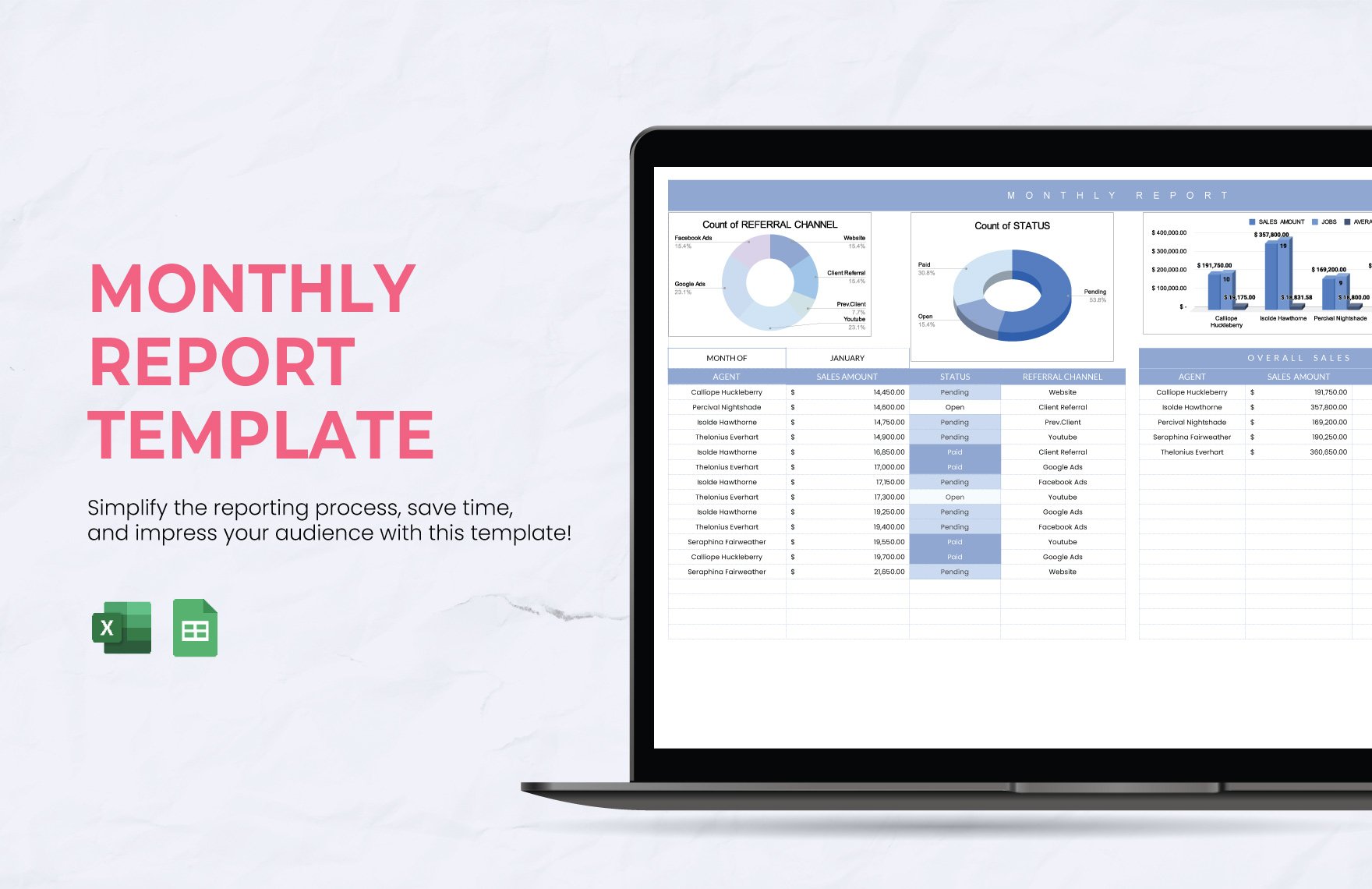
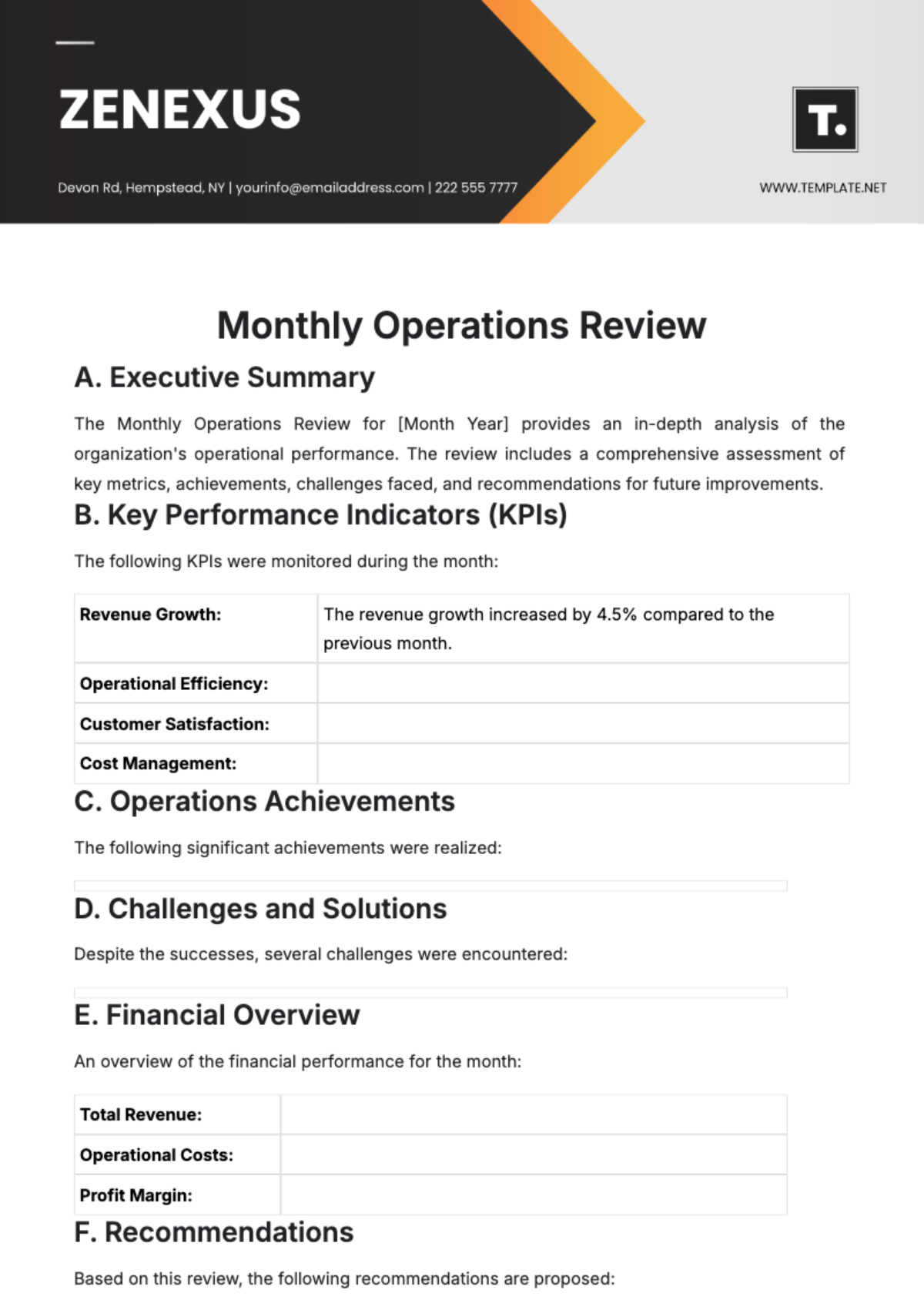
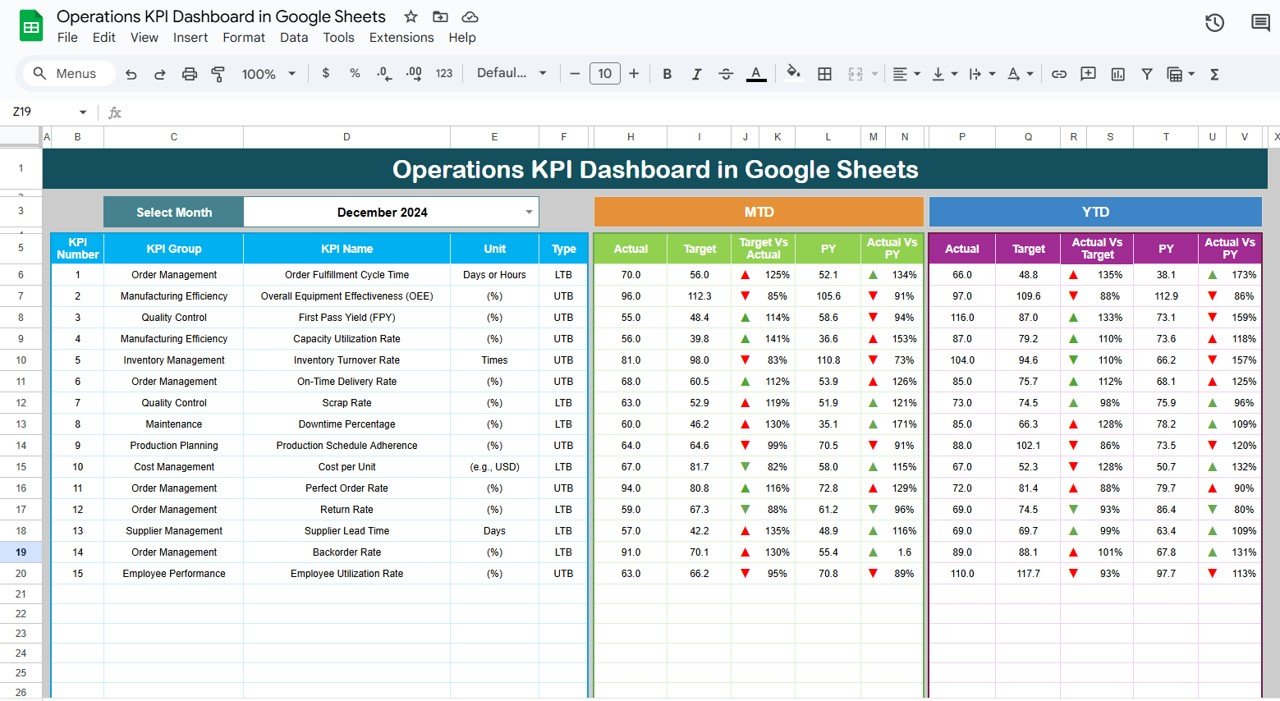
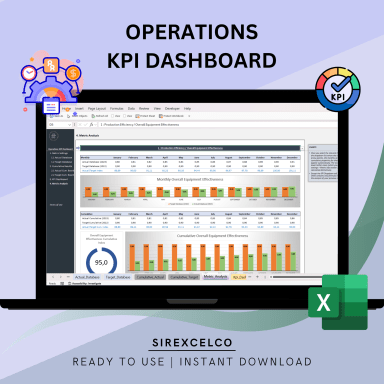
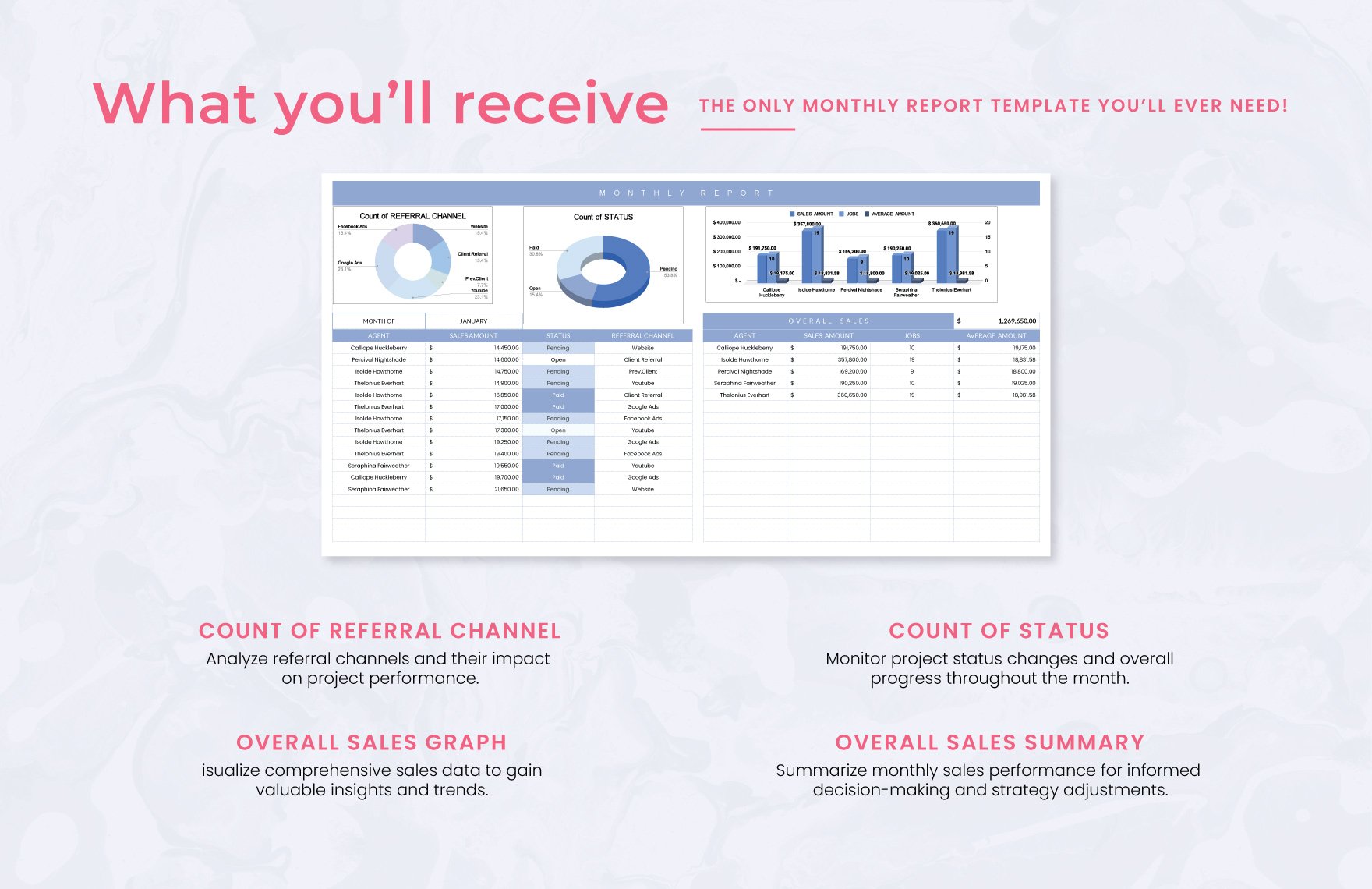
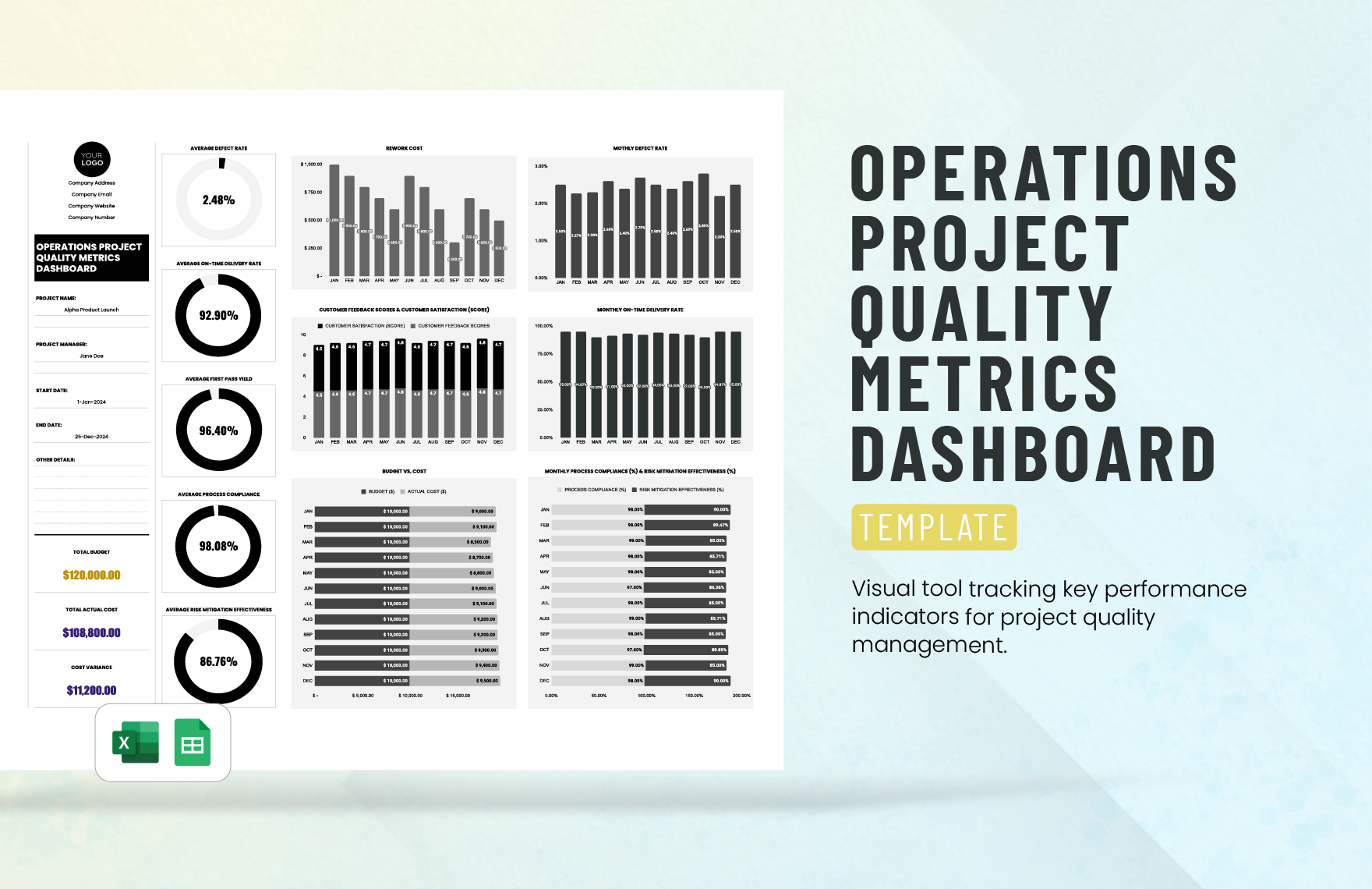
The following reference examples illustrate different visual approaches to operational reporting, including spreadsheet dashboards, document reports, PDF-style forms, manufacturing views, and presentation formats.
monthly operations report template excel
Source: Eloquens
monthly operations report template free download
Source: Template.net
monthly operations report template google sheets

Source: Neotech Navigators
monthly operations report template pdf
Source: TemplateRoller
monthly operations report template word
Source: Template.net
monthly operations report template free
Source: Template.net
monthly operations report template for manufacturing
Source: Solver
operations monthly report template

Source: Penno
monthly operating report template
Source: TemplateRoller
monthly operating report ppt template

Source: SlideTeam
template for operations report
Source: Template.net
operations report template excel
Source: Eloquens
Frequently Asked Questions
What should be included in a monthly operations report?
A strong report normally includes an executive summary, core KPIs, target or prior-period comparisons, operational achievements, significant issues, risks, corrective actions, resource information, financial or cost indicators where relevant, and priorities for the next reporting period.
How long should a monthly operations report be?
The appropriate length depends on the audience and operational complexity. A management summary may fit into a few pages, while a detailed operational package can contain supporting worksheets and appendices. The main report should prioritize decisions and exceptions rather than reproduce every available data point.
Is Excel a good format for a monthly operations report?
Yes. Excel is particularly useful when the report depends on calculations, structured data, historical comparisons, formulas, filters, and charts. It can also serve as the underlying data model for a separate PDF or presentation.
Should a monthly operations report include financial information?
Include financial information when costs, budgets, profitability, resource spending, or operational efficiency are relevant to the report’s purpose. Financial measures should complement operational metrics rather than overwhelm them.
How can I make a monthly operations report easier to update?
Separate raw inputs from calculations and presentation, standardize KPI definitions, use consistent source fields, automate repeatable calculations, assign data owners, and create validation checks. A controlled reporting calendar also reduces last-minute manual work.
What is the difference between an operations report and a KPI dashboard?
A KPI dashboard focuses primarily on visualizing selected performance indicators, while an operations report normally provides broader context, including explanations, risks, actions, operational activities, and management commentary. A dashboard can therefore be one component of a larger report.
Should every department use the same monthly operations report template?
The core structure should usually be standardized, but individual departments may need specialized KPIs. A manufacturing team, customer service team, and facilities team should not be forced to use identical operational measures simply for visual consistency.
How often should a monthly operations report template be reviewed?
Review it periodically and whenever business processes, systems, targets, or management decisions change. Remove metrics that no longer matter and add indicators only when they support a real operational decision.
Conclusion
A well-designed monthly operations report template gives organizations a repeatable way to transform operational activity into useful management information. The strongest approach combines clear KPI definitions, reliable source data, meaningful comparisons, concise explanations, risk tracking, action ownership, and a consistent reporting calendar. When the template is designed around decisions rather than decoration, it becomes more than a monthly document: it becomes a practical operating system for understanding performance, identifying problems early, allocating resources, and improving results over time.
